Published October 23, 2026 in How To
A daily opening and closing checklist for kirana store owners

By Prashant Dodia
6 min read
TL;DR
- Keep your daily routine simple with a structured opening check for cash and quick-moving grocery items.
- Track daily bills in one place so your closing reconciliation takes minutes instead of hours.
- Update your digital product catalogue regularly to reflect actual shelf availability.
An opening and closing checklist is a short routine that kirana store owners can execute every day: at opening, check the cash float, inspect dates, and align the board; at closing, reconcile cash against daily bills, note out-of-stock lines, and prepare the morning purchase list.
Running a neighbourhood grocery shop means managing physical footfall, deliveries, and digital orders all at once. Having a reliable opening and closing checklist helps you maintain control over your inventory without getting overwhelmed. This guide is written for kirana store owners who open and close the shutter themselves every single day.
Why do you need an opening and closing routine?
Small retail businesses thrive on consistency and clear daily habits. Without a structured routine, small oversights like uncounted cash or outdated shelf tags turn into bigger operational headaches by evening. A dependable daily checklist keeps your counter organised and ensures your neighbourhood customers always find fresh supplies.
- Cash control: Prevents discrepancies between physical cash drawers and digital payment records.
- Inventory awareness: Highlights fast-moving grocery items before they completely run out.
- Catalogue accuracy: Keeps your physical shelves aligned with what online customers see on VoLoMart.
- Time savings: Reduces chaotic searching for bills, ledgers, and restock lists at the end of a long day.
What should your morning opening checklist include?
The morning routine sets the tone for the entire business day. Start by unlocking the shop, checking for any overnight issues, and preparing your cash float for early buyers. According to guidelines from the Ministry of Micro, Small and Medium Enterprises, keeping structured operational habits improves small retail survival rates.
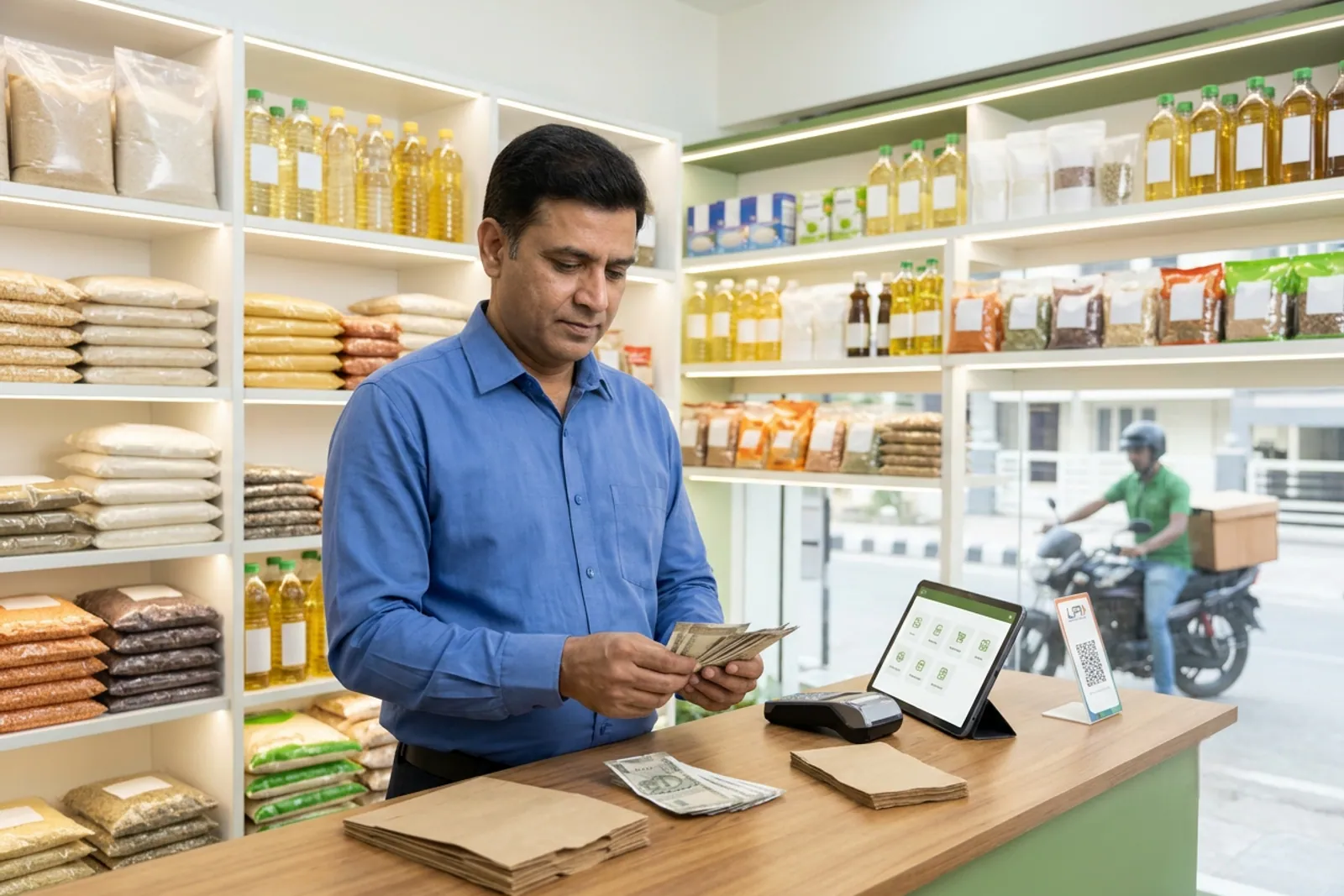
Next, walk the aisles to check for damaged packaging, inspect short-date items, and face your fast-moving grocery lines so the shop looks welcoming. Match your physical board and digital product catalogue prices before you flip the sign to open.
How do you manage orders and notes through the day?
Throughout the day, keep bills, digital order notifications, and a single 'buy tomorrow' notepad in one dedicated spot near the counter. Avoid scattering notes across random paper scraps or messy chat threads that you will never find later. When you take your shop online via for-vendors, having a single dashboard for structured orders keeps your daytime operations running without confusion.
| Time of Day | Key Operational Focus |
|---|---|
| Morning Open | Count cash float, inspect short-date stock, and verify catalogue prices. |
| Midday Rush | Manage walk-in customers alongside incoming orders from your Grocery Spot profile. |
| Evening Close | Reconcile daily bills, mark sold-out items, and write the morning purchase list. |
What steps belong in your evening closing checklist?
Closing time is when you secure the shop and prepare for tomorrow's business. Start by counting your cash drawer against digital transaction summaries and paper bills. List out items that sold out completely so you can add them to your restock order.
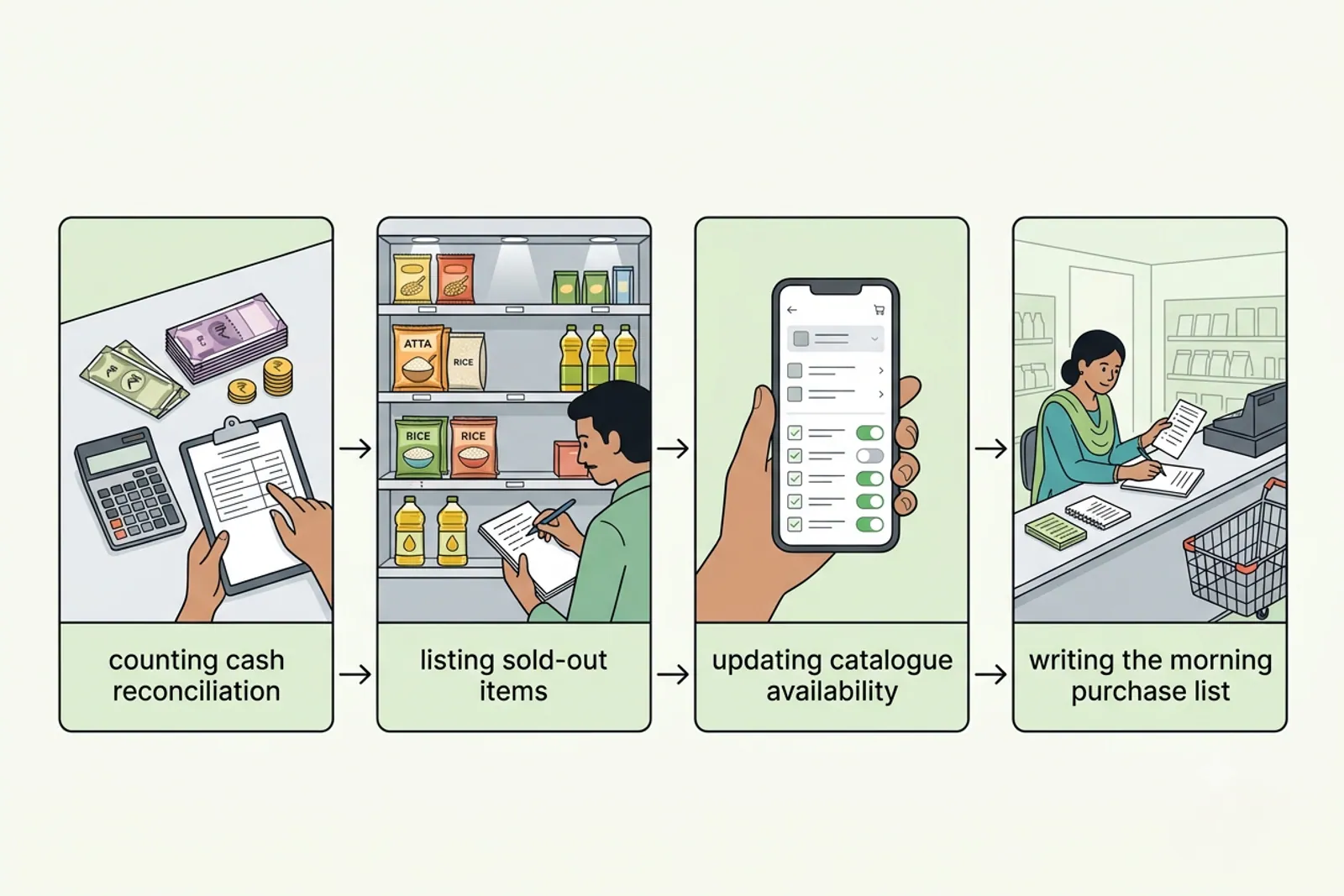
Check your inventory levels and turn off any online listings that are no longer in stock so customers do not place orders for items you cannot fulfil. To learn more about how digital catalogues work alongside your physical inventory, explore the features page.
What are the honest limits of a daily checklist?
A checklist is only as useful as the discipline behind it; a long list that sits unread is worse than six simple actions you complete every day. Furthermore, a written routine does not automatically order stock for you or forecast sudden market demand shifts. You still need to make the final purchasing decisions based on your local neighbourhood customer preferences.
By keeping your opening and closing checklist concise and repeatable, you protect your profit margins and save valuable time. To explore flexible subscription tools designed for neighbourhood businesses, visit our pricing page and see how easy it is to manage your shop online.
Also read How kirana stores can reduce expired products and stock wastage and How to choose the right wholesale supplier for a kirana store.
Frequently asked questions
How long should the daily kirana checklist be?
The daily checklist should fit on a single page and take no more than ten minutes to complete at both opening and closing times.
Should I count physical stock every single night?
Counting every item daily is unnecessary; instead, focus your closing routine on fast-moving grocery lines and items that completely sold out during the day.
What belongs on the morning purchase note?
Write down items that reached your minimum stock threshold during the previous shift so you can restock them before morning customers arrive.
Should online prices be checked during the morning opening?
Yes, comparing your physical shelf tags with your digital product catalogue at opening prevents customer confusion and pricing mismatches.
What if I close late and want to skip the list?
Skipping the routine even once can lead to unrecorded cash discrepancies and missed restock items, so keep the closing steps minimal on busy nights.
List your neighbourhood shop on VoLoMart
Sign up with the VoLoMart app. Start with a 7-day trial, then choose a monthly or yearly plan.
Get the app to registerRelated articles
6 min read