Published October 9, 2026 in How To
How to create a digital catalogue for a fruit and vegetable shop

By Khevna Dodia
7 min read
TL;DR
- Start with everyday vegetables already at your counter instead of photographing your entire stock first.
- Use clear units like kilograms, bunches, and dozen packs so customers can order without calling.
- Update prices and hide empty crates daily to keep your storefront honest and avoid order cancellations.
Create a digital catalogue for a fruit and vegetable shop by listing what is in the shop today, with a clear name, unit, price, and photo, then adding the next crates after the shop is live.
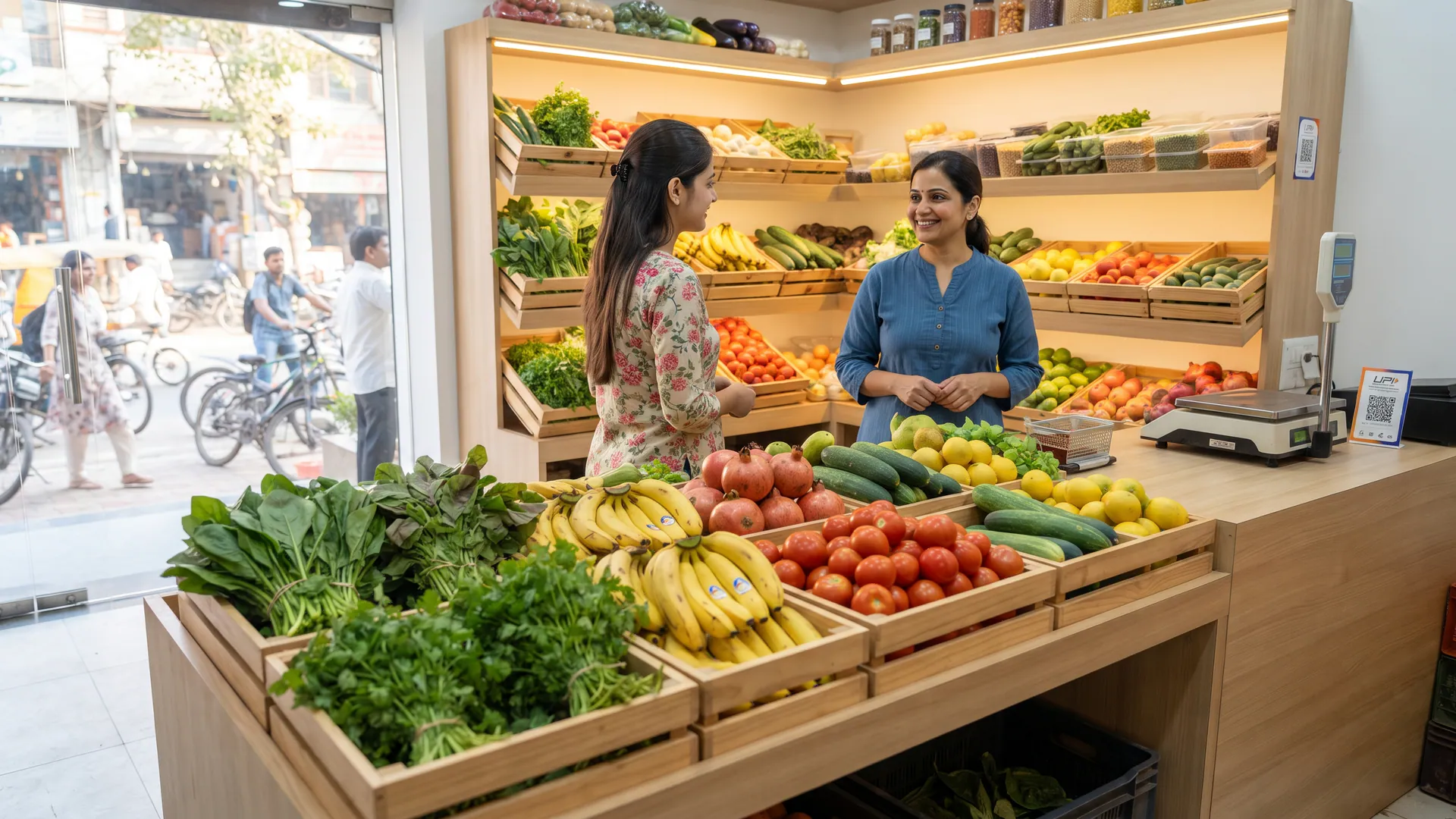
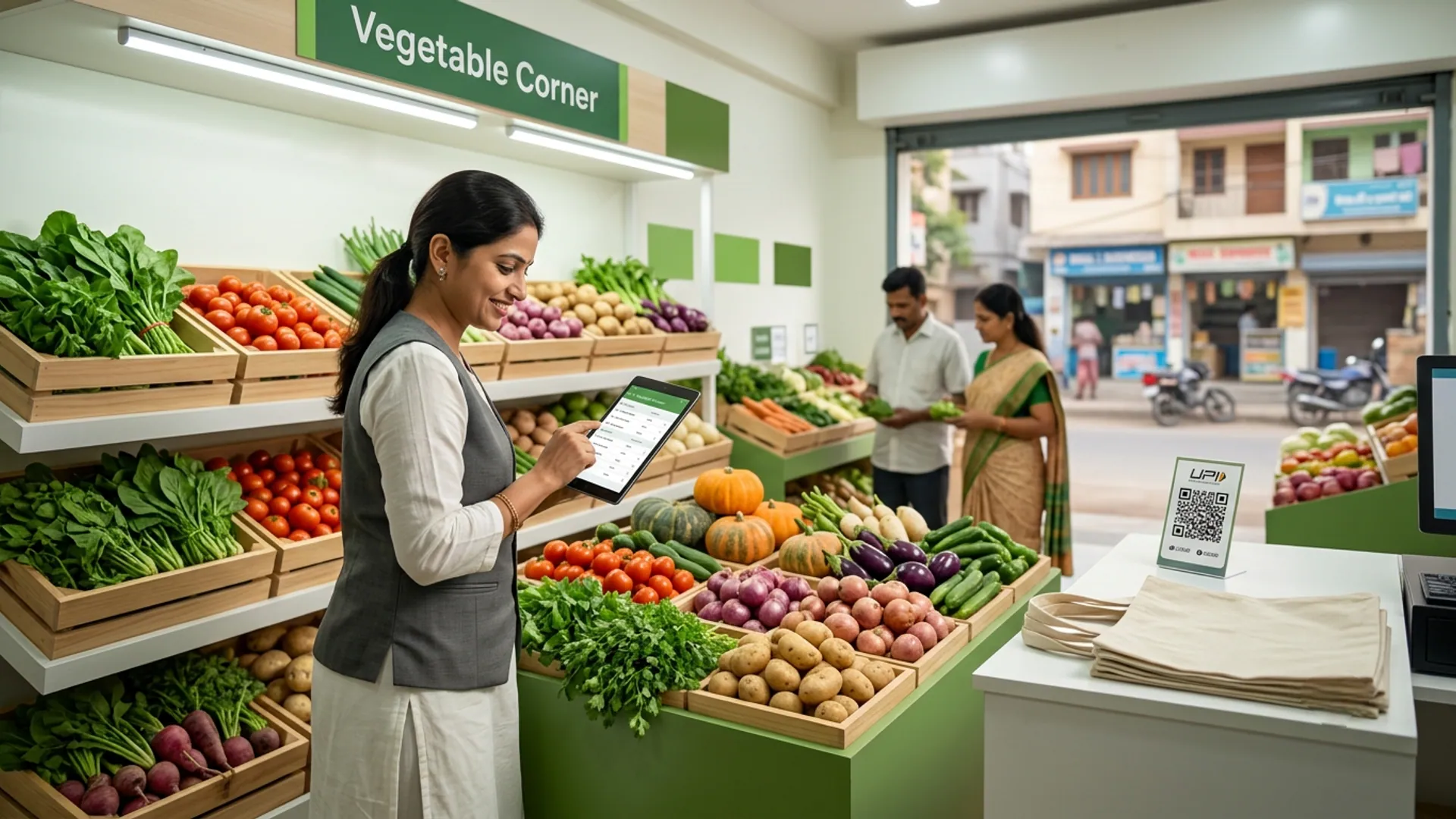
Taking your vegetable and fruit store online does not require a massive warehouse audit or professional studio photography. For vegetable corner and fruit garden owners in local neighbourhoods, the secret to a successful launch is starting with what is already on your counter. This guide is written for produce sellers who want to publish a clean digital catalogue without spending hours typing out inventory before their very first customer order arrives.
How do you build your produce catalogue in manageable batches?
Trying to photograph and list every single variety of gourd, leafy green, and exotic fruit on day one leads to exhaustion. Instead, follow a simple batch order that matches the natural rhythm of your morning routine.
- Everyday vegetables first: Start with your fast-moving staples like onions, potatoes, tomatoes, and green chillies that every household buys.
- Ripe fruit second: Add seasonal fruits that are ready to sell today so you can capture morning and afternoon snack orders.
- Seasonal boxes last: Introduce special fruit baskets or festival boxes only when those items are physically present in your crates.
What is the best way to name and photograph items?
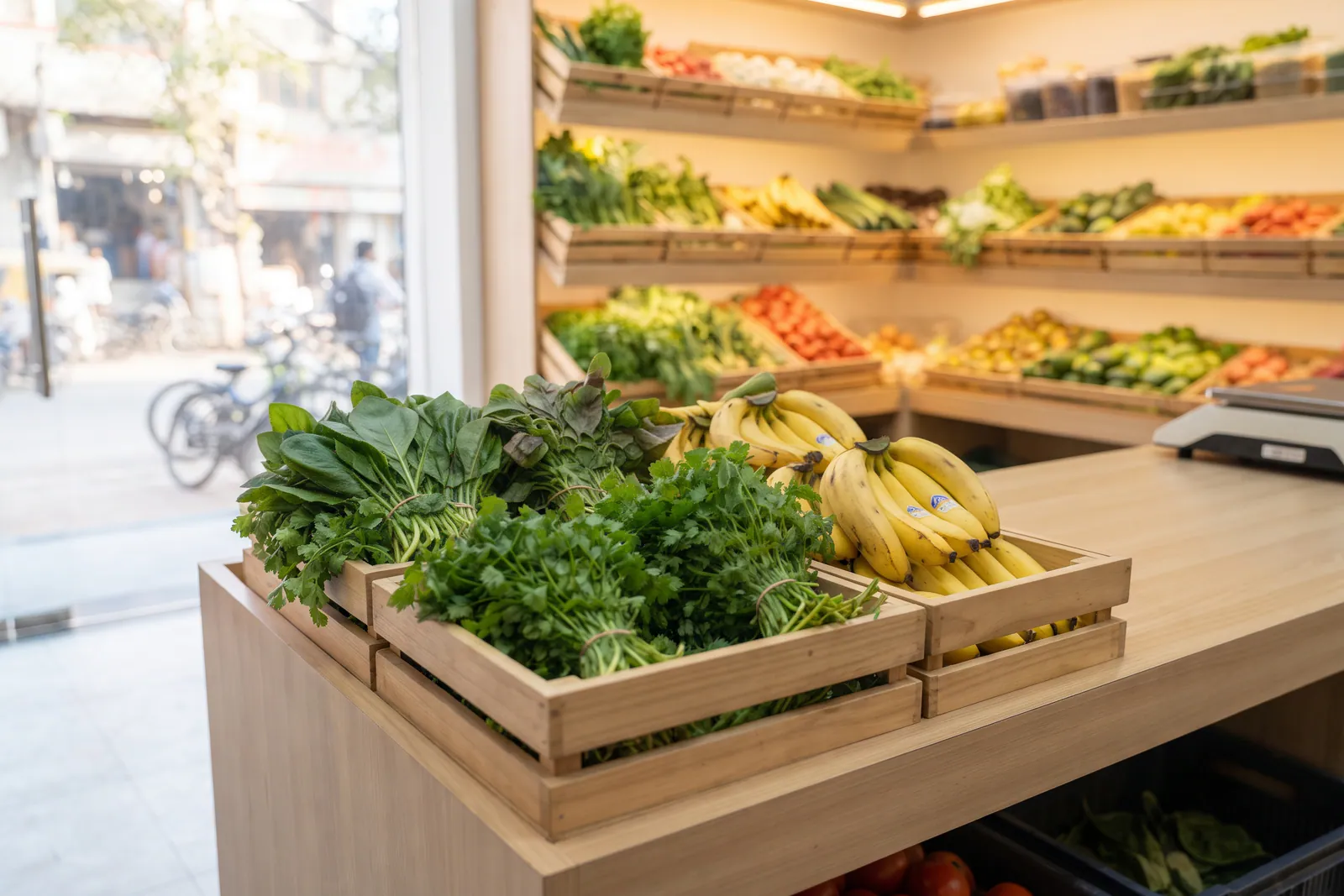
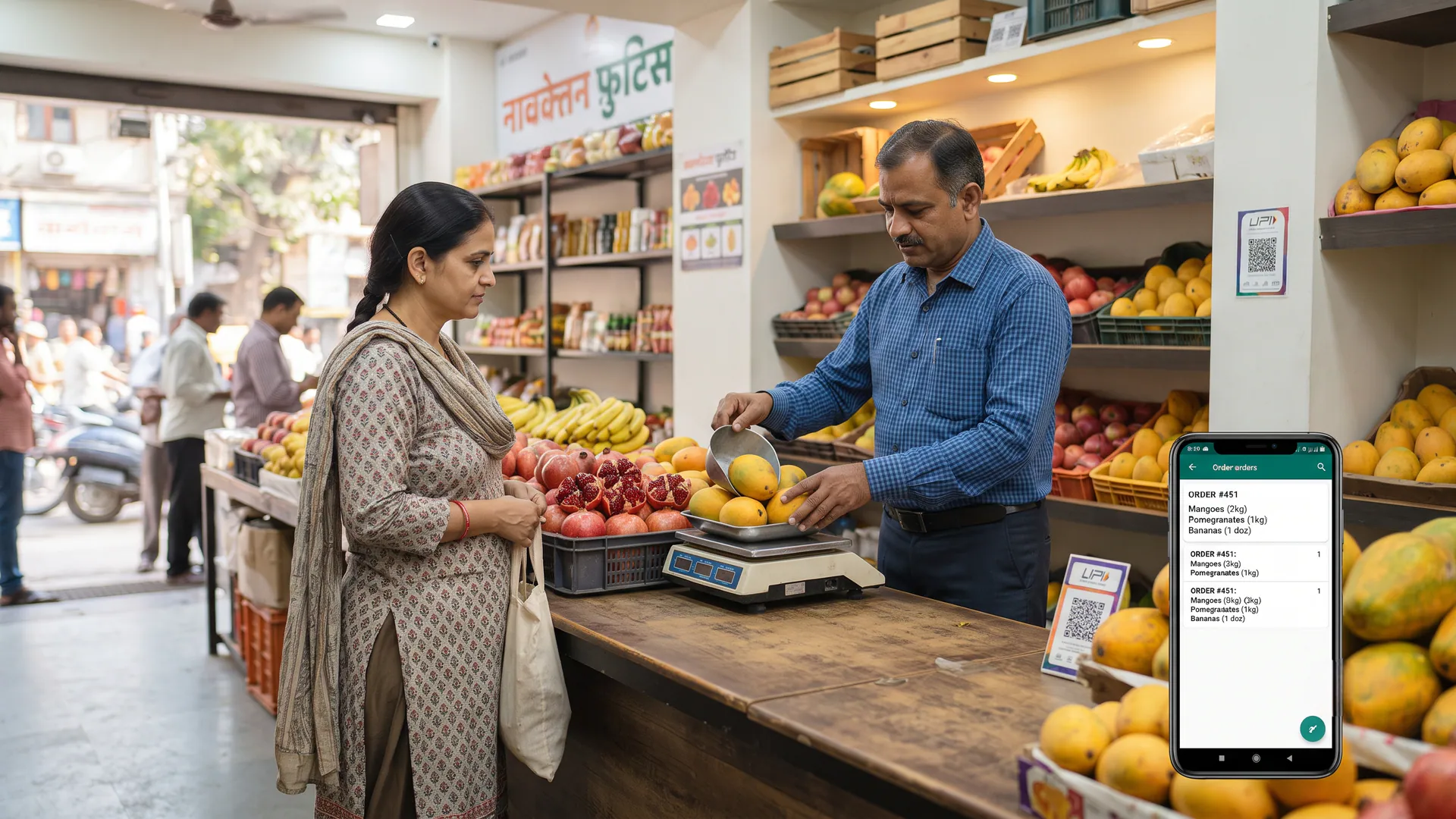
Clear product names and simple measurements prevent customers from calling your shop with basic questions. When you set up your storefront in the VoLoMart app, keep your titles descriptive and your photographs honest so shoppers know exactly what they are getting.
| Item Category | Good Product Name | Clear Unit |
|---|---|---|
| Vegetable Corner | Fresh Local Tomato | 1 kg |
| Fruit garden | Ripe Cavendish Banana | Dozen |
| Leafy Greens | Fresh Palak Spinach | 1 bunch |
How do you keep your catalogue honest throughout the day?
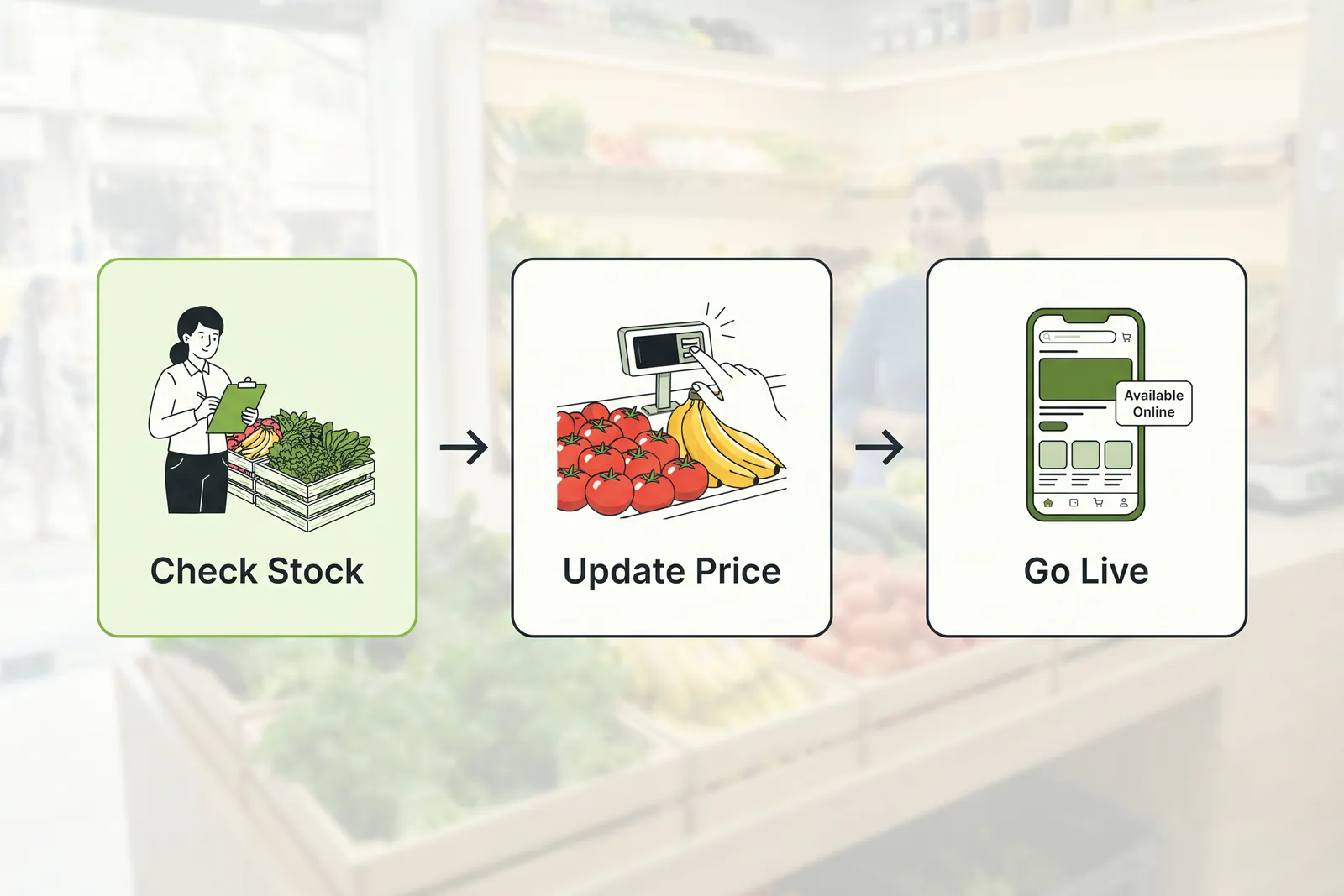
An accurate storefront builds long-term trust with your regular neighbourhood buyers. When a crate empties out, hide the line immediately so customers do not place orders for items you no longer have in stock. If wholesale prices shift at the mandi, update your rates in the VoLoMart app before the evening rush. See vendor features for what the shop can change from that phone.
What are the common pitfalls to avoid when listing produce online?
Managing a live fresh produce catalogue requires attention to operational details. A long catalogue with outdated prices or unavailable items inevitably creates order cancellations and disappointed buyers. Furthermore, trying to finish every single seasonal listing in one afternoon will drain your energy.
Never copy another shop's photographs or price lists because your local stock, quality grades, and pack sizes will always differ. Stick to photographing your own actual crates so your neighbourhood customers receive the exact quality they see on their screens when browsing vegetables and fruits.
Start building your neighbourhood digital storefront today
Getting your vegetable and fruit shop online is a straightforward process when you take it one crate at a time. By focusing on daily essentials and keeping your inventory honest, you can connect with nearby buyers who prefer buying fresh produce from trusted local stores. Check the pricing details to find a subscription plan that suits your business, or read more guides on our blog hub to grow your digital presence.
Also read How can fruit shops reach customers near their store online?, How can a small fruit shop start taking digital orders without changing its daily business?, and How to get more customers for your vegetable shop in 2026.
Frequently asked questions
Do I have to list every item before going live?
No, you do not need to photograph every single item before launching. You can start by adding just the main vegetables and fruits sitting at your counter today, and then add more crates as your day proceeds.
What unit should I use for fruit and vegetables?
Always use clear units that match how your customers buy, such as 1 kg for tomatoes, a bunch for spinach, a dozen for bananas, or a box for seasonal fruits.
How often should I update prices?
You should check and update your prices whenever the wholesale mandi rates change or when your morning board is refreshed so customers always see the correct rate.
Can I hide an item that is out?
Yes, you can instantly hide any item from your storefront when your crate is empty, and unhide it when fresh stock arrives at your shop.
Does a longer catalogue cost extra?
No, listing more items does not cost extra on VoLoMart. You can add as many products as you want under your chosen plan, and the shop keeps the order value.
List your neighbourhood shop on VoLoMart
Sign up with the VoLoMart app. Start with a 7-day trial, then choose a monthly or yearly plan.
Get the app to registerRelated articles
7 min read