Published November 7, 2026 in How To
How to create a digital product catalogue for wholesale buyers

By Khevna Dodia
6 min read

TL;DR
- Set up your wholesaler profile on the VoLoMart app to connect directly with nearby retail shops.
- List each item clearly with the product name, precise pack size, and wholesale price.
- Keep stock accurate by turning off any product lines when a pack size is out of stock.
- Manage incoming orders and arrange your own delivery or add a delivery partner in the app.
To create a wholesale product catalogue for retail buyers, sign up on the VoLoMart app, list each line with the product name, pack size, and the price the shop will pay, and turn off lines when stock runs out. Wholesalers can manage their entire inventory and supply nearby shops seamlessly.
Why does your wholesale business need a structured digital catalogue?
A clear wholesale product catalogue removes guesswork for retail shop owners who need quick stock replenishment. Instead of sharing scattered price lists via messaging apps, maintaining an organised digital list helps local businesses place accurate orders with minimal back-and-forth. This structured approach supports digital commerce growth outlined by initiatives like DPIIT, ensuring transparent trade between businesses.
This guide is for wholesale suppliers who want to transition from traditional paper ledgers and informal messaging to an efficient digital workflow. By using VoLoMart, wholesalers can present their inventory clearly to neighbourhood retail shops.
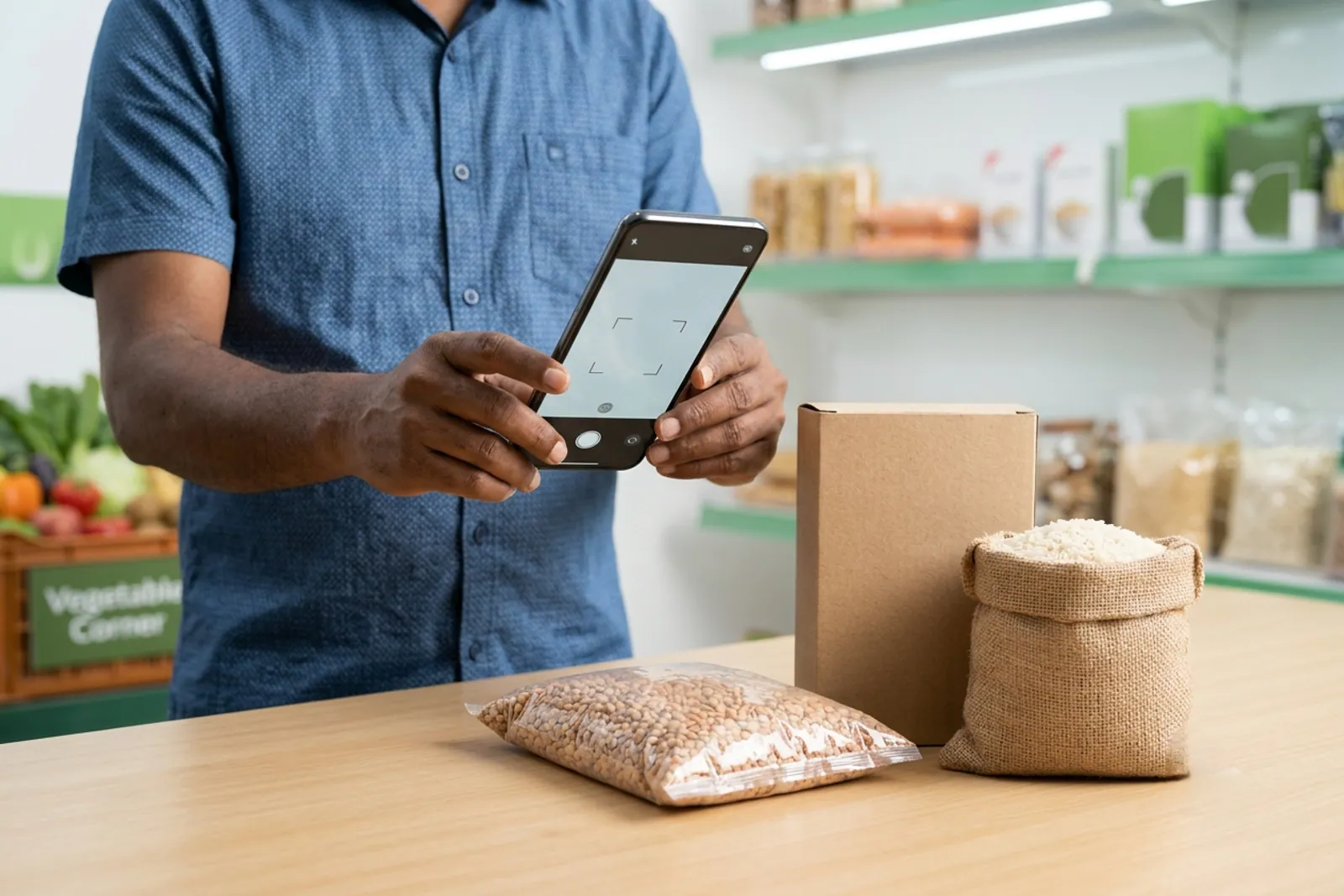
How do you structure item listings for retail shop buyers?
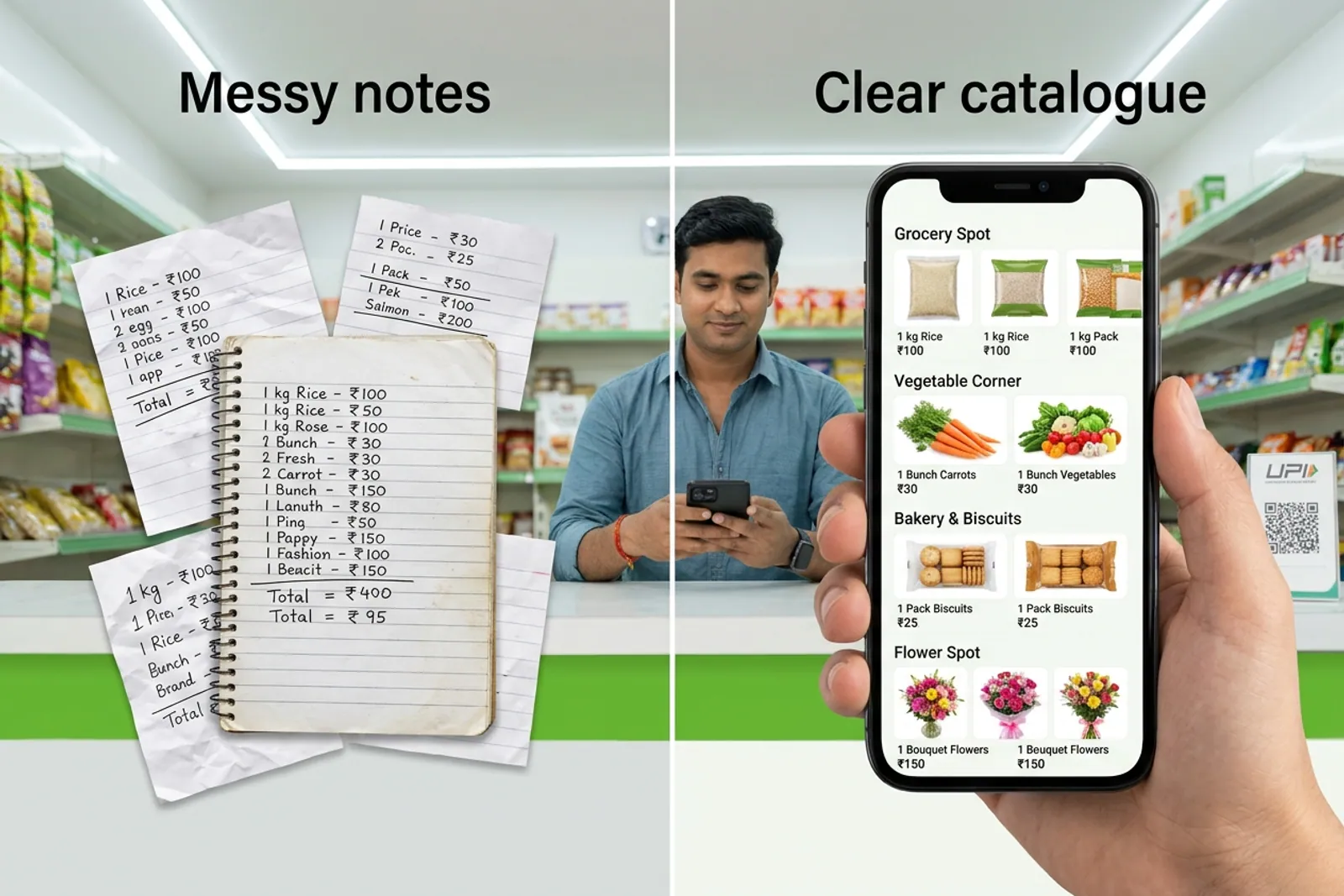
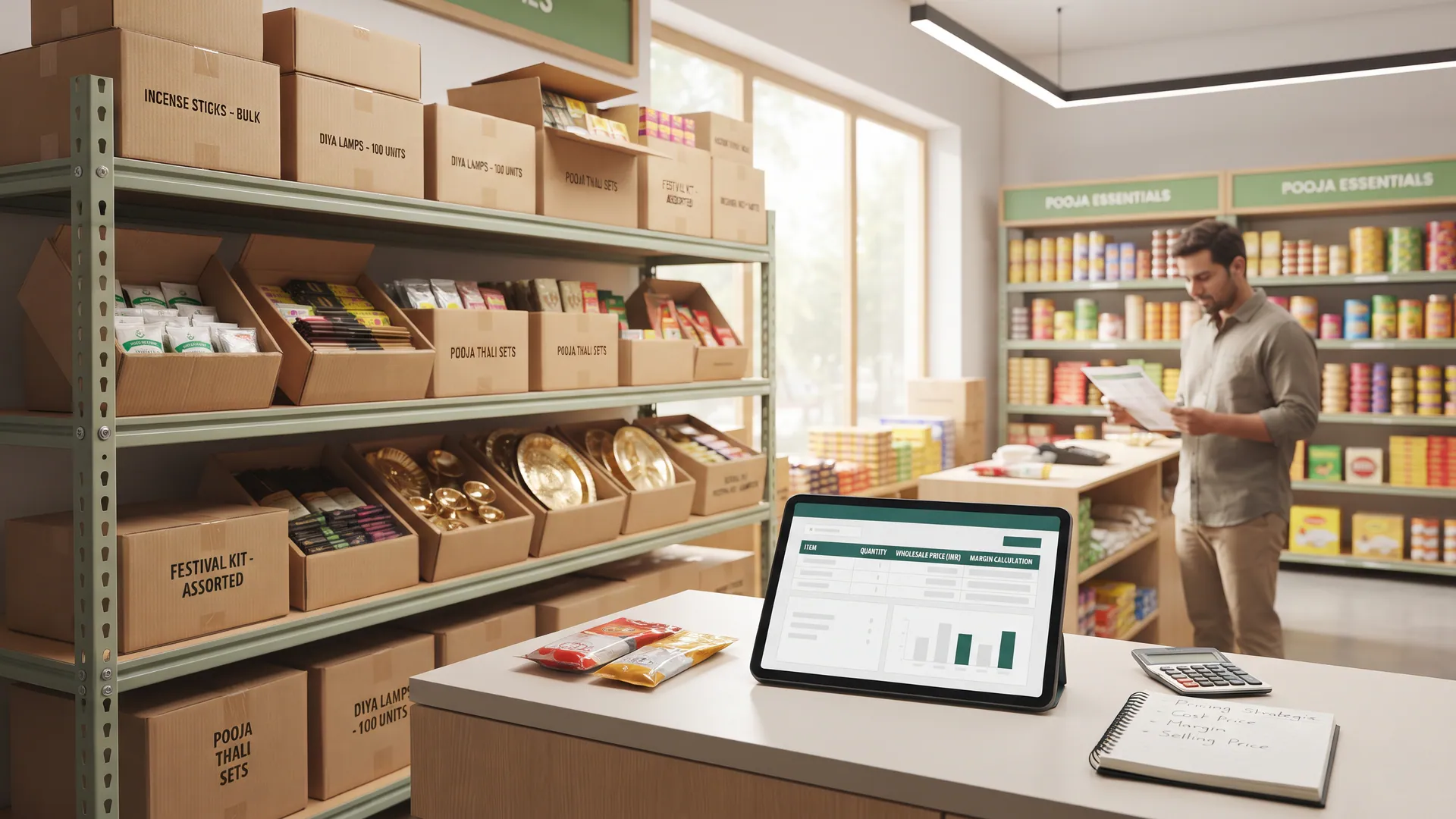
Every item line in your wholesale product catalogue must be precise so retail buyers know exactly what they are purchasing. Clear details prevent order errors and speed up dispatch times for your delivery team.
- Product name: Write clear, recognisable titles that include brand and variant details.
- Pack size: Define the exact unit or bundle quantity, such as boxes per case, rather than generic warehouse stock counts.
- Wholesale price: State the exact price the retail shop will pay for that specific pack size.
- Status toggle: Turn a line off immediately when that particular pack size is exhausted.
What are the key differences between paper ledgers and digital catalogues?
Switching from traditional ordering methods to an app-based wholesale product catalogue transforms how retail shops interact with your business. The comparison below highlights the operational shift.
| Traditional Method | Digital Wholesale Catalogue |
|---|---|
| Paper lists and phone calls | Instant browsing via the VoLoMart app |
| Frequent miscommunication on pack sizes | Clear pack size and pricing per item line |
| Manual stock updates over chat | Real-time status toggle when items sell out |
How do you manage stock availability and daily order fulfilment?
Managing inventory effectively means keeping your catalogue aligned with actual warehouse availability. When a specific item batch sells out, turning off the item line prevents shops from placing unfulfillable orders.
Fulfilment is entirely under your control. Wholesalers can arrange their own handovers or assign a delivery partner through the app to complete the drop-off. You set your own service area and operating hours to match your logistics capacity.
What should you consider regarding subscription costs and platform terms?
Wholesaler registration on VoLoMart is straightforward and begins with a trial period. After the trial, staying live is managed through a subscription model where the seller keeps the order value. VoLoMart does not charge a commission on order value. To review current plan details and billing terms, visit pricing.
By maintaining an updated wholesale product catalogue, you ensure that local retail shops can stock their shelves efficiently. Take the next step today by signing up on the app and connecting with neighbourhood stores in your service area.
Also read Digital marketing strategies for wholesale distributors in India, Traditional wholesale business vs digital wholesale business, and How to calculate wholesale profit margins and product pricing.
Frequently asked questions
How do retail shops find my wholesale product catalogue?
Retail shops discover your business when you register as a wholesaler in the app and set your service area. Your live catalogue becomes visible to nearby shop owners looking for stock replenishment.
Can I update pack sizes and prices easily in my catalogue?
Yes, wholesalers can update product names, pack sizes, and prices directly through the app whenever market rates or inventory batches change.
What happens when a particular pack size runs out of stock?
You can quickly turn off that specific line in your catalogue so retail buyers know the pack is currently unavailable, preventing incorrect orders.
How are wholesale orders fulfilled on VoLoMart?
Fulfilment is managed directly by you as the wholesaler. You can handle the handover yourself or assign a delivery partner through the app to complete the delivery.
Is there any commission charged on my wholesale orders?
VoLoMart does not charge a commission on order value, meaning the seller keeps the entire order value. Staying live requires a simple subscription after your trial pricing.
List your neighbourhood shop on VoLoMart
Sign up with the VoLoMart app. Start with a 7-day trial, then choose a monthly or yearly plan.
Get the app to registerRelated articles
6 min read