Published October 9, 2026 in How To
Can a fruit and vegetable shop sell online from the same store?

By VoLoMart Team
6 min read
TL;DR
- Manage both sabzi and fruit counters from a single shop profile.
- List items under separate categories like Vegetable Corner and Fruit garden.
- Fulfil walk-in customers and neighbourhood deliveries from the same stock.
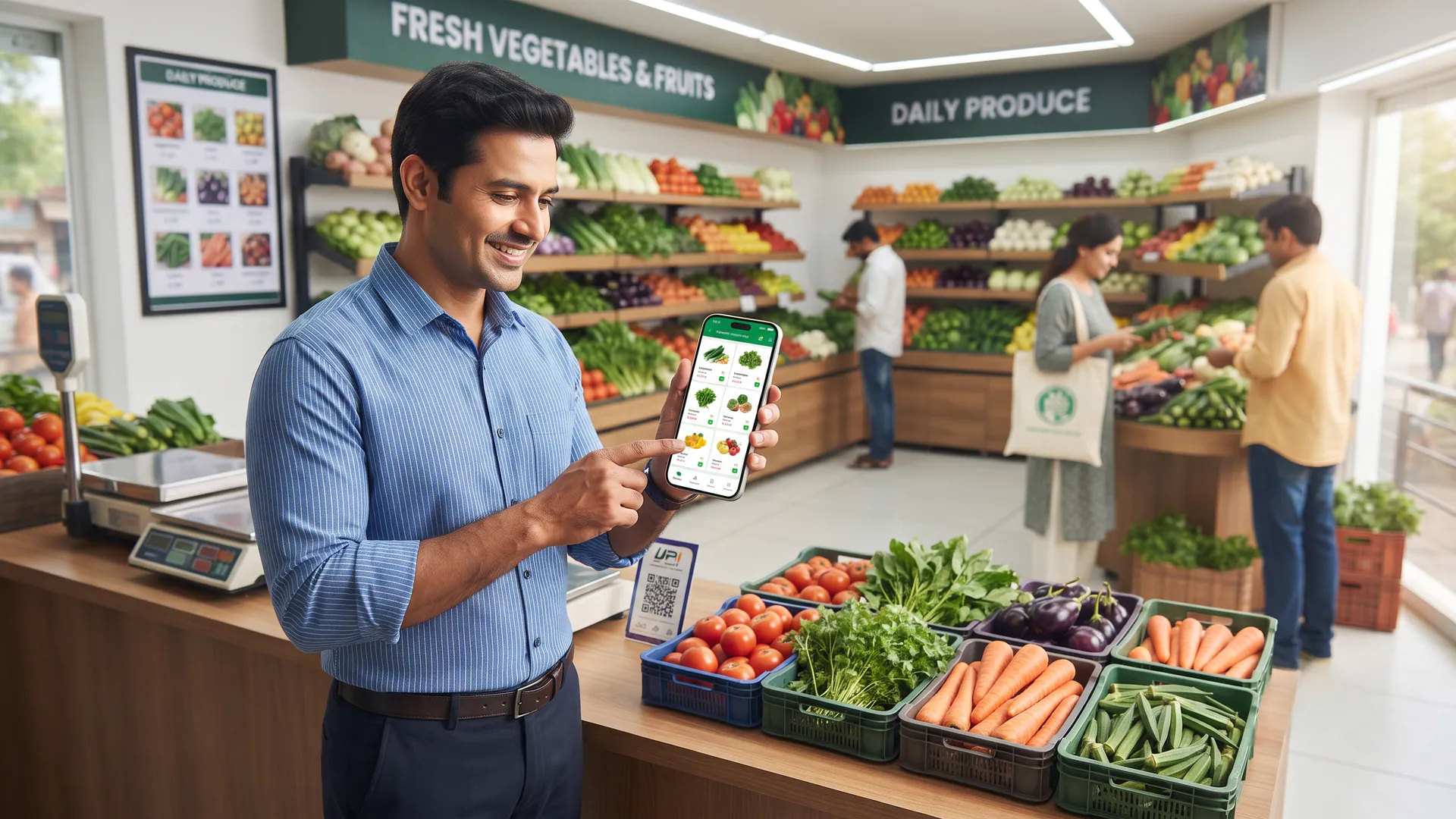
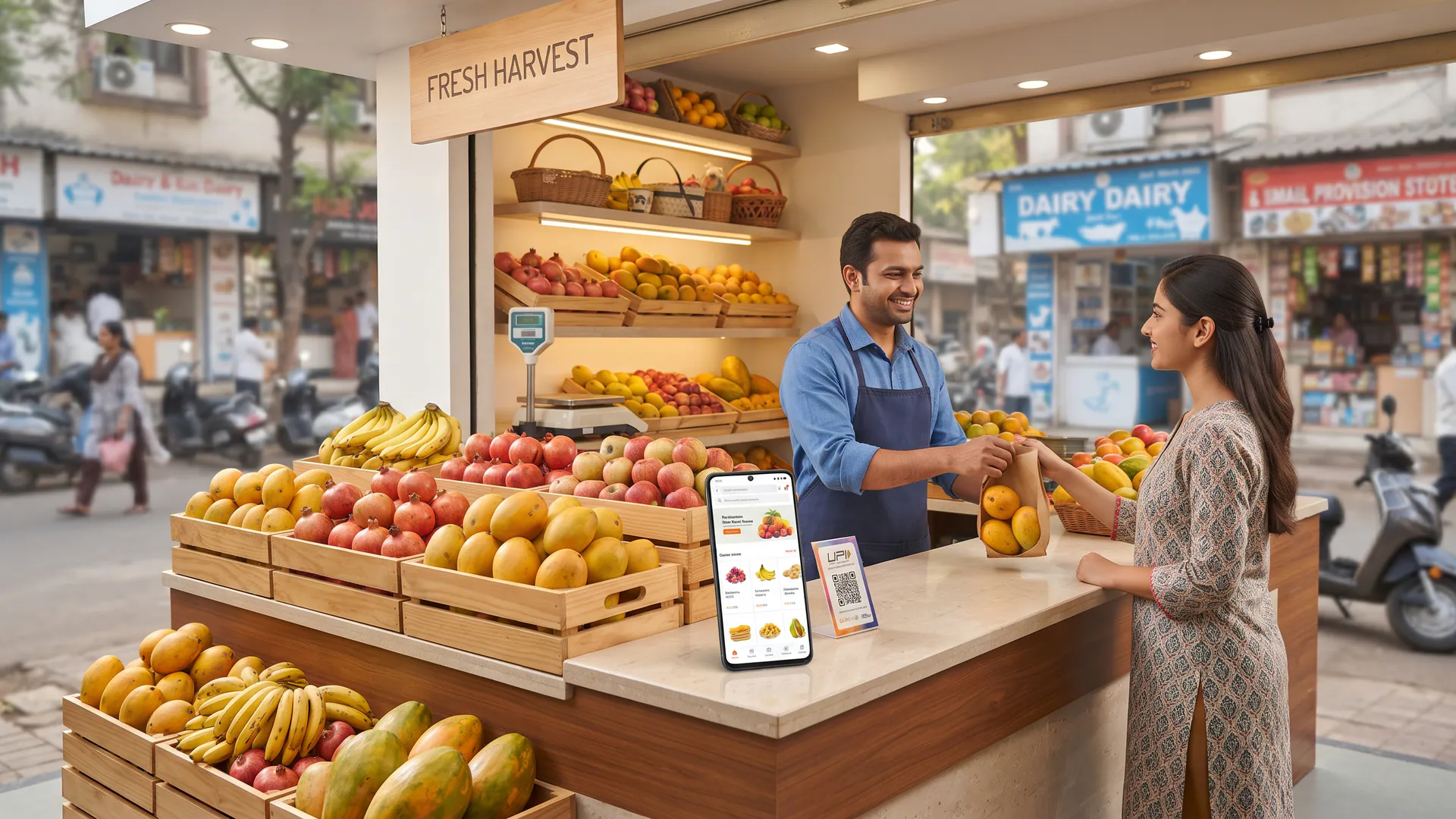
Yes, a fruit and vegetable shop can sell online from the same store by listing vegetables under Vegetable Corner and fruit under Fruit garden on one VoLoMart shop, with one catalogue and one handover.
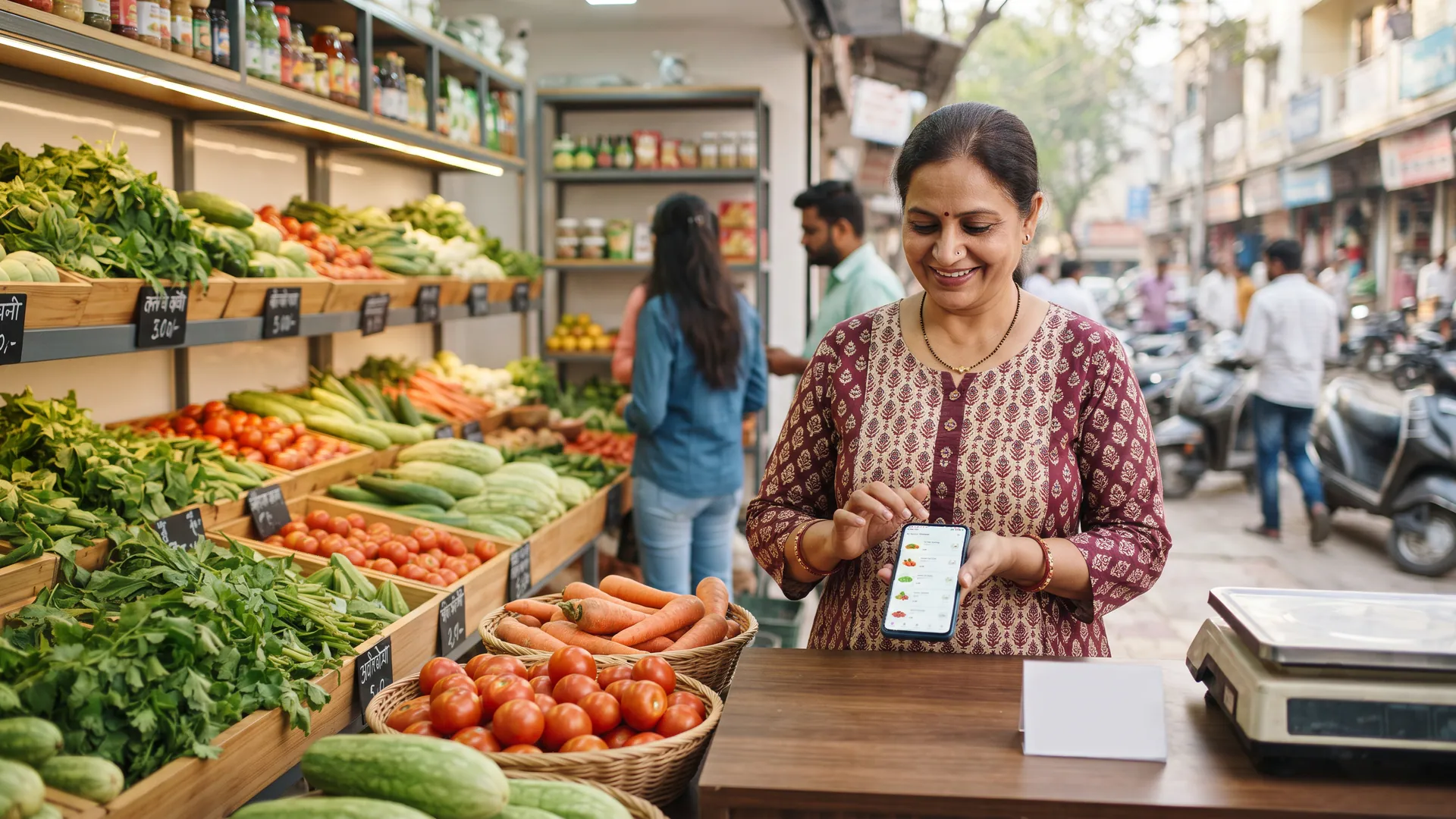
Many local vendors assume that selling fresh produce on the internet requires creating separate apps or distinct websites for raw sabzi and seasonal fruits. In reality, a neighbourhood fruit and vegetable shop can operate both sections smoothly from a single digital storefront. This guide is written for local shopkeepers who want to take their fresh produce counters online without complicating daily inventory management.
Why manage both fresh categories from a single neighbourhood store?
Operating from one physical address means your walk-in buyers and digital shoppers draw from the exact same crates. When you list your offerings on a unified platform like VoLoMart, you avoid maintaining duplicate records or managing confusing WhatsApp threads.
- Single inventory pool: Both walk-in shoppers and app users draw from your physical stock baskets.
- Unified daily updates: Adjust prices once in your app for both categories without re-entering details.
- Simple customer experience: Buyers from your neighbourhood view your complete range on one screen.
How do you split your catalogue without splitting your shop?
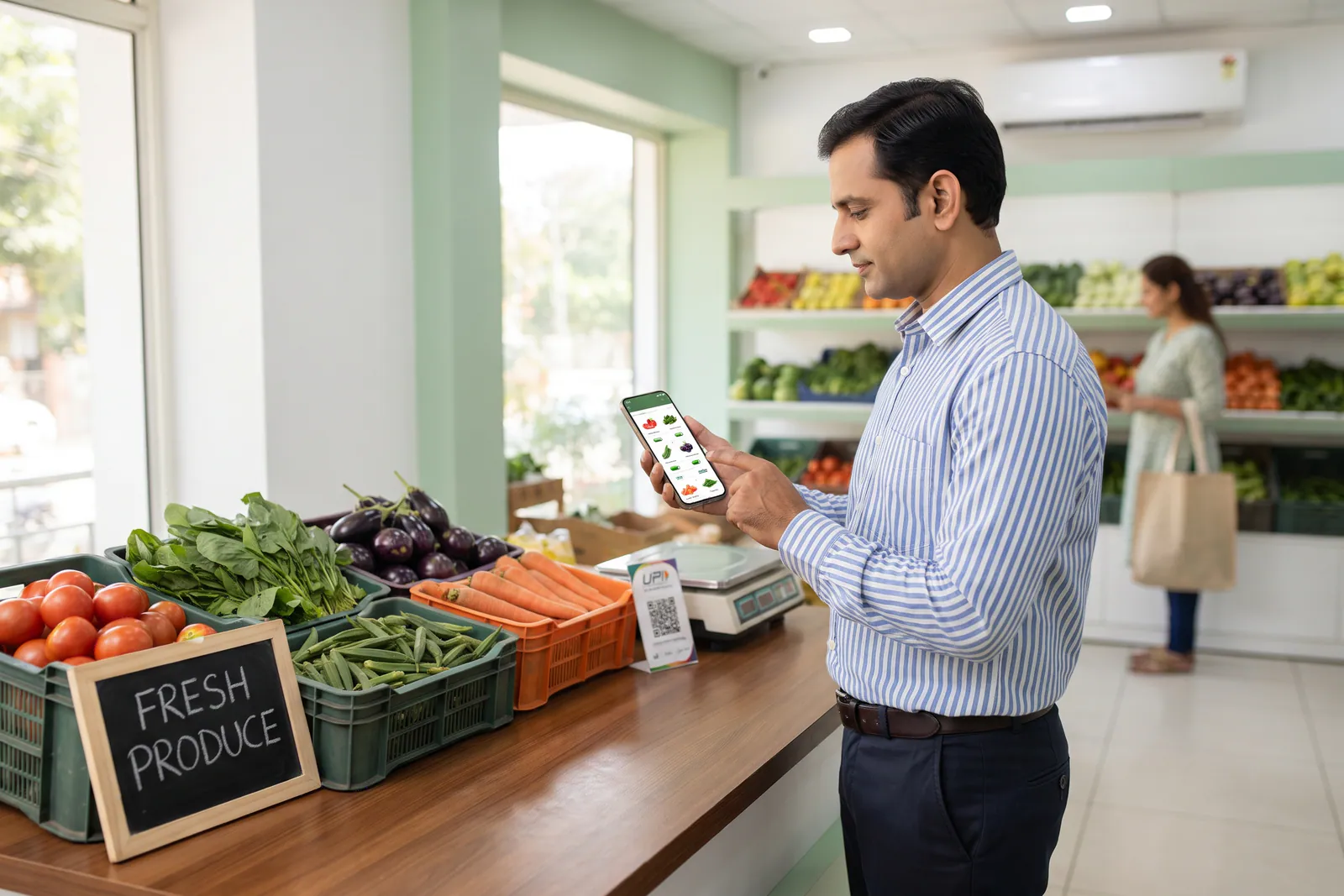
Structuring your digital catalogue is straightforward when you use the built-in categories designed for fresh counters. You can place everyday green vegetables under Vegetable Corner and keep seasonal varieties under Fruit garden. Each entry lets you specify whether you sell by weight, bunch, or box, along with today's exact pricing.
| Counter Section | Digital Category | Typical Units |
|---|---|---|
| Sabzi Counter | Vegetable Corner | Kilograms, grams, bundles |
| Fruit Display | Fruit garden | Kilograms, dozen, box |
What does the neighbourhood customer see on their screen?
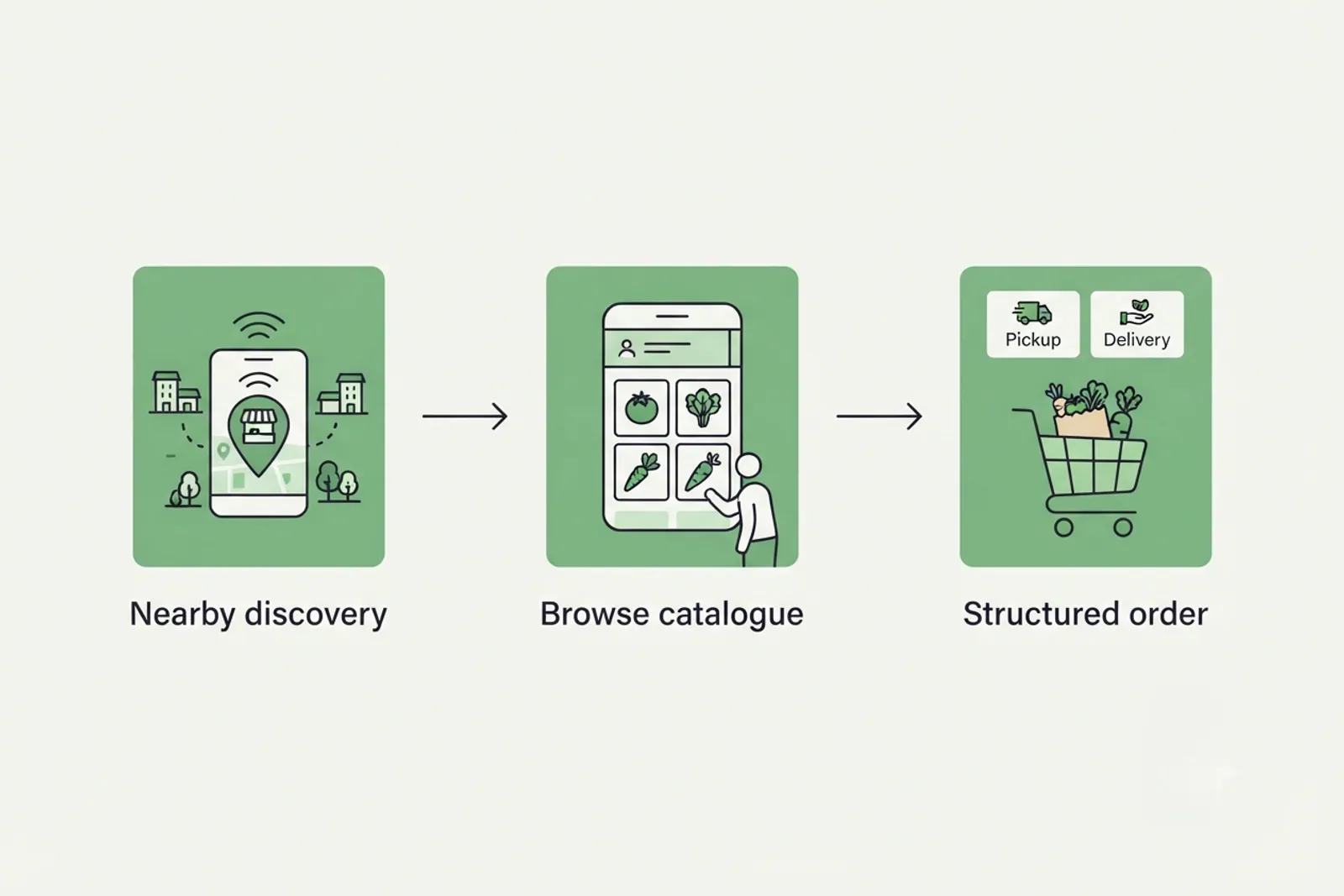
When a nearby resident opens their app, they discover your store within the shop's own service area. They browse items originating exclusively from your shop counter, check delivery charges or pickup options before confirming, and complete their purchase securely. You can learn more about how nearby discovery functions by exploring how it works.
What still fails when fruit and vegetables share one shop?
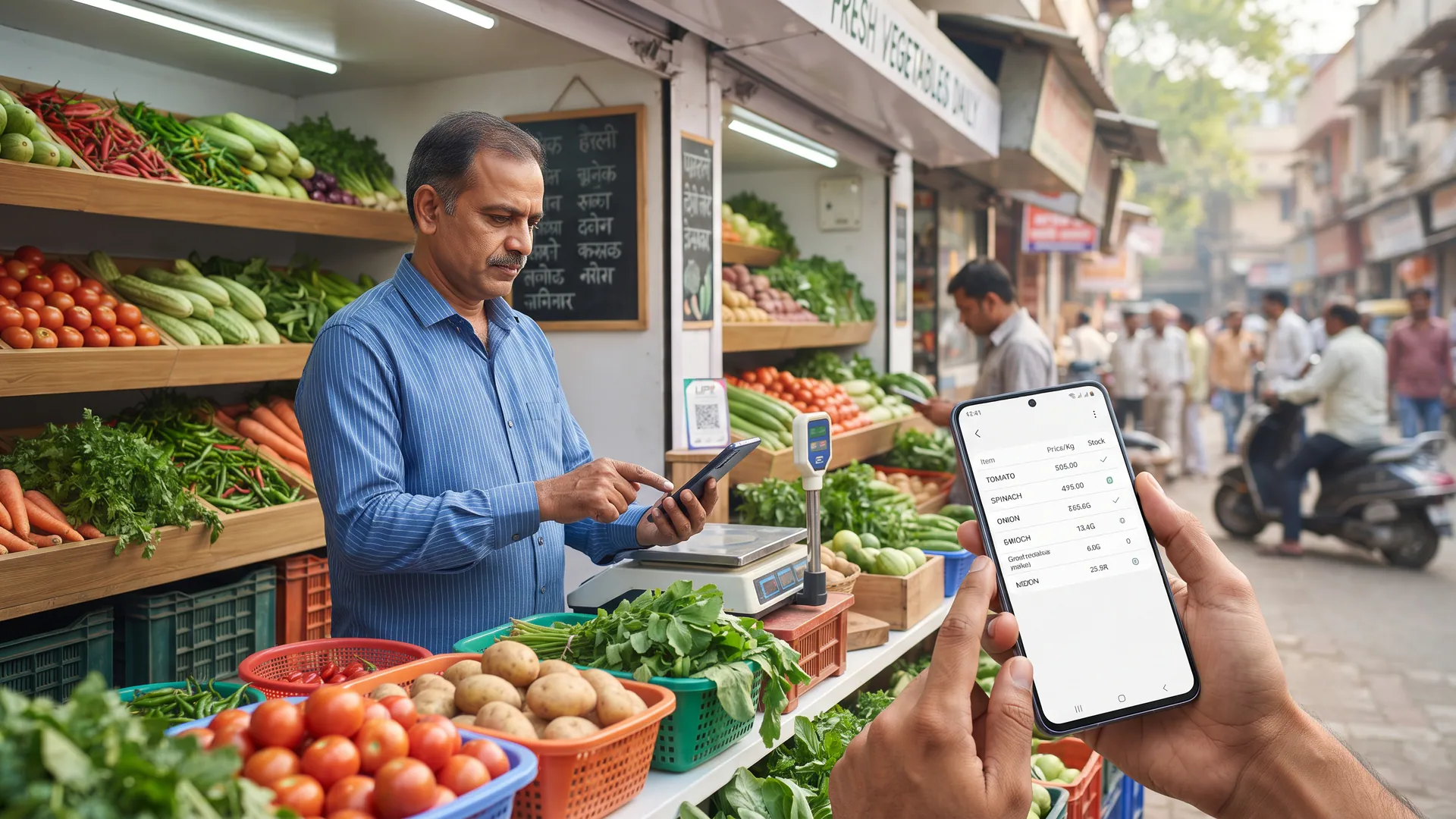
Running a digital counter alongside your physical shop requires regular attention to daily stock availability. Fresh produce perishes quickly, so leaving an item listed after the last crate is empty will only frustrate nearby buyers. Additionally, your shop serves its own defined neighbourhood area rather than spanning an entire metropolitan city, ensuring your delivery team manages transit times effectively.
Vendors register for free and begin with a trial period to test the platform. After the trial, shops stay live through a simple monthly or yearly subscription, and VoLoMart charges no commission on order value. You can review the details on our pricing page and read further tips on how to start selling online from your local shop without paying commission on every order.
Start taking online orders from your fresh counter today
Bringing your fruit and vegetable shop online does not mean changing how you run your daily business. By organising your items into clear categories on a single digital storefront, you can serve walk-in regulars and neighbourhood app users with equal ease. Explore our blog hub to discover more guides for local retailers.
Also read How can vegetable shops keep prices and product availability updated online?, Fresh produce business online: What vegetable and fruit vendors need to know?, and How can fruit shops reach customers near their store online?.
Frequently asked questions
Do I need two separate shops online for sabzi and fruits?
No, you do not need two separate shops. A single VoLoMart shop profile allows you to list both fresh categories under their respective sections so nearby buyers browse everything in one place.
Do I pay two subscriptions to list fruits and vegetables?
No, you only maintain one subscription for your shop after your trial period ends. VoLoMart does not charge a commission on order value, so the shop keeps the entire order amount.
Can one customer order include both tomatoes and bananas?
Yes, customers can add items from any available category in your shop into their cart before completing checkout for doorstep delivery or pickup.
Should seasonal fruit stay listed all year round?
You should update your digital product catalogue daily to reflect current stock levels, removing seasonal items when they are finished to maintain customer trust.
Who handles the delivery for orders from the store?
Fulfilment is managed directly by the vendor through their own delivery setup or team, ensuring your fresh produce reaches nearby buyers safely.
List your neighbourhood shop on VoLoMart
Sign up with the VoLoMart app. Start with a 7-day trial, then choose a monthly or yearly plan.
Get the app to registerRelated articles
6 min read