Published November 4, 2026 in How To
How to set up a Google Business Profile for your local shop

By Khevna Dodia
6 min read
TL;DR
- Claim your shop listing using a dedicated business email address.
- Enter exact neighbourhood address details to appear in local map searches.
- Add clear photos of your storefront, catalogue items, and operating hours.
- Keep customer details and phone numbers updated for smooth local discovery.
To set up a google business profile for local shop owners, visit the Google Business Profile website, sign in with your business email, and enter your shop name, category, and precise neighbourhood address. Once verified via postcard or phone, update your operating hours, photos, and contact details so nearby shoppers can discover your store.
When people in your neighbourhood search for daily essentials or specialty items on their phones, they look for nearby stores that are open right now. Setting up a google business profile for local shop visibility ensures your physical storefront appears on maps and search results when buyers look for your category. This guide is for independent shopkeepers who want to turn casual passersby into regular neighbourhood buyers by improving their digital presence.
Why do you need a Google Business Profile for your neighbourhood shop?
A verified business profile places your shop on digital maps where local buyers actively search for nearby goods. Instead of relying solely on foot traffic walking past your gate, your store becomes visible to residents in surrounding apartment complexes and lanes who need what you sell immediately.
- Map visibility: Your shop appears with directions, phone numbers, and operating hours on navigation apps.
- Direct enquiries: Customers can call your store directly from the search results to check product availability.
- Trust building: Real customer reviews and authentic photos help new residents trust your local business.
How do you claim and set up your store listing step by step?
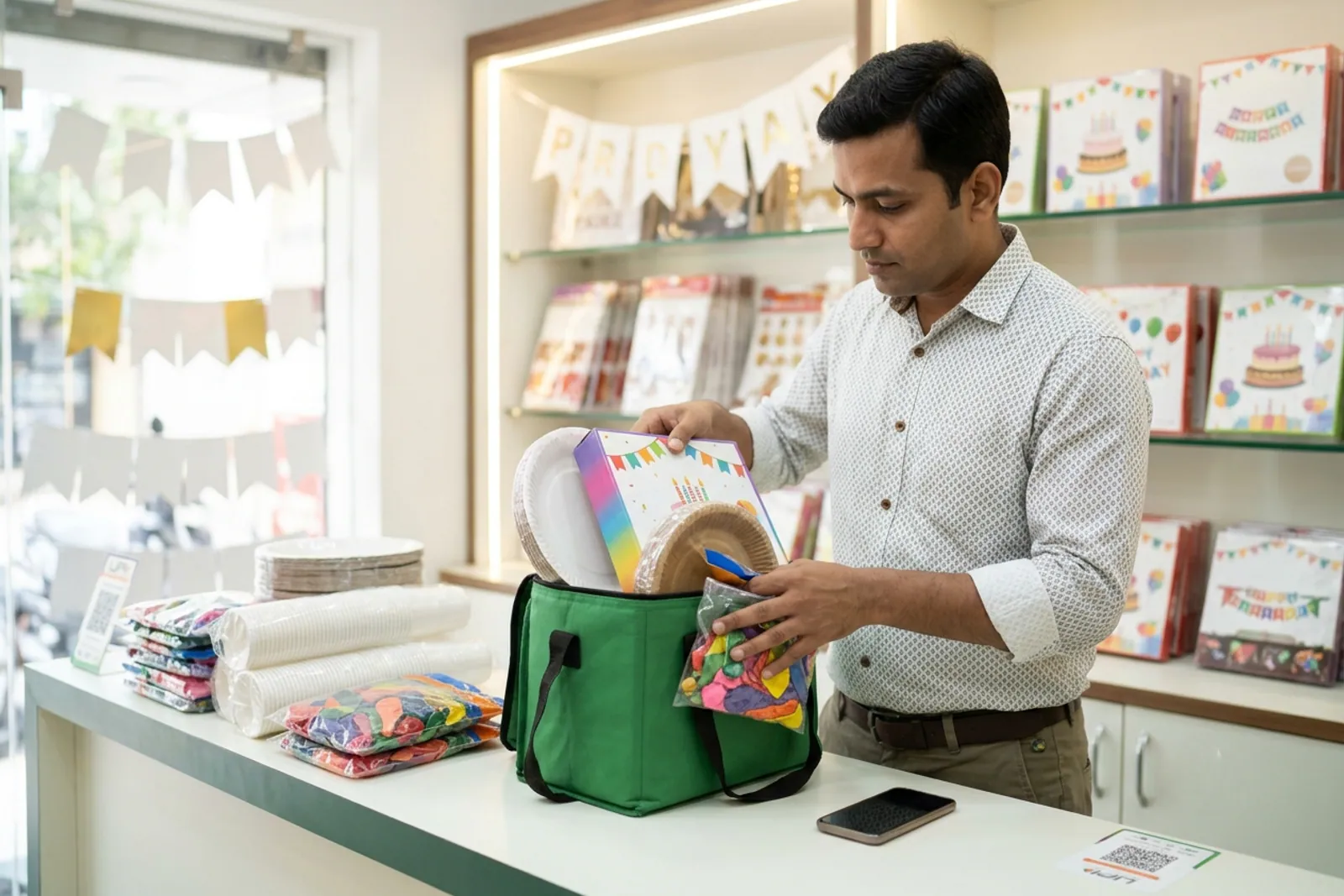
Setting up your listing takes a few minutes if you prepare your basic store details beforehand. Make sure you use a dedicated email address that you check regularly so you do not miss verification alerts or customer messages.
| Setup Stage | What You Need to Do |
|---|---|
| Account Creation | Sign in with your business email and search for your shop name to see if an unclaimed listing already exists. |
| Category Selection | Pick the exact retail category that matches your main offerings, such as grocery, stationery, or bakery. |
| Address & Pin | Enter your precise street address and adjust the map pin so delivery agents and buyers find your exact gate. |
| Verification | Request a verification code via postcard, phone, or email to prove you own the physical shop. |
What information should you add to complete your google business profile for local shop success?
An incomplete profile makes potential buyers hesitate before visiting or calling your store. Fill out every section completely, paying special attention to details that influence local buying decisions.
Include clear photographs of your signboard, interior aisles, and popular stock items so customers instantly recognise your storefront. According to guidelines shared via government digital initiatives like Digital India, keeping business registries accurate strengthens trust across digital networks. Always keep your opening hours updated, especially during festive seasons or weekly market holidays.
How do you connect your map listing with online ordering tools?
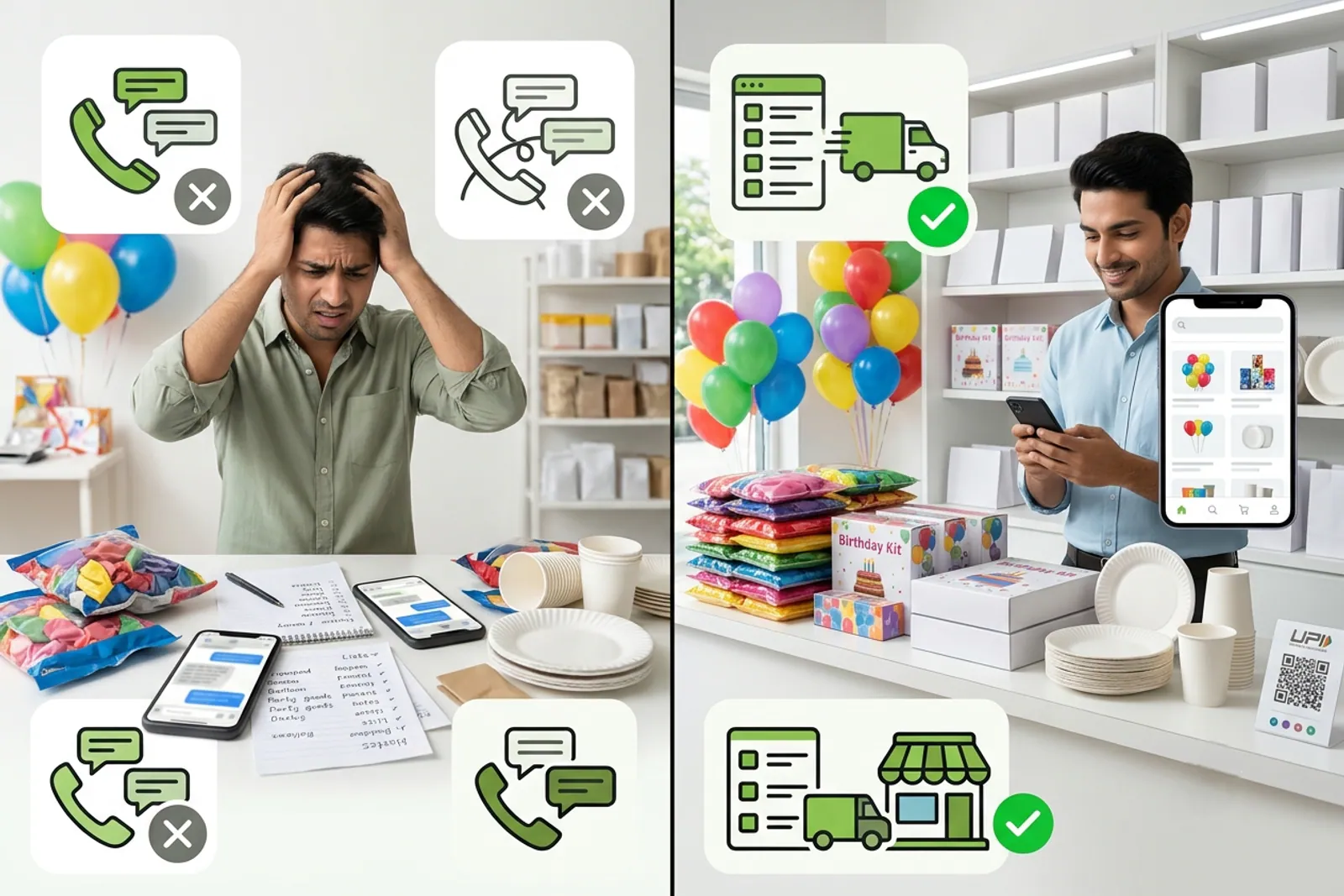
While map listings bring in discovery and walk-ins, managing daily digital orders and regular customer catalogues requires dedicated tools. Once local buyers find your shop through maps, you can guide them to your digital storefront on a hyperlocal marketplace like VoLoMart, where you manage your own catalogue and customer handovers without paying commissions on order value. For broader digital commerce standards, you can also explore frameworks outlined by ONDC to understand how neighbourhood stores plug into wider networks.
Maintaining a professional digital footprint involves balancing your map presence with structured ordering channels. If you supply other businesses or stock up from suppliers, you can connect with verified distributors using for-wholesalers tools. To understand how small businesses manage operational costs and subscriptions, check out the transparent pricing details.
How can you maintain your listing for long-term neighbourhood growth?
A map profile requires occasional updates to remain effective as your business evolves. Respond politely to customer reviews, upload fresh photos when you rearrange your shelves, and ensure your phone number remains active so regular patrons can reach you easily.
By keeping your google business profile for local shop accurate alongside your active for-vendors storefront, you ensure that nearby residents can always discover, visit, and order from your neighbourhood store with complete confidence.
Frequently asked questions
Do I need a website to create a Google Business Profile for my shop?
No, you do not need an independent website to set up your profile. Google provides a free business profile page that acts as your online storefront on maps and search results.
How long does verification take for a neighbourhood shop listing?
Verification usually takes a few days if you receive a postcard from Google with a PIN code, though some locations qualify for instant phone or email verification.
Can I update my opening hours during festivals and holidays?
Yes, you can easily log in to your profile dashboard to update special holiday hours, festival timings, or temporary closures so regular buyers stay informed.
Is a Google Business Profile enough to manage online orders?
A profile helps people discover your shop and find directions, but taking structured digital orders, managing a catalogue, and organising local delivery usually requires a dedicated neighbourhood marketplace app like VoLoMart.
List your neighbourhood shop on VoLoMart
Sign up with the VoLoMart app. Start with a 7-day trial, then choose a monthly or yearly plan.
Get the app to registerRelated articles
6 min read