Published October 23, 2026 in How To
How to plan grocery stock for festivals and peak seasons
By VoLoMart Team
6 min read
TL;DR
- Review past festival sales data from your shop records before buying seasonal stock.
- Place phased orders instead of locking all capital into one large shipment.
- Keep manufacturing and expiry dates visible on shelves to maintain food safety standards.
Plan grocery stock for festivals from what your own lane bought last year, place orders in multiple smaller buying trips, and stop listing special lines once the festival ends.
How do you plan grocery stock for festivals using past data?
Planning festival inventory starts by looking at what your own lane bought during the same season last year. When shopkeepers rely on guesswork or copy trends from distant wholesale markets, they often overbuy specialty items that sit on shelves for months. By reviewing your actual sales logs, you can stock the exact quantities your neighbourhood households prefer.
This guide is for kirana owners and neighbourhood grocery shop managers who want to optimize their seasonal purchasing, reduce dead inventory, and keep local customers satisfied. Whether you list your items on the VoLoMart platform or manage traditional orders, structured planning protects your profit margins.
What should you prepare before the festival rush begins?
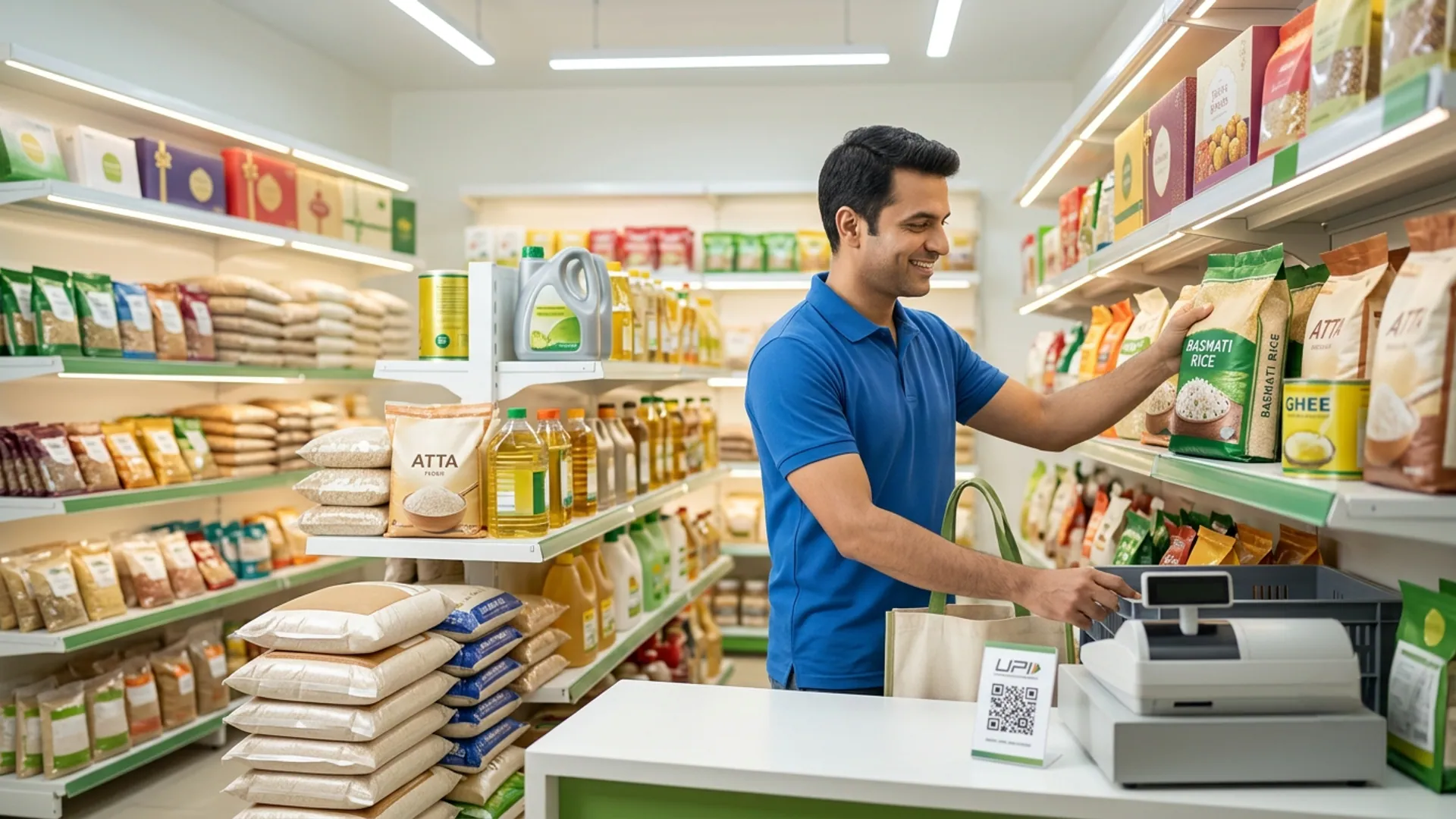
Before placing any major order, write down the exact lines your regular customers asked for last year. Focus on everyday festive essentials such as cooking oil, pure ghee, dry fruits, specialty snacks, and premium flour. Leave off any special festive pack that you only saw in a different market or a hypermarket flyer.
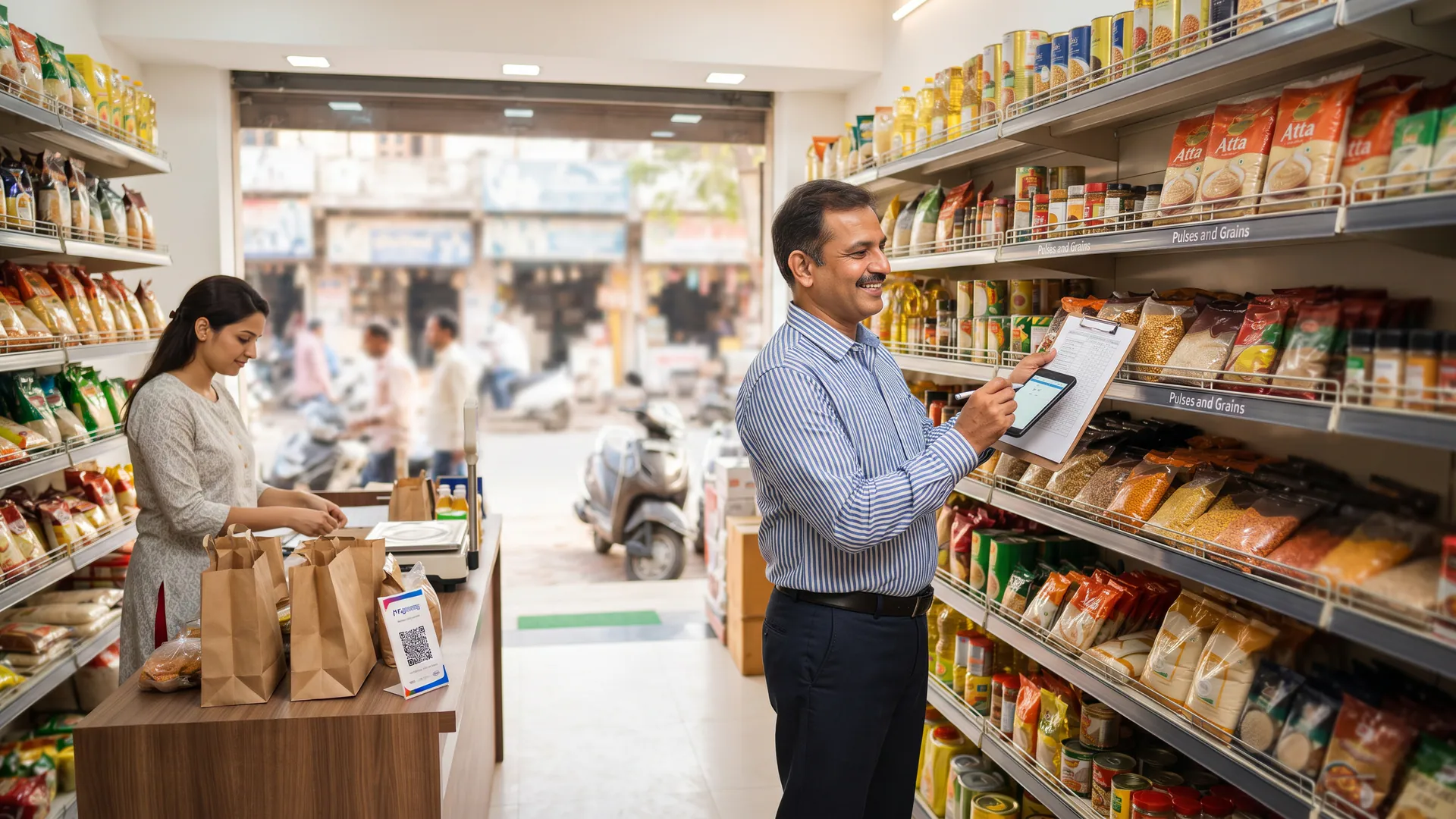
- Audit past sales: Check your previous year's records to identify top-performing grocery items in your neighbourhood.
- Talk to regulars: Ask your loyal buyers a week in advance if they need specific brands or larger packaging sizes.
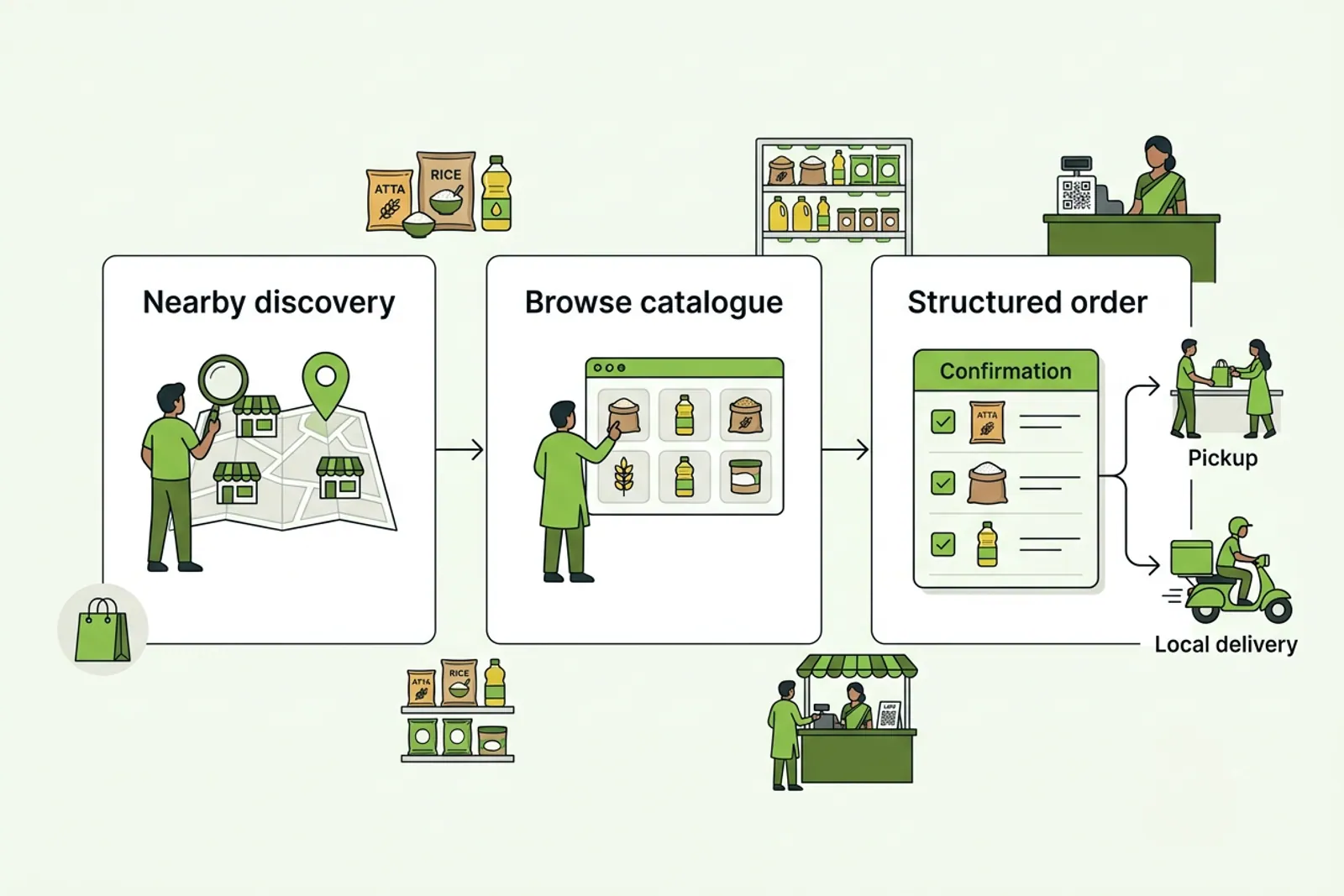
- Update your catalogue: Refresh your online product catalogue on VoLoMart so nearby customers see accurate availability.
How should you manage inventory while the festival is running?
During the peak celebration days, your main task is to refill the specific lines that emptied out quickly. Do not place a second large bulk order of an item that is still sitting stacked in your back room. Keep expiry dates clearly visible and rotate older batches to the front.
| Festival Stage | Stock Action | Catalogue Status |
|---|---|---|
| Before Festival | Review past sales and order core essentials in phases. | Keep active and update prices in the app. |
| During Festival | Refill only fast-moving items as shelves empty out. | Monitor live inventory to avoid overselling. |
| After Festival | Offer clear pricing on remaining seasonal stock; stop reorders. | Remove seasonal items from the live catalogue. |
What steps should you take after the festival concludes?
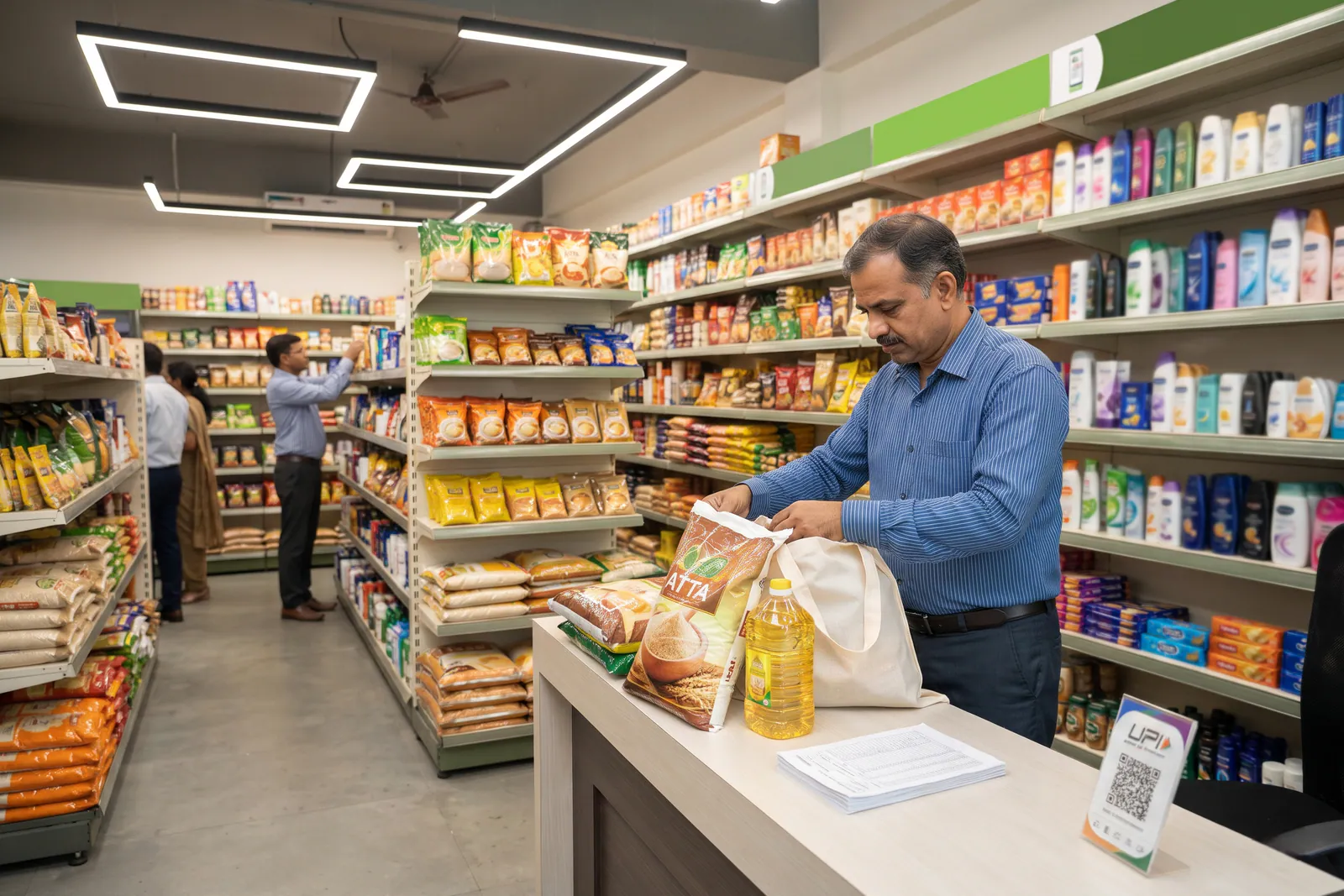
Once the festival period ends, run a final promotional push for any opened or nearer-date packages. Following strict food safety guidelines, such as those outlined by the Food Safety and Standards Authority of India, ensures that all consumable items remain wholesome and properly labelled for your community. Never place a reorder for seasonal festival packs once demand drops.
When you manage your shop through For Vendors, updating your stock availability takes only a few taps. You can instantly adjust your storefront to reflect standard everyday essentials, ensuring your digital presence matches your physical inventory.
What are the common limits of festival inventory planning?
Even the best stock plan has operational limits. Last year's purchase list can sometimes miss a sudden shift in local consumer preferences or a new trend in your lane. Furthermore, miscalculating demand on a seasonal carton that you cannot finish before its expiry date leads to blocked capital and spoiled goods.
Remember that a digital listing or a scheduling tool does not predict the exact size of the festival rush. Managing shop hours, handling vendor-managed delivery, and keeping track of each customer order remain essential responsibilities for the store owner. Explore the Blog Hub and check out guides like How can kiranas keep their grocery customers when they go online? for more neighbourhood retail strategies.
How can you take your grocery shop online for peak seasons?
Taking your neighbourhood store online helps you capture local demand without dealing with messy messaging apps. You can set up your digital storefront, manage your items, and handle orders smoothly. To understand how subscriptions work without hidden cuts, review our Pricing page and see why the shop keeps the order value.
Ready to bring your neighbourhood store online? Visit Features to explore how easy it is to organise your catalogue and reach nearby customers today.
Also read How to set minimum stock levels for essential grocery items.
Frequently asked questions
Should I buy the full festival lot in one trip?
Buying everything in one trip often leaves you with unsold stock and tied-up working capital. Breaking your purchases into smaller, phased orders based on daily demand keeps your shelves fresh and your cash flow steady.
Which lines deserve a larger buy during peak seasons?
Focus your larger orders on steady household essentials that showed high demand in your lane last year, such as cooking oils, ghee, dry fruits, and specific flour varieties.
What do I do with festival packs after the celebration ends?
Offer a last push for opened or nearer-date packs with clear pricing, and then stop reordering those specific seasonal SKUs until the next festival cycle.
Should seasonal festival packs stay active on the digital catalogue?
Remove seasonal festival items from your active catalogue once the celebration concludes to prevent customer confusion and manage expectations correctly.
How do I remember what sold best last year?
Maintain a simple digital catalogue record or order history in your app to track which items moved quickly during previous peak seasons.
List your neighbourhood shop on VoLoMart
Sign up with the VoLoMart app. Start with a 7-day trial, then choose a monthly or yearly plan.
Get the app to registerRelated articles
6 min read