Published October 23, 2026 in How To
How to organise a small grocery shop for faster billing

By Khevna Dodia
7 min read
TL;DR
- Keep high-demand daily items within arm's reach of the billing counter.
- Face product names outward so items are recognised instantly during a rush.
- Match physical shelf tags directly with your billing records to prevent price hunts.
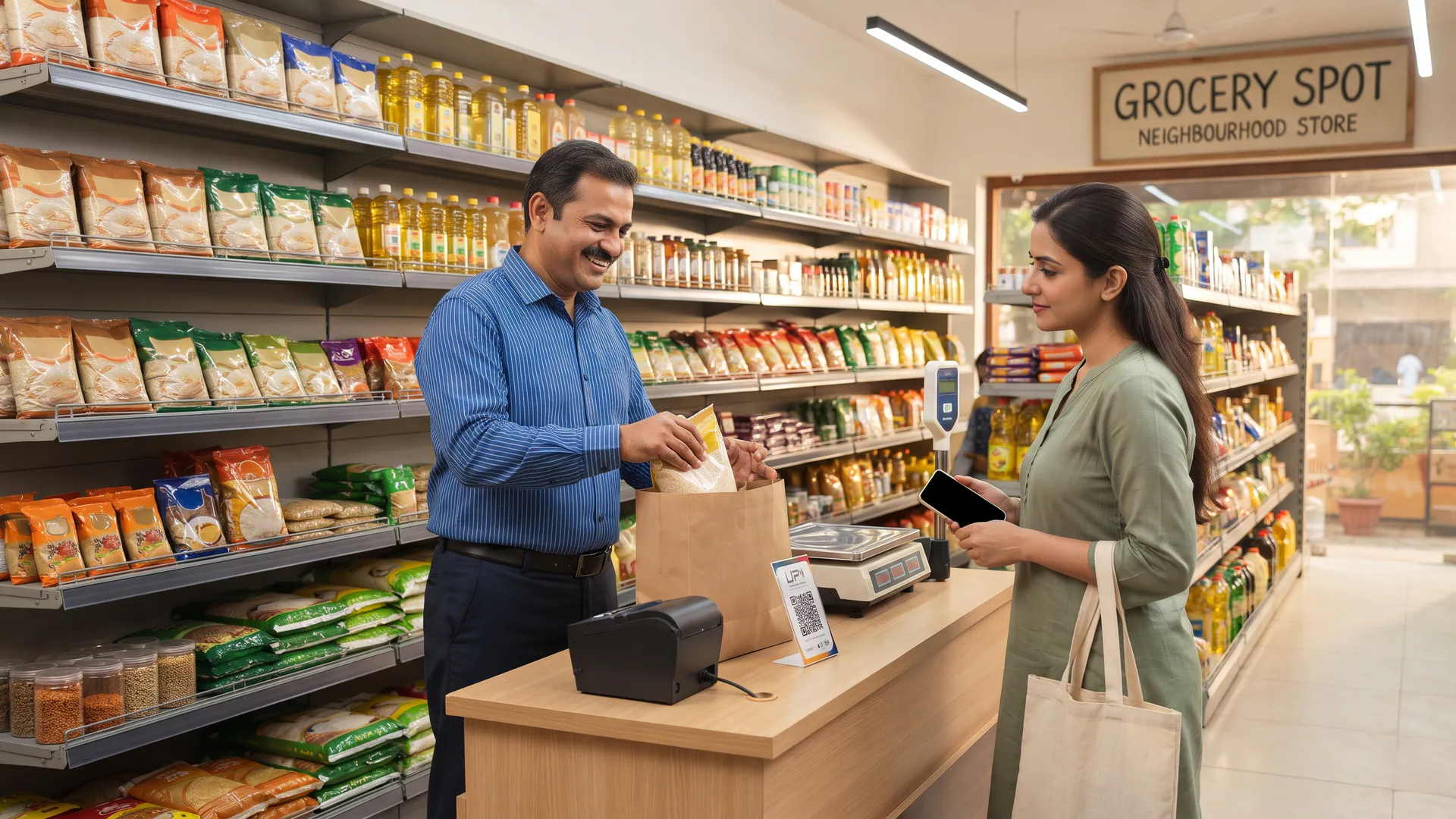
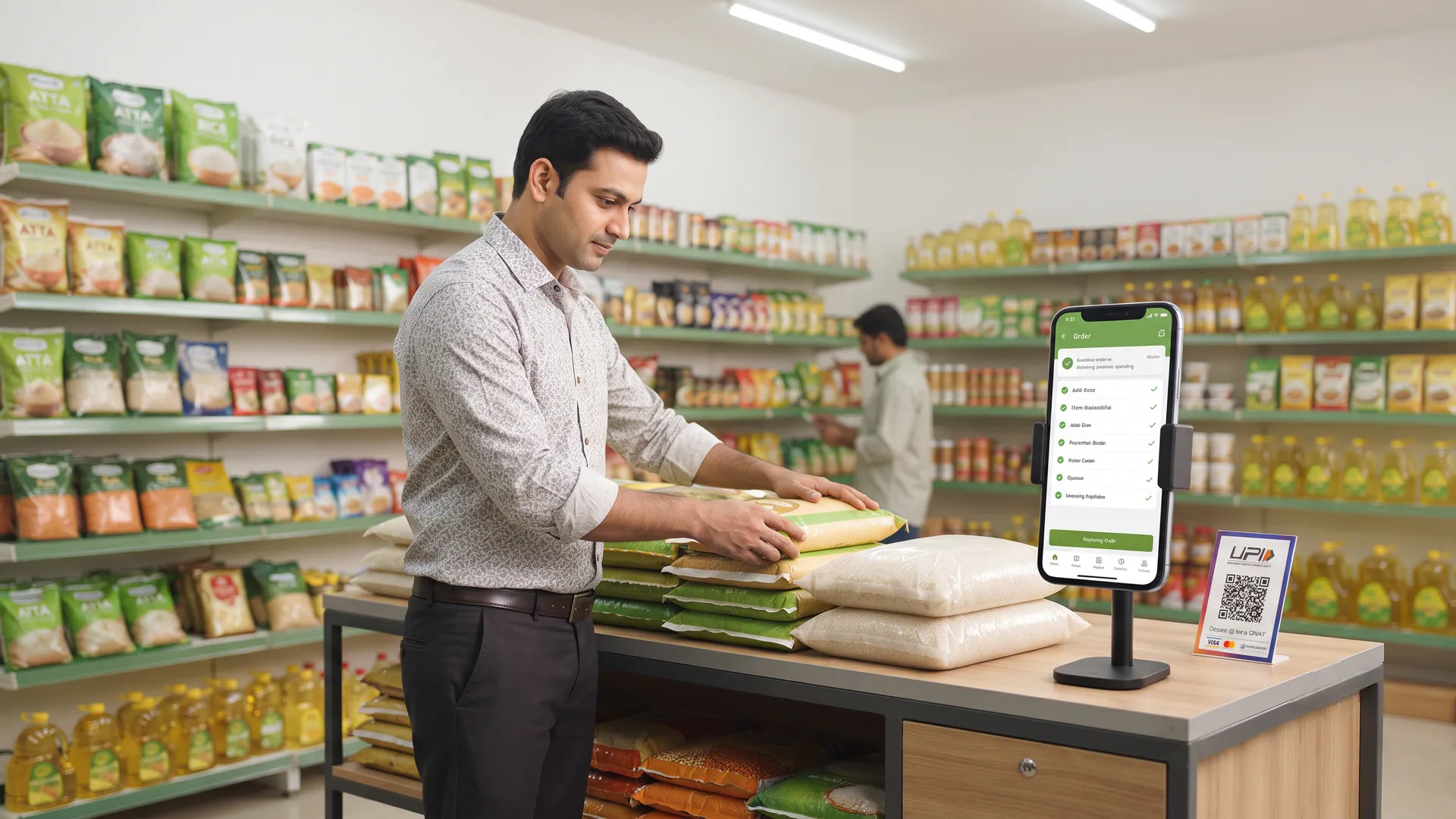
Organise a small grocery shop for faster billing by keeping everyday lines within reach of the counter, facing the product name outward, and using one clear price that matches the shelf.
Why does a small grocery shop slow down at the billing counter?
Billing slowdowns in a Grocery Spot usually stem from layout friction rather than slow staff. When daily essentials are scattered across distant corners, every transaction turns into a treasure hunt. This guide is for owner-operated neighbourhood shops looking to streamline their physical footprint.
According to retail guidelines published by the Ministry of MSME, efficient floor management and structured storage directly improve daily operational throughput for small enterprises across India.
What common physical habits slow down the billing process?
Identifying the root causes of delay helps you fix them permanently. Many shop owners struggle with recurring layout hurdles that drain valuable minutes from every transaction.
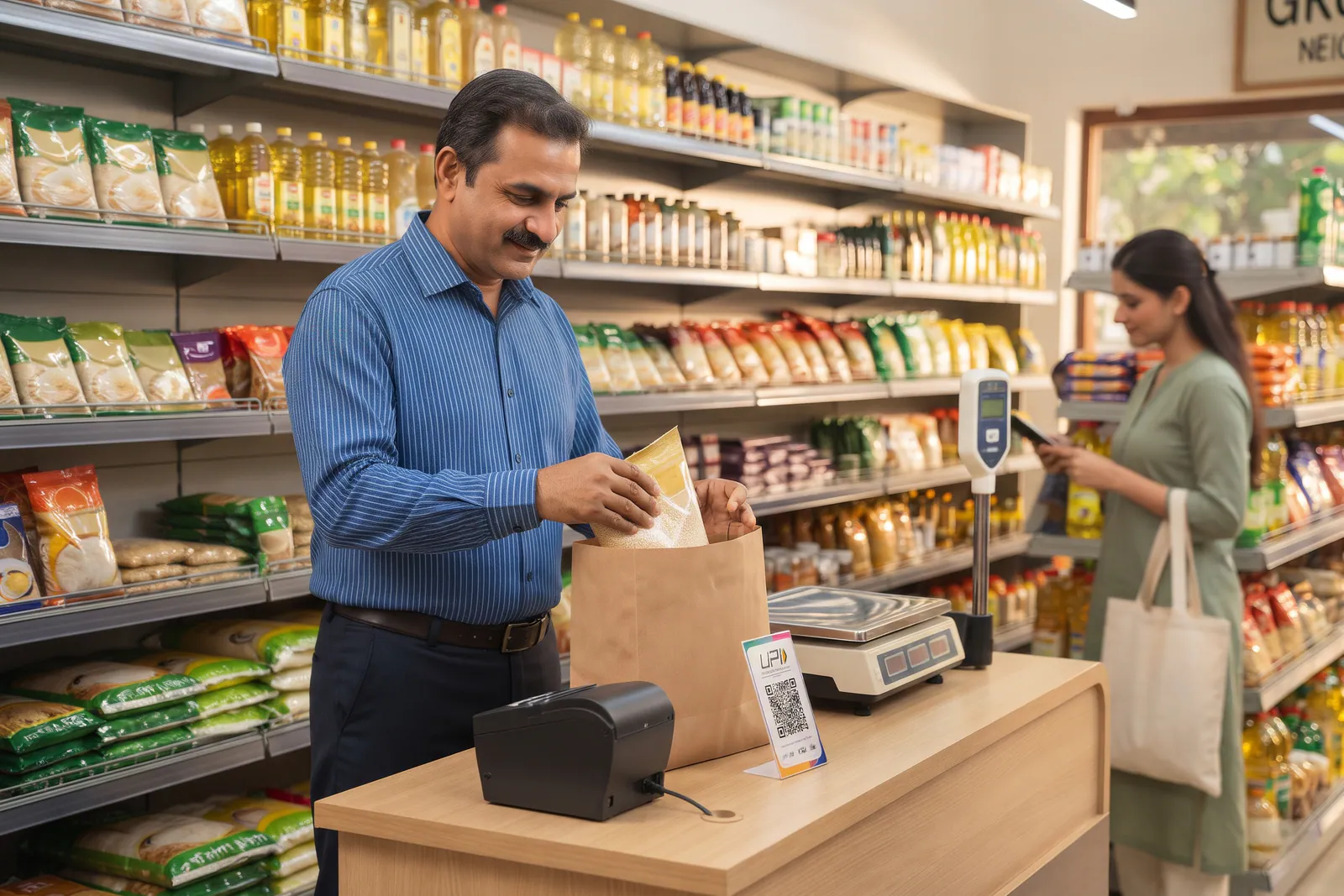
- Hunting for a pack hidden behind heavy sacks or bulk containers on lower shelves.
- Trying to remember an unlabelled price because the shelf tag fell off days ago.
- Mixing two different customers' items into one messy pile on a narrow desk.
- Blocking the main entrance queue with new stock cartons waiting to be unpacked.
How can you design a simple layout for rapid billing?
An efficient layout puts the most frequently requested items closest to the person managing the register. By reducing physical movement, you keep the queue moving steadily throughout the day.
| Store Zone | Optimal Placement | Impact on Billing Speed |
|---|---|---|
| Counter Reach | Daily essentials and fast-moving packs | Eliminates walking time for regular items |
| Bulk Storage | Lower racks away from the main register | Prevents stock blocking the customer queue |
| Billing Desk | Clear, uncluttered surface with visible scale | Speeds up bag packing and payment collection |
How do pricing clarity and digital orders work together?
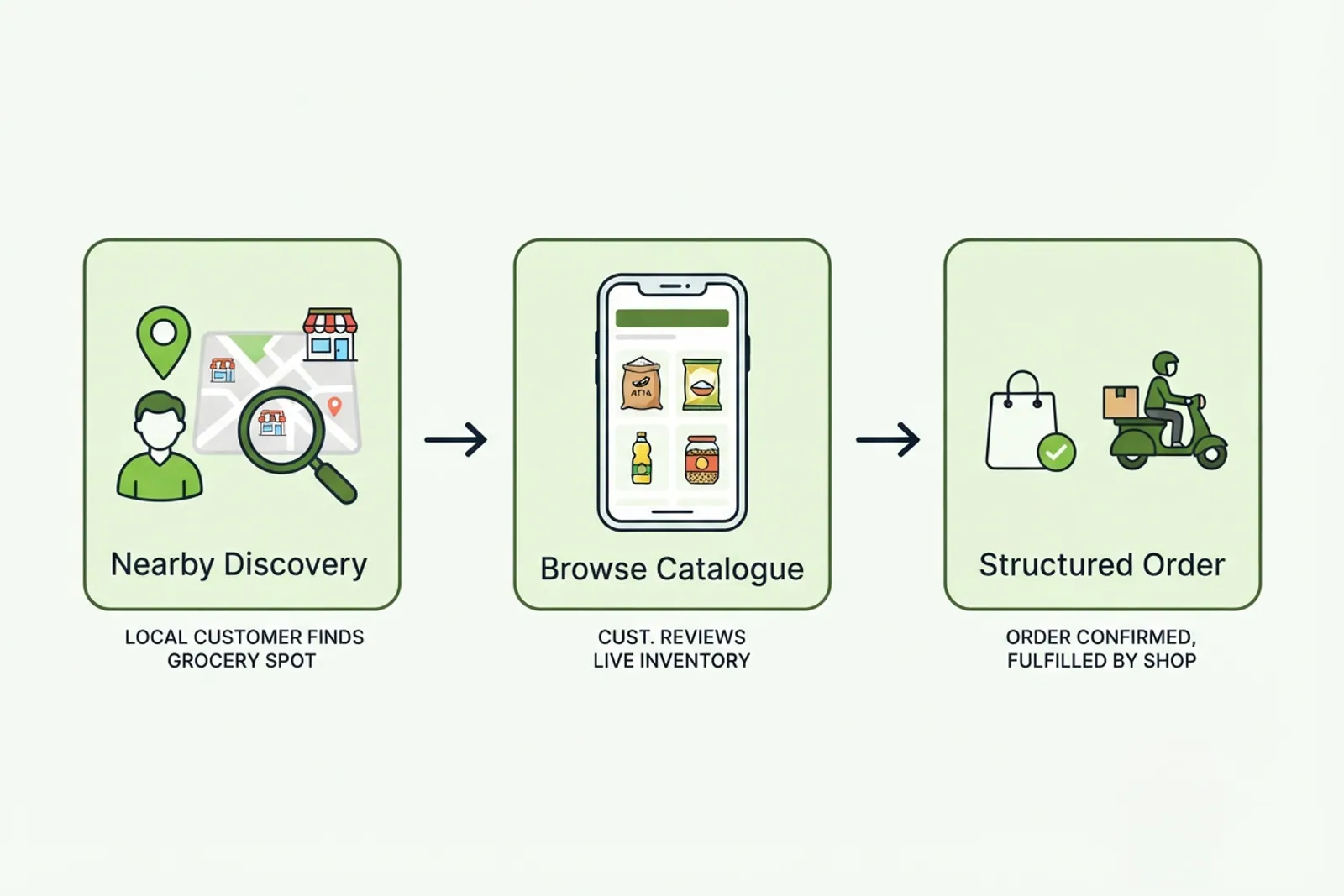
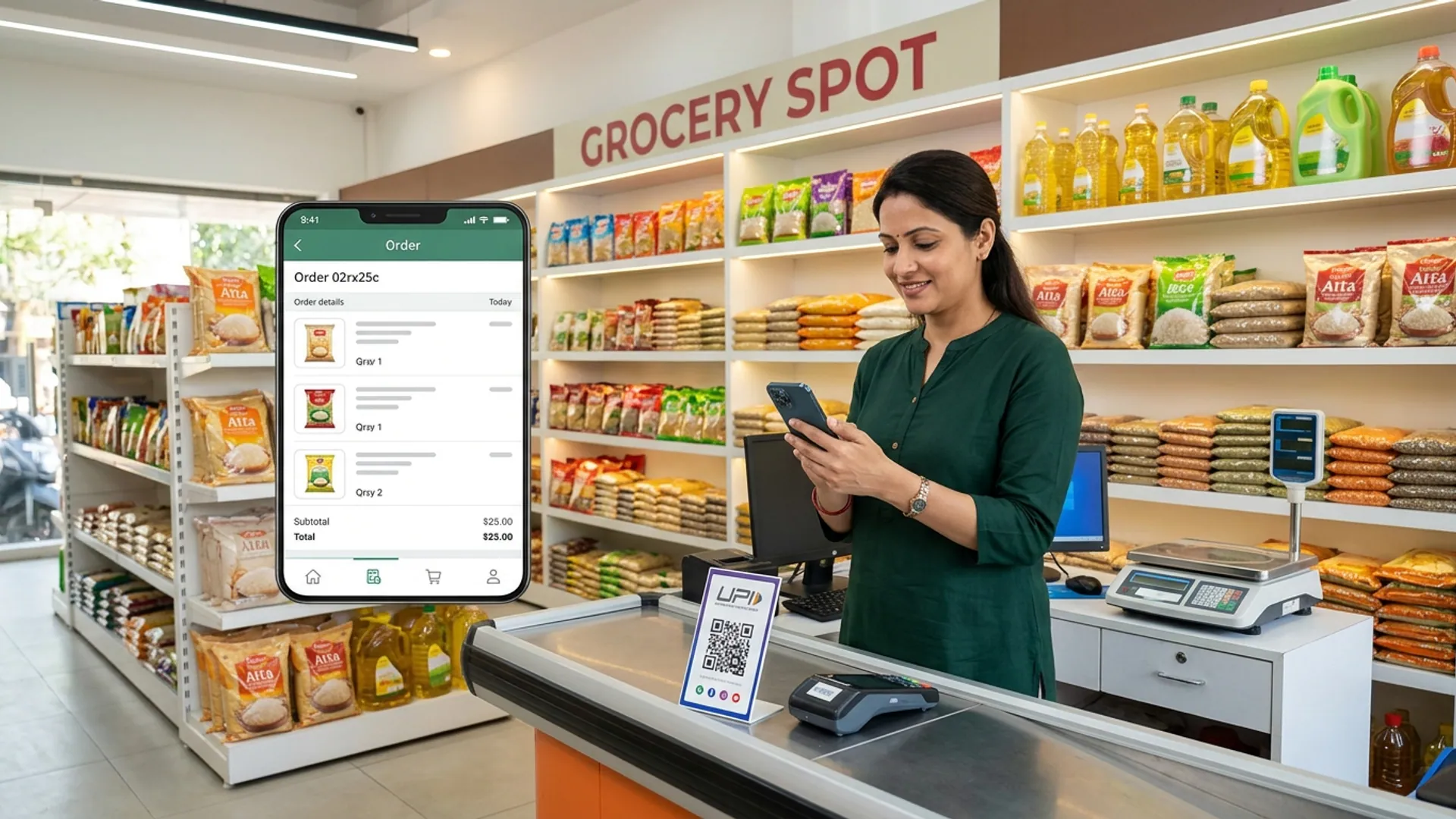
Clear pricing is the backbone of fast billing. When the board or shelf price matches your billing system exactly, there is no need for verbal price checks. For digital orders received through VoLoMart, the workflow remains smooth and structured.
When an online order comes in, the vendor packs the itemised list from the same labelled shelves in a short batch. Because the physical shop is already well-organised, fulfilling a digital request does not block the walk-in queue. You can learn more about managing these requests in our guide on how to take a local grocery shop online in minutes.
What are the honest limits of a tidy store layout?
While organising your shop floor dramatically improves speed, a tidy store still requires diligent daily maintenance. A clean layout reduces unnecessary hunts, but it does not replace the need for up-to-date catalogue pricing. Furthermore, neighbourhood shops manage their own fulfilment hours and delivery areas, meaning shop owners remain in complete control of how they balance walk-in traffic with digital orders.
Taking your neighbourhood grocery store forward
Organising your shop is an ongoing commitment that pays off in happier customers and calmer peak hours. By keeping fast-moving items within reach and maintaining clear shelf tags, your counter operates with predictable ease. Explore our for-vendors page to see how digital storefront tools fit into your daily routine, or review our how-it-works guide to understand the complete VoLoMart marketplace model.
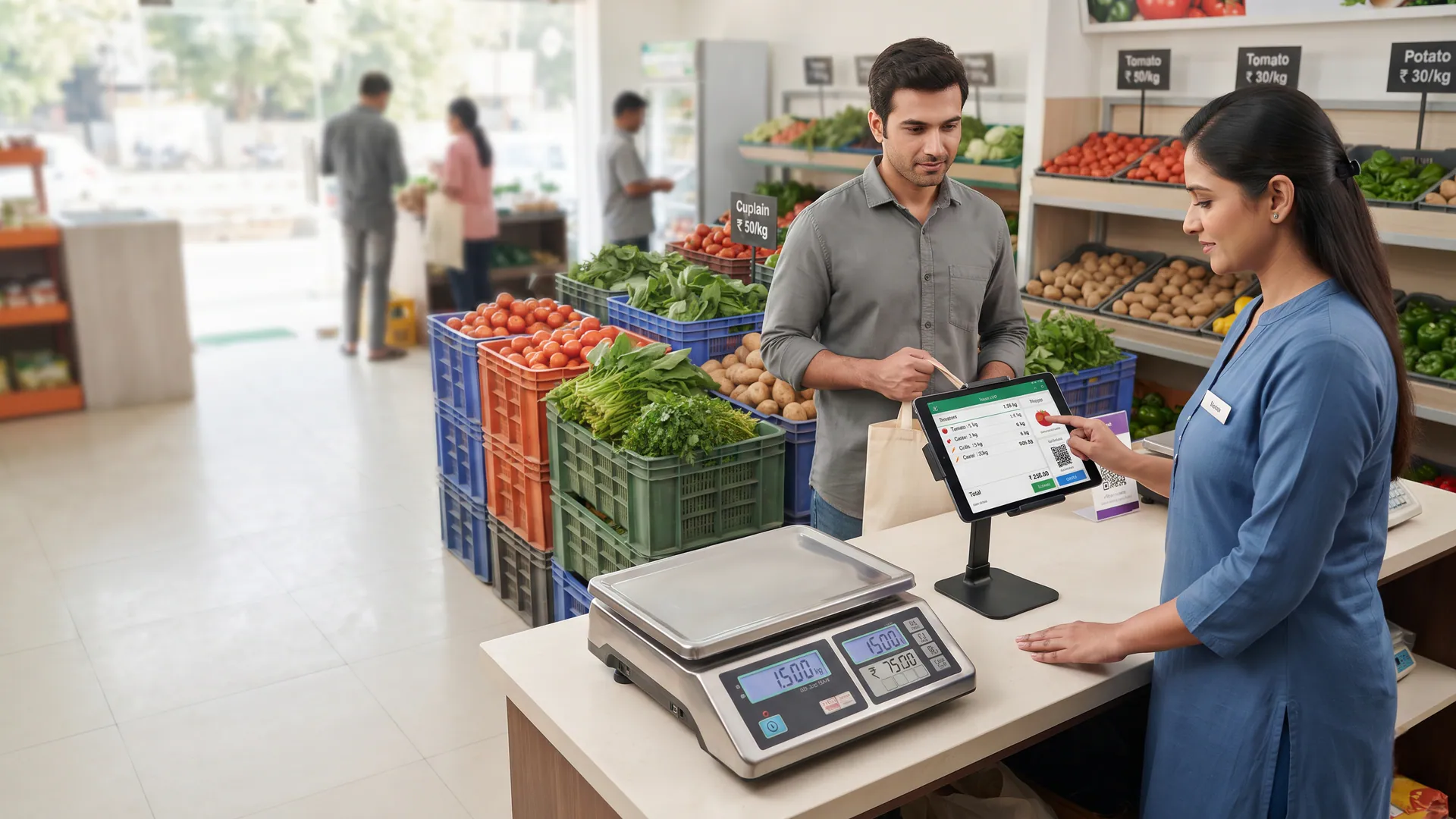
Also read How to reduce weighing and billing mistakes in vegetable shops.
Frequently asked questions
Do I need a bigger counter to achieve faster billing?
No, you do not need a larger counter space. Faster billing comes from keeping high-frequency items close to your hands and maintaining a clean, clutter-free desk for placing customer baskets.
Where should fast-moving grocery lines be positioned?
Fast-moving daily essentials should sit directly behind or immediately adjacent to the billing counter within easy arm's reach to minimise twisting and walking during peak hours.
Should shelf prices and billing prices always match?
Yes, shelf prices and billing prices must match exactly. Discrepancies force you to stop and verify numbers, which immediately slows down the billing queue and frustrates shoppers.
How do I bill a phone order without blocking the walk-in queue?
When a customer places an order through VoLoMart, you can pack the itemised list as a short batch from your labelled shelves and then return smoothly to the walk-in counter queue.
Does a tidy shop remove billing mistakes entirely?
A tidy shop significantly reduces errors by making item identification easier, though accurate catalogue pricing and careful scanning remain essential for flawless billing.
List your neighbourhood shop on VoLoMart
Sign up with the VoLoMart app. Start with a 7-day trial, then choose a monthly or yearly plan.
Get the app to registerRelated articles
7 min read