Published September 26, 2026 in How To
How to start online orders for your shop with just a smartphone

By Prashant Dodia
7 min read
TL;DR
- Use your existing smartphone to manage your neighbourhood shop online.
- Replace messy WhatsApp photo threads with structured itemised orders.
- List products quickly with names, prices, units, and daily availability.
- Manage customer orders for pickup or vendor-managed delivery from one app.
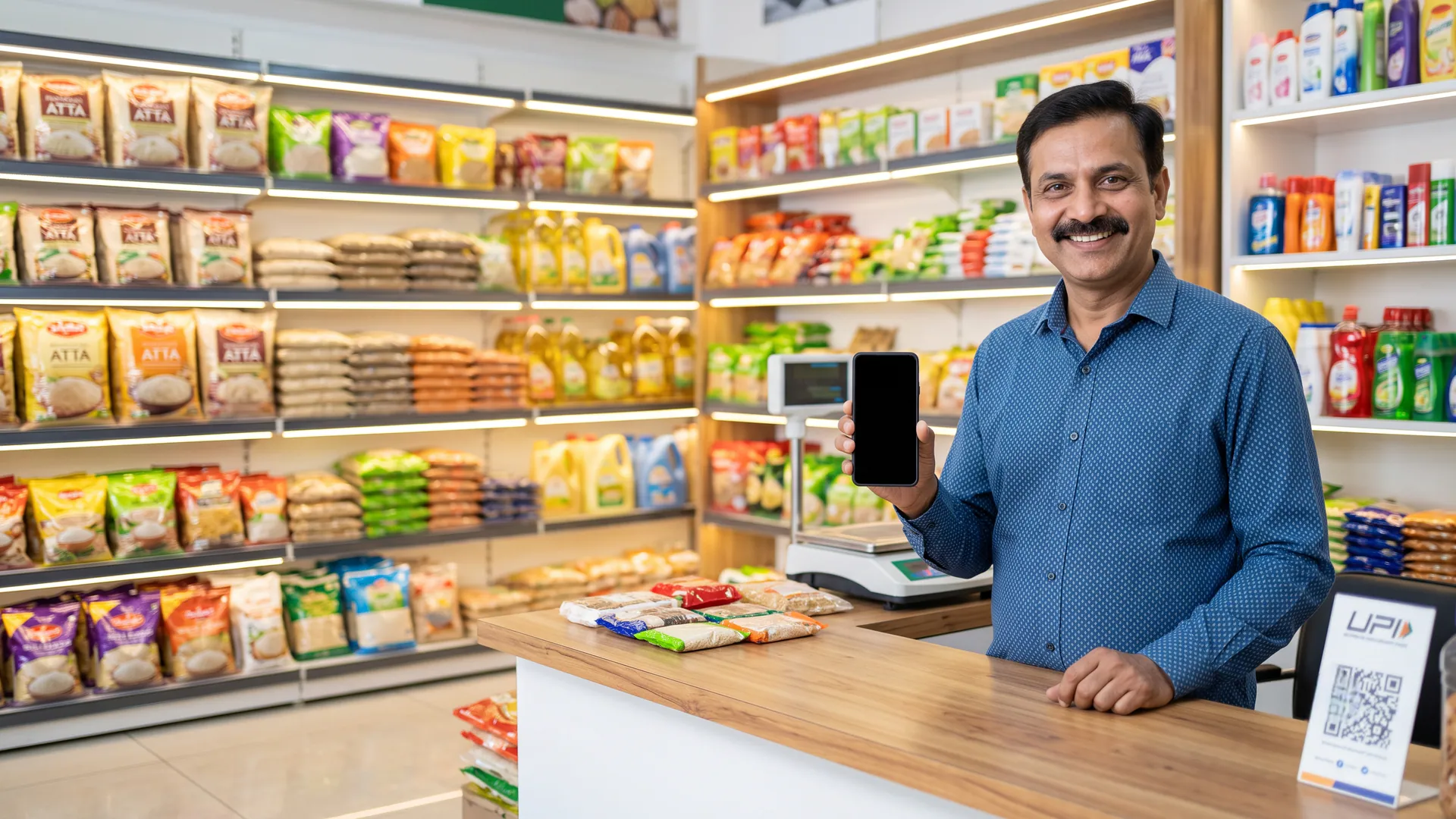
A shop can start online orders with a smartphone by registering in the VoLoMart app, listing products, and accepting nearby orders on that same phone without needing a website or laptop.
Many neighbourhood shopkeepers assume that selling online requires expensive hardware, technical expertise, or a dedicated website. In reality, the device sitting in your pocket right now is more than enough. By using VoLoMart, you can bring your counter online in minutes without building a custom website or learning complex software. This guide is designed for first-time vendors who want to start accepting online orders cleanly and efficiently straight from the shop counter.
Why does your smartphone replace a traditional website?
Traditional e-commerce guides often tell small businesses to build a custom website, buy a laptop, and hire developers. For a busy neighbourhood shopkeeper, that approach wastes time and money. According to guidelines by the Ministry of Micro, Small and Medium Enterprises, digital adoption works best when it fits existing daily workflows rather than adding administrative burdens.
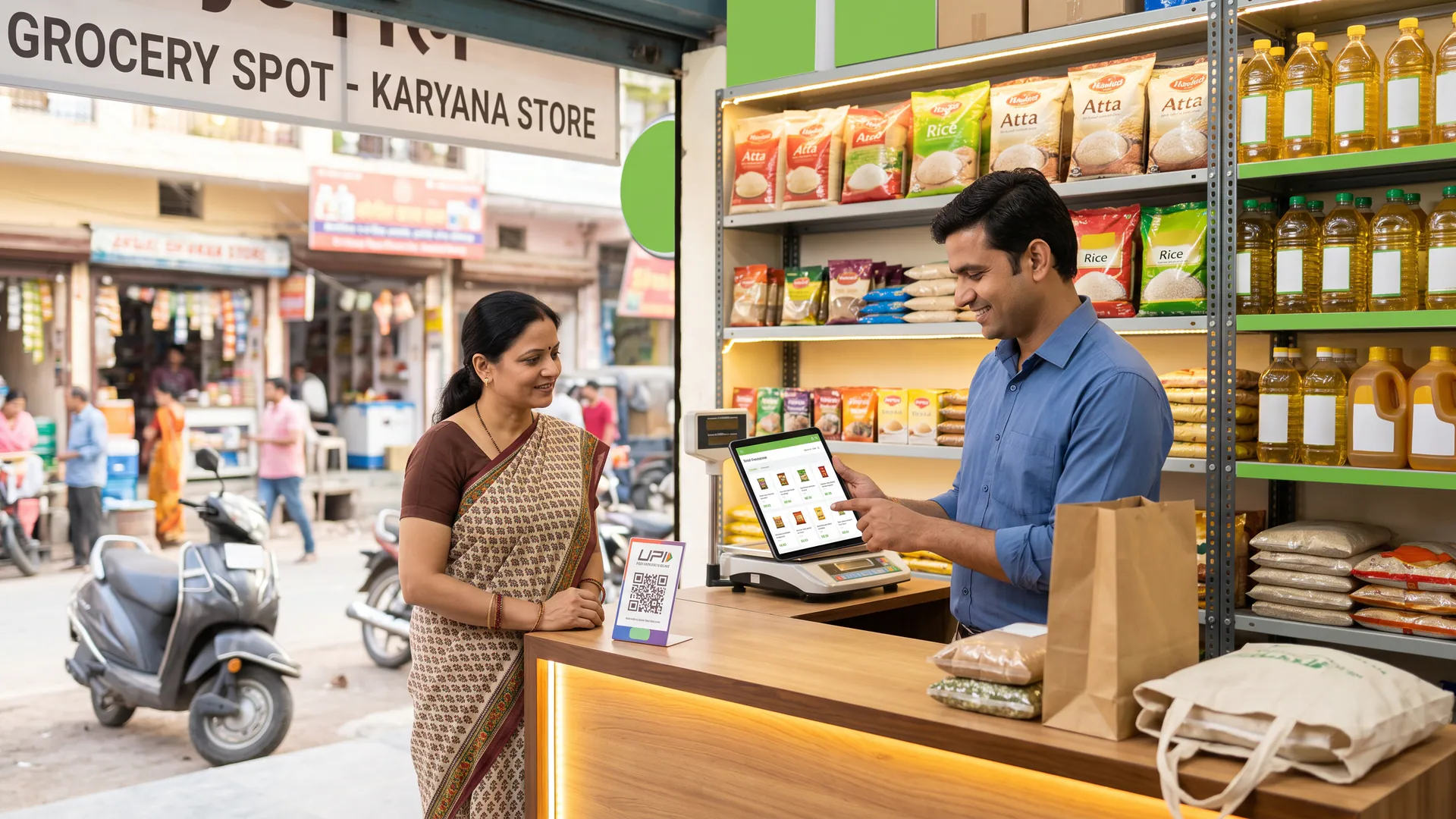
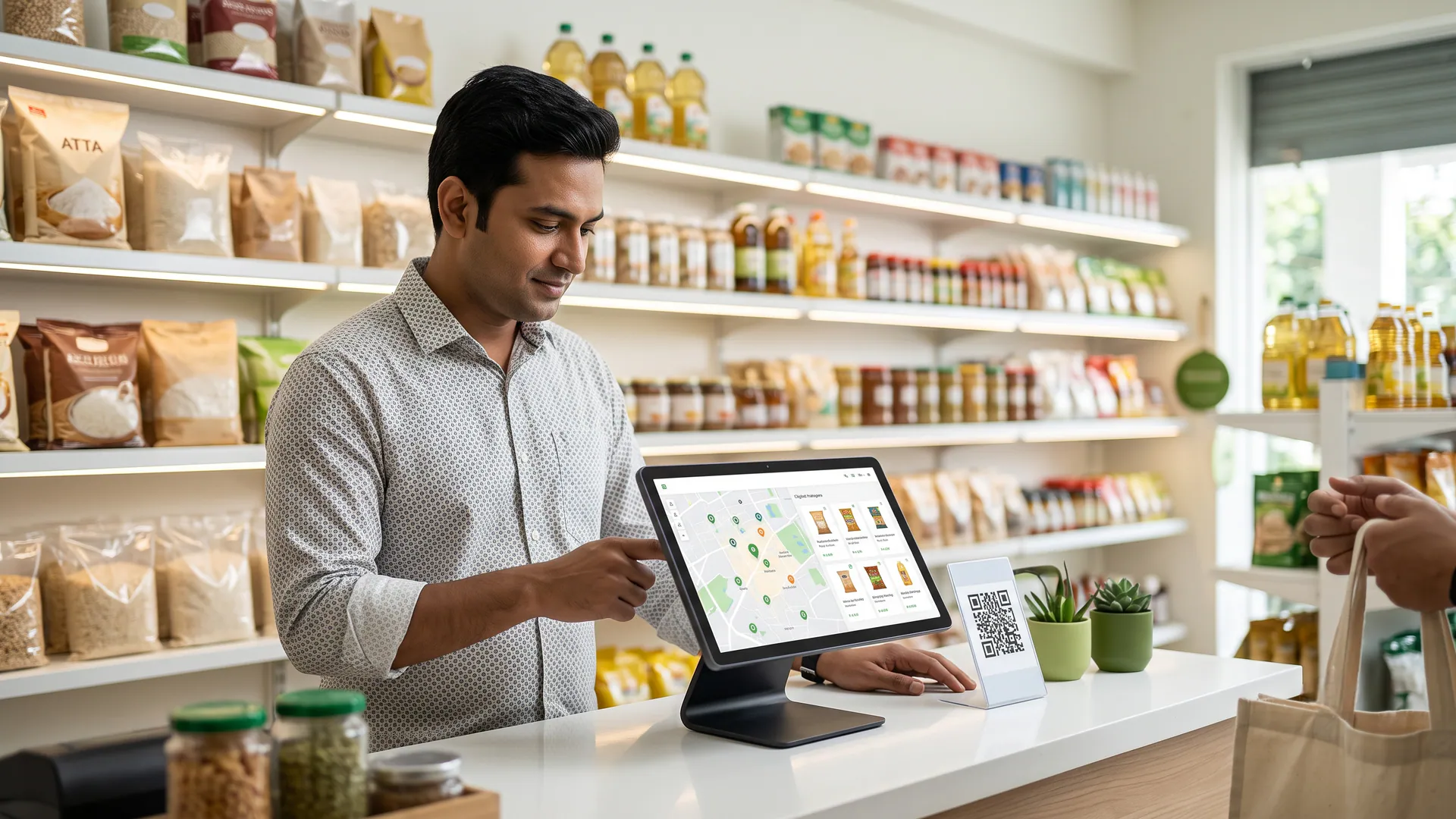
Your smartphone gives you a direct, always-on connection to nearby customers who are looking for daily essentials, fresh produce, or speciality items. Instead of maintaining a complicated web backend, you manage your products, update your availability, and review customer requests from one familiar screen. Each order is placed with one nearby shop, keeping the process transparent and manageable.
- Always within reach: Manage your catalogue and update stock levels between customer visits right from your counter.
- Instant notifications: Receive immediate alerts when a nearby customer places a new order on your phone.
- Simple interface: No coding, website maintenance, or technical hosting required to keep your store open.
What does the phone replace at your counter?
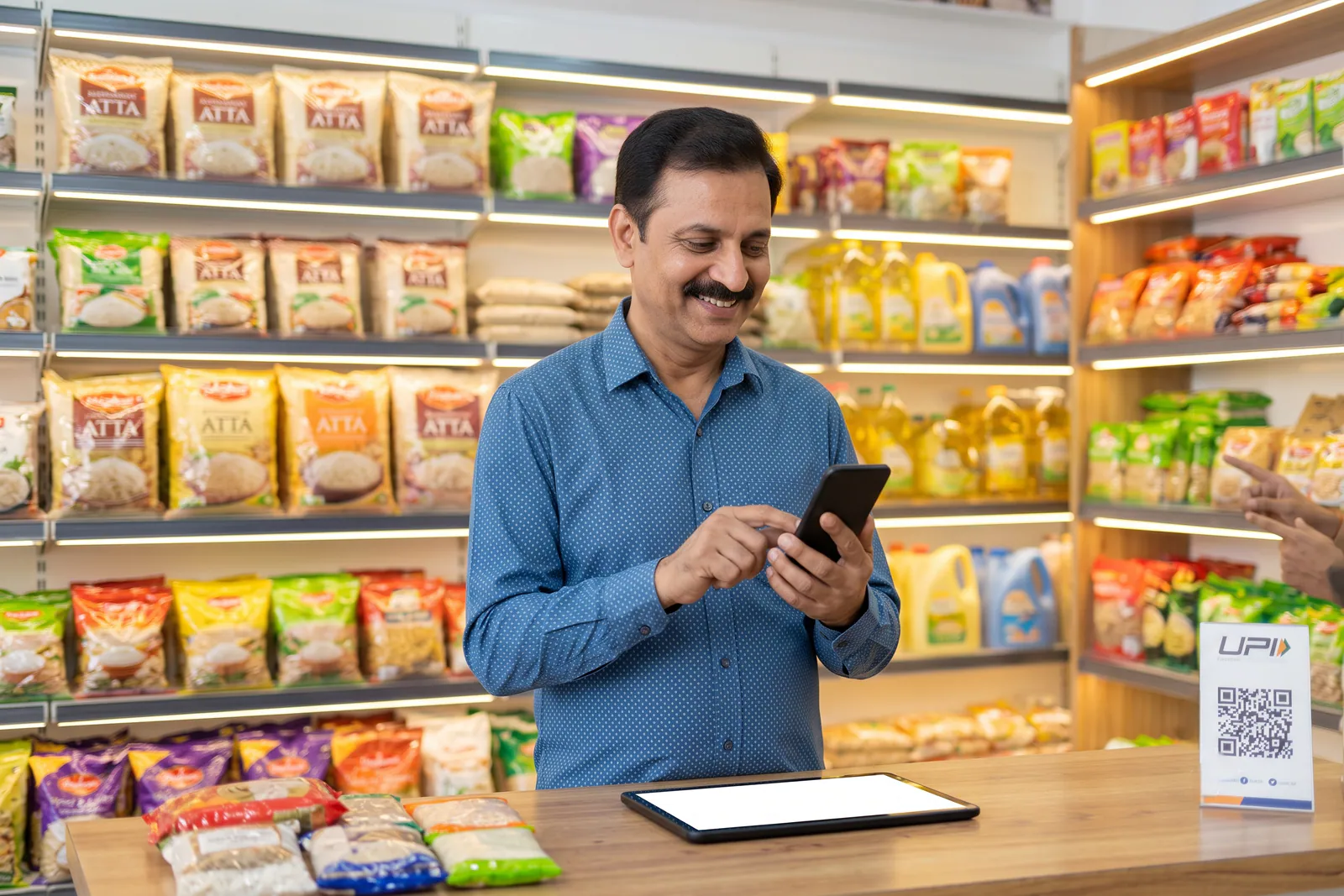
Before moving online, most shopkeepers rely on informal messaging apps or handwritten slips to handle remote requests. While familiar, traditional WhatsApp ordering mistakes often lead to missed messages, forgotten item quantities, and endless back-and-forth price queries. Managing orders over cluttered chat threads creates confusion during peak hours when you need speed and clarity.
A structured marketplace app replaces chaotic photo threads with itemised lists, clear quantities, and precise delivery or pickup instructions. You no longer have to guess what a customer meant by a blurry voice note or a hurried photo of an empty packet.
How do you start taking online orders in a few simple steps?
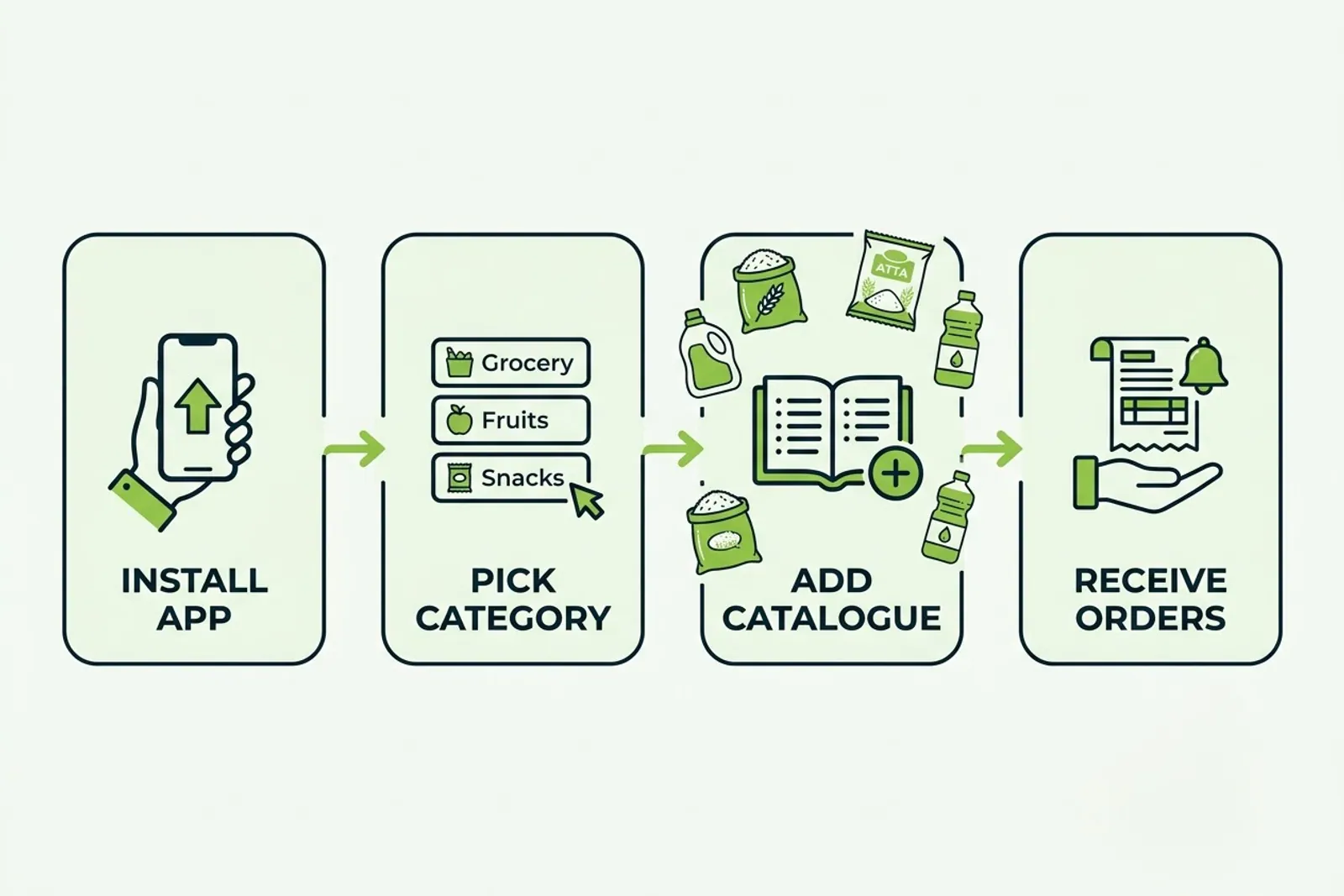
Getting started is straightforward and can be completed during a quiet moment at your counter. You do not need any external paperwork beyond your standard business identity. Here is the exact sequence to take your neighbourhood store live:
- Install the app: Download the application on your smartphone and complete the quick vendor registration flow.
- Choose your category: Select your primary shop category from the live service options available in your neighbourhood.
- Build your catalogue: Add your bestselling items with clear names, pricing, and units of measurement.
- Set fulfilment preferences: Define your operating hours and whether you offer pickup, vendor-managed delivery, or both.
- Announce your store: Let your regular neighbourhood patrons know they can now browse your complete stock and place structured requests online.
What do the first online orders look like on your screen?
Once your store is live, incoming requests arrive as clear, itemised lists rather than confusing chat messages. You can review the exact items requested, check the total amount, and update the order status as you pack the items. Customers can track their order progress directly through My Orders, reducing phone inquiries and saving your staff valuable time.
| Aspect | What to do |
|---|---|
| Offline-only habit | Walk-ins, phone calls, or chat threads |
| Structured digital step | Catalogue, clear prices, and tracked orders |
What operational limits should shopkeepers keep in mind?
While a smartphone makes digital commerce accessible, it is important to understand how daily operations work. Your phone does not pack parcels or deliver packages by itself. You and your team remain in full control of inventory, packing quality, and delivery timing. Setting a realistic delivery radius ensures your team can fulfil orders reliably without overextending your staff.
Additionally, keeping your product catalogue updated with accurate prices and stock availability is essential for building long-term trust with nearby buyers. A clean, honest storefront attracts repeat customers who appreciate dependable local service.
Ready to bring your neighbourhood store online?
Taking your shop online does not require a massive budget or technical headaches. With your smartphone and a commitment to great local service, you can reach more customers in your area and streamline your daily operations. Visit For Vendors to learn more about how neighbourhood shops thrive online, or check our Pricing Plans to understand subscription details after your initial trial. Explore Features to see how simple counter management can be.
Frequently asked questions
Do I need a website to start online orders for my shop?
No, you do not need a website, domain, or laptop. You can start online orders directly from your smartphone by registering your shop in the VoLoMart app.
Do I need a separate laptop or computer to manage inventory?
Not at all. Your daily smartphone is all you need to add catalogue items, update prices, and track orders right from your counter.
Is there a separate vendor app for shopkeepers?
There is only one VoLoMart app for both customers and vendors. You simply register as a vendor inside the app to access your storefront tools.
How do I receive my first online orders on my phone?
Once your digital catalogue is live and your shop hours are set, nearby customers can discover your store, browse items, and place itemised orders directly on your phone.
What does the trial period include for new vendors?
New vendors register free and receive a seven-day trial to explore all store management and discovery features before choosing a subscription plan.
List your neighbourhood shop on VoLoMart
Sign up with the VoLoMart app. Start with a 7-day trial, then choose a monthly or yearly plan.
Get the app to registerRelated articles
7 min read