Published October 9, 2026 in How To
What should a vegetable vendor show in an online store?

By Prashant Dodia
6 min read
TL;DR
- Keep your catalogue updated daily to match your physical crates and prevent order cancellations.
- List transparent units like kilograms and bunches with clear counter prices.
- Define your shop profile with operating hours and your own neighbourhood delivery service area.
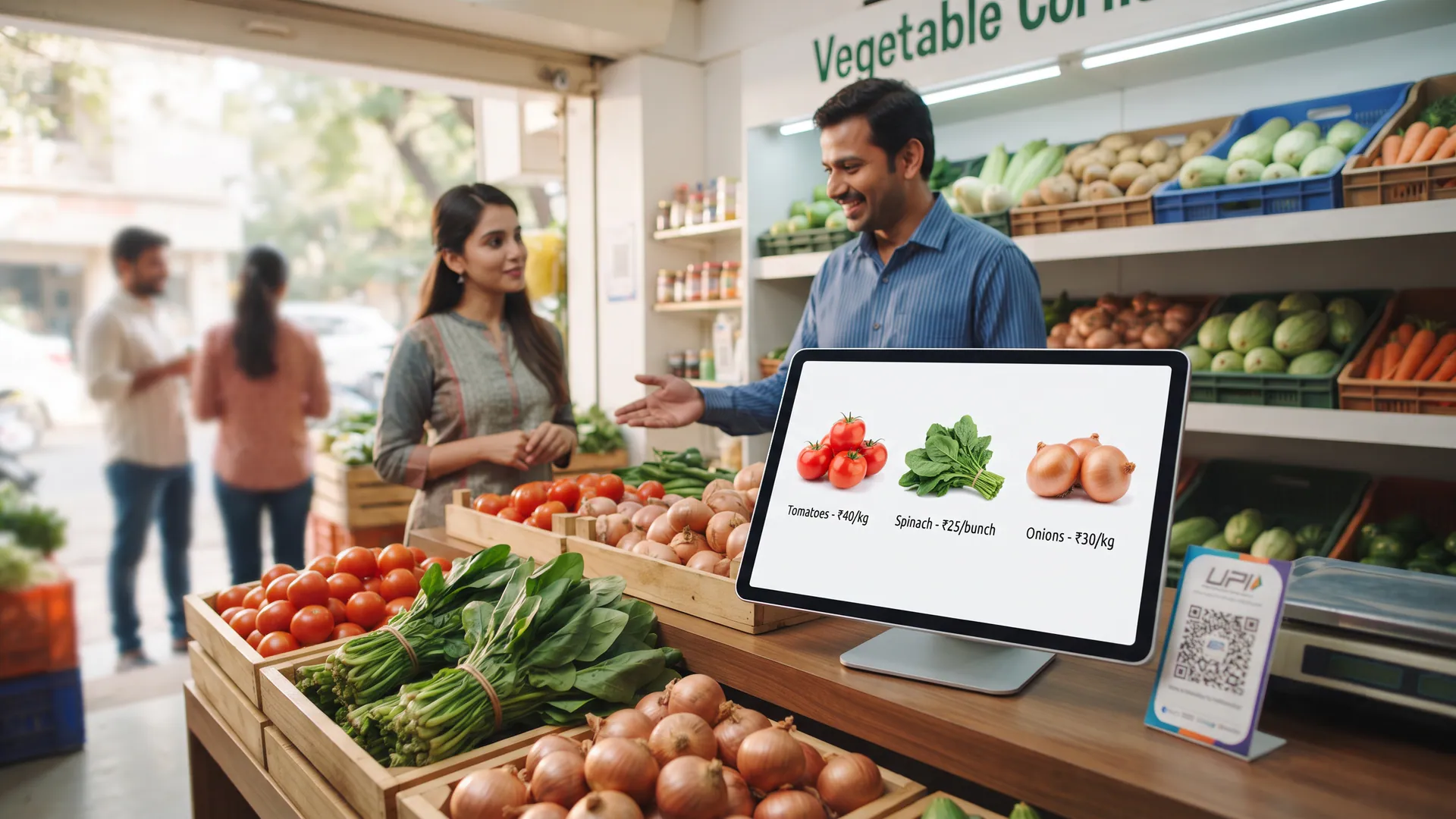
In an online store a vegetable vendor should show the shop name, opening hours, today's vegetables with a clear unit and price, whether each line is available, and how the customer can collect or receive the order.
Setting up a digital catalogue for fresh sabzi requires precision and honesty. When customers browse a Vegetable Corner shop, they want to see exactly what is sitting in your crates right now before they place an order. This guide is for local sabzi sellers who want to organise their digital shelves without confusion or messy chat threads.
What is the minimum catalogue information required for fresh produce?
Your digital catalogue is the direct bridge between your physical counter and neighbourhood buyers.
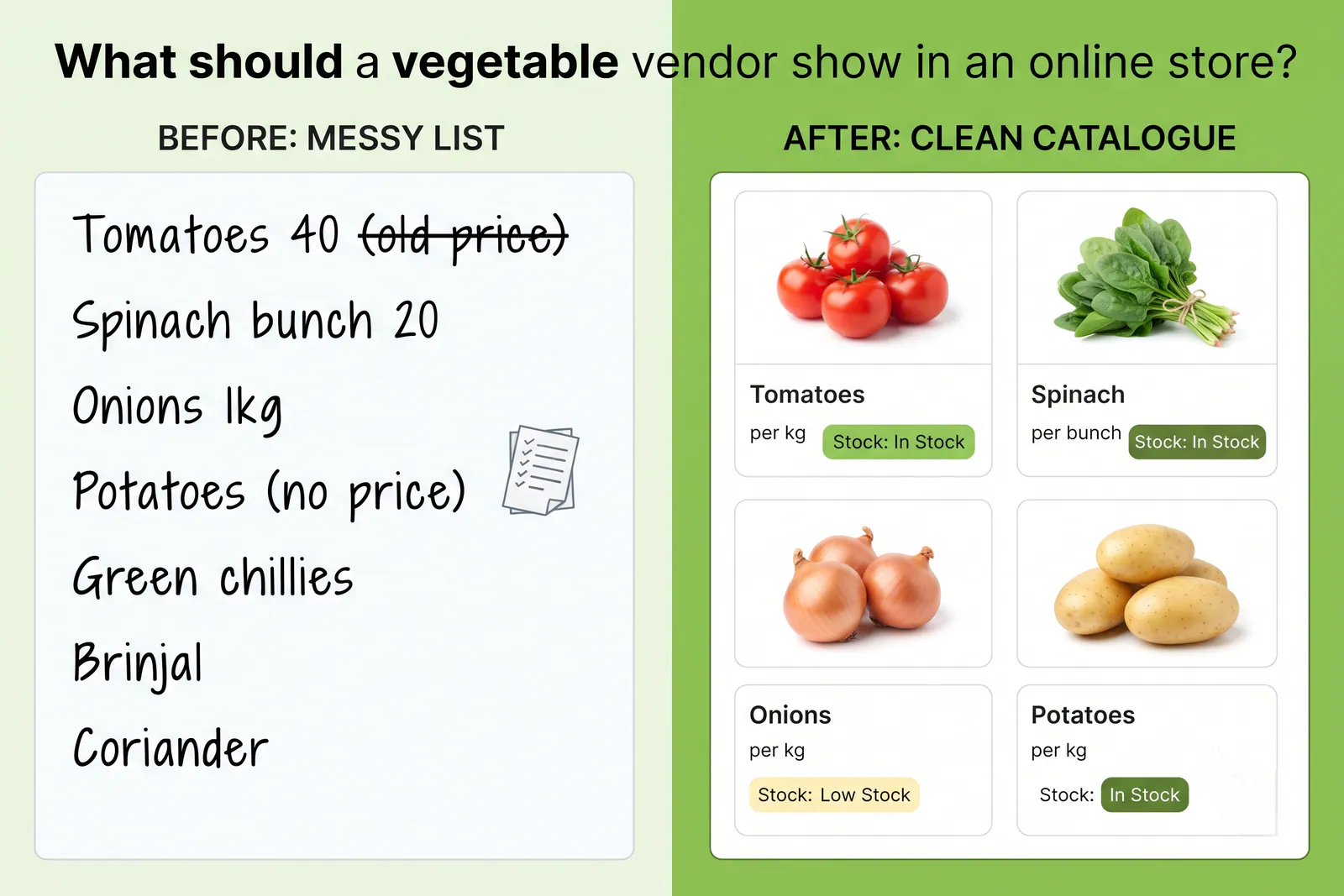
- Real product names: Use familiar local names like tamatar, pyaaz, aloo, and methi so buyers instantly recognise the item.
- Clear units: Specify whether the price applies to a kilogram, five hundred grams, or a single bunch.
- Counter pricing: Keep your digital prices aligned with your physical weighing scale to prevent discrepancies during fulfilment.
- Live availability: Instantly toggle items on or off so customers never order sabzi that has already sold out.
Why does shop profile accuracy matter for daily orders?
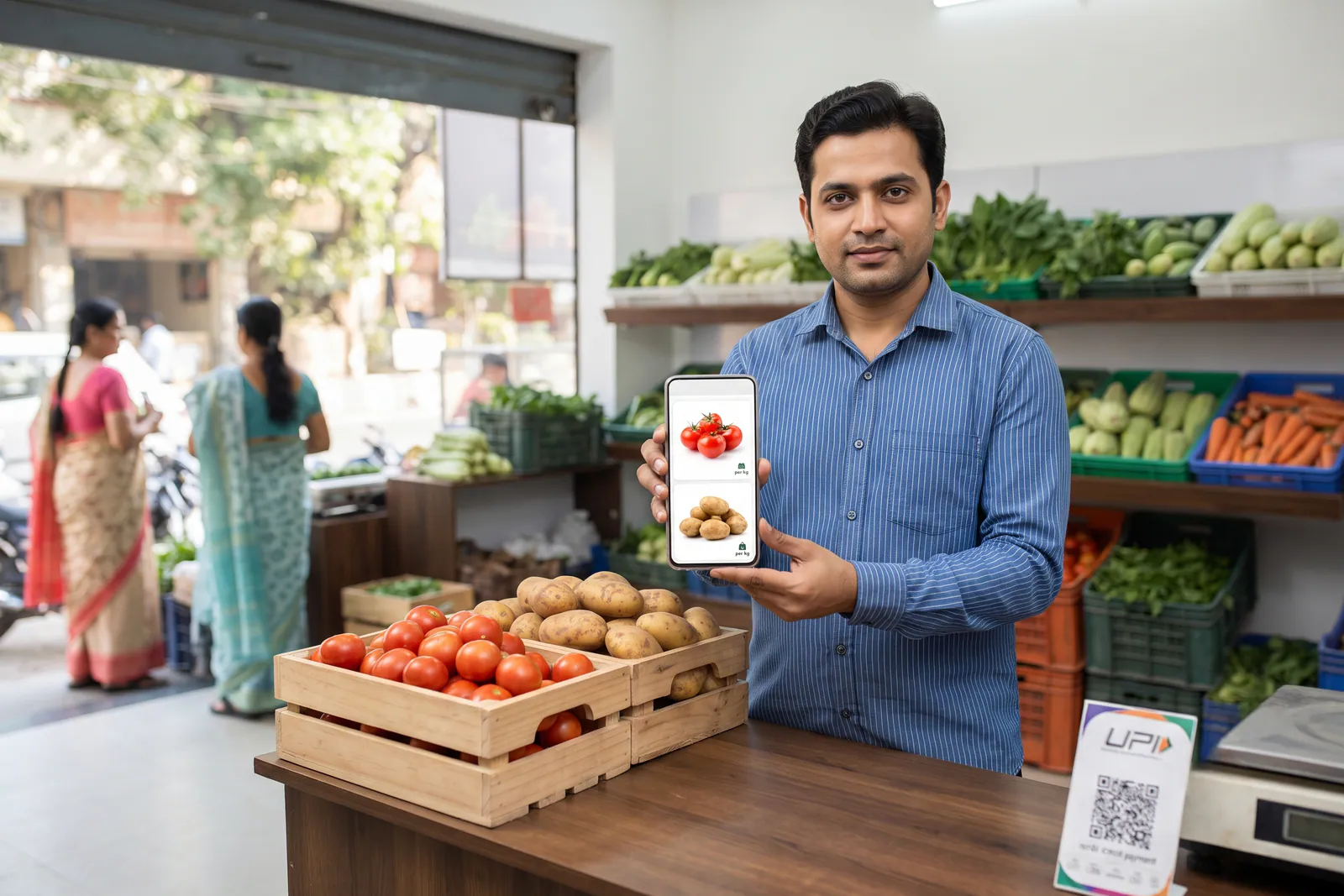
A complete catalogue means little if your shop profile lacks basic operational details. Customers need to know when you open, whether you offer pickup or your own delivery, and the service area the shop can keep. How it works shows where that choice appears before confirm.
When you establish your digital storefront on VoLoMart, your shop identity remains front and centre. Maintaining accurate operating hours ensures that local residents only place orders when your shutter is up and your weighing scales are active.
What should you leave off your digital storefront?
Avoiding clutter on your storefront protects your daily operations from needless friction. Leave out seasonal items that are out of stock for the season, downloaded stock photos that do not match your actual produce quality, and outdated price lists from previous weeks.
How do you structure your daily storefront checklist?
Reviewing your digital presence every morning takes only a few minutes but saves hours of coordination. Use the checklist below to verify that your shop is ready for incoming neighbourhood orders before peak morning hours begin.
| Storefront Element | Why the Customer Needs It | Update Frequency |
|---|---|---|
| Shop Opening Hours | Knows when orders are packed and dispatched | Weekly or as timings change |
| Daily Sabzi Catalogue | Sees exact fresh produce available right now | Every morning before opening |
| Unit and Counter Price | Calculates total cart cost without surprises | Whenever mandi wholesale rates shift |
| Fulfilment Mode | Chooses between home drop and shop pickup | Set once, update if delivery hours change |
When does a tidy vegetable listing still fail?
Even the best storefront cannot overcome stale inventory data. A complete-looking store that still displays yesterday's pricing or unavailable items creates immediate cancellations and frustrates hungry buyers. Photos help showcase quality, but clear units and honest counter prices do the heavy lifting.
Vendors maintain full control over their inventory, pricing, and fulfilment rules. Explore our features page to understand how local shops manage orders smoothly, or review our pricing details to see how subscription plans keep your business live without order commissions.
Also read How can a vegetable vendor build repeat customers in their local area?, Can local vegetable vendors compete with online grocery apps?, and How to sell vegetables online without building your own app.
Frequently asked questions
Do I need a photo for every vegetable in my shop?
Clear photos help customers recognise produce quality quickly, but you do not need professional studio shots. A clean photo of the actual sabzi crate in your shop works best.
What unit should I use when listing loose vegetables?
Always use standard retail units that match your weighing scale, such as kilograms, grams, or individual bunches for items like coriander and palak.
Should I list items that arrive tomorrow?
Only list produce that is currently present in your crates and ready for immediate packing to avoid customer disappointment and order cancellations.
Where does the customer see the delivery charge?
Delivery charges, if applicable, are shown clearly at checkout before the customer confirms their order based on the shop's own service rules.
Can I hide a line that sold out by noon?
Yes, you can easily update your availability status directly from the VoLoMart app whenever an item runs out of stock.
List your neighbourhood shop on VoLoMart
Sign up with the VoLoMart app. Start with a 7-day trial, then choose a monthly or yearly plan.
Get the app to registerRelated articles
6 min read