Published September 26, 2026 in How To
How to add products online when you have hundreds of items in your shop

By Khevna Dodia
6 min read

TL;DR
- List bestsellers and repeat staples first before tackling long-tail inventory.
- Organise items by clear units such as 1 kg, 500 g, or individual pieces.
- Keep the digital storefront honest by updating prices and hiding unavailable stock.
When a shop has hundreds of items, add products online in batches, starting with what nearby customers already ask for, using clear names, units, prices, and photos, then expand the catalogue week by week.
Taking a traditional neighbourhood store online often feels daunting when your shelves hold hundreds of distinct items. Whether you run a bustling kirana grocery point, a stationary stop, or a pooja needs counter, photographing every single SKU at once is impractical. This guide is for shopkeepers who want to bring their inventory online methodically without letting administrative tasks disrupt daily counter sales.
How do you start when you have hundreds of products?
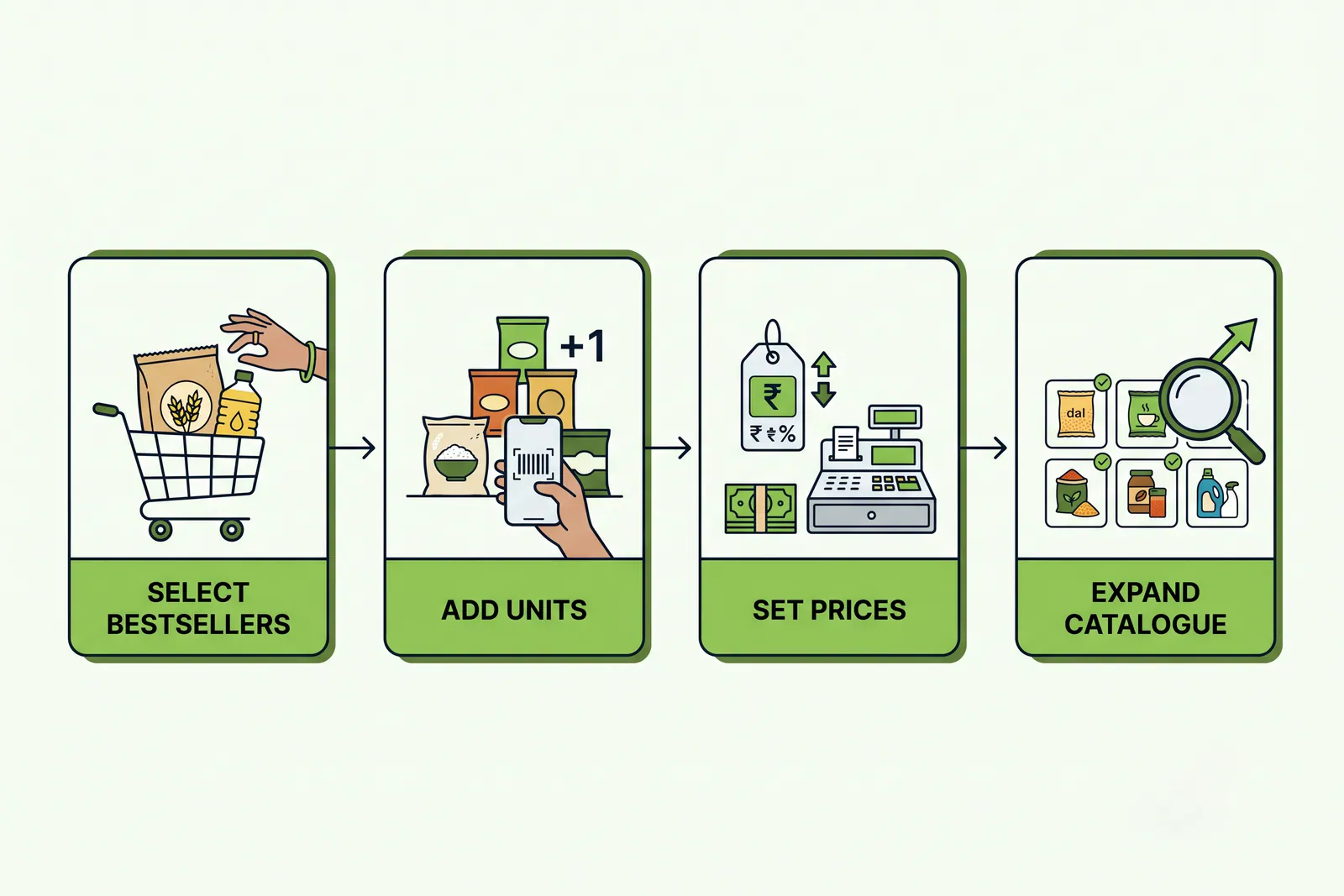
When you need to add products online with a massive inventory, the secret is batching rather than trying to finish everything in one afternoon. Start by grouping your merchandise into logical categories. By focusing on high-turnover items first, your digital storefront becomes functional for nearby buyers almost immediately while you slowly fill in the remaining shelves.
- Bestsellers first: List the items that leave your counter every single day, such as milk, rice, pulses, or popular notebooks.
- Seasonal specials: Add festival or weather-specific goods when demand peaks in your neighbourhood.
- Long tail items: Gradually input specialty items, niche variants, and slow-moving goods over subsequent weeks.
Why should you batch your catalogue by category?
Managing digital stock becomes manageable when aligned with how customers actually browse. For example, if you manage a Grocery Spot, start with staple grains and cooking oils before moving to packaged snacks. Similarly, a Book & Stationery merchant should list notebooks and pens before niche art supplies.
| Phase | What to list first | Operational focus |
|---|---|---|
| Phase 1 | Daily bestsellers and top staples | Get live quickly with core revenue drivers |
| Phase 2 | Frequently requested branded goods | Capture complete shopping lists from buyers |
| Phase 3 | Seasonal, gift, and niche items | Round out the digital shelves over time |
How should you name and unit your items clearly?
Clear naming prevents customer confusion and reduces phone calls asking for clarification. When you add items through the VoLoMart app, include the brand name, exact variant, and package unit in the title. Instead of listing an ambiguous item name, specify precise measurements like 1 kg, 500 g, 1 packet, or individual pieces.
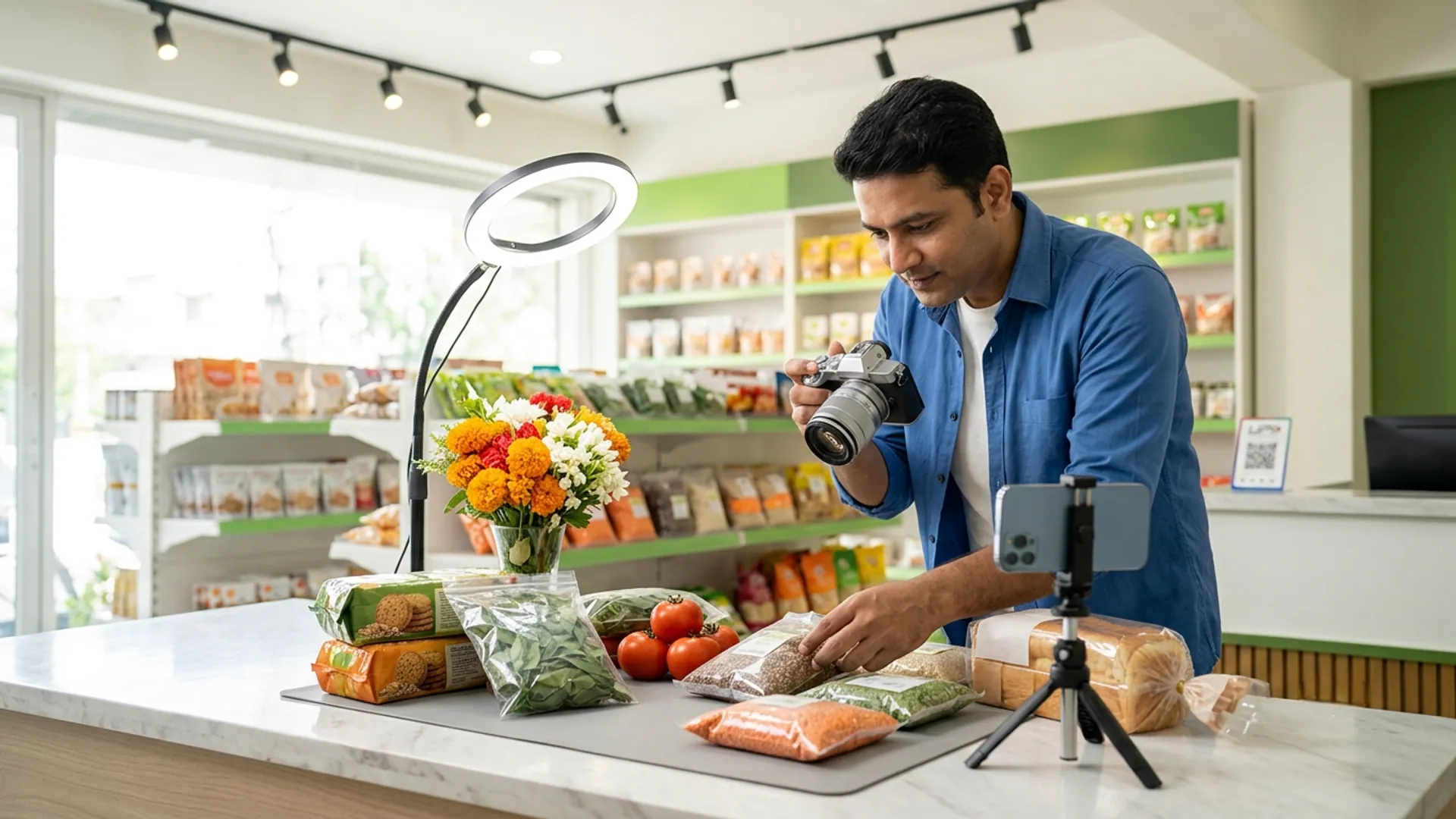
Pair each listing with a clean, well-lit photo showing the actual product packaging. Good digital hygiene ensures that buyers browsing your for-vendors setup recognise the exact item they expect to receive at their doorstep through vendor-managed delivery.
How do you keep a large digital catalogue honest?
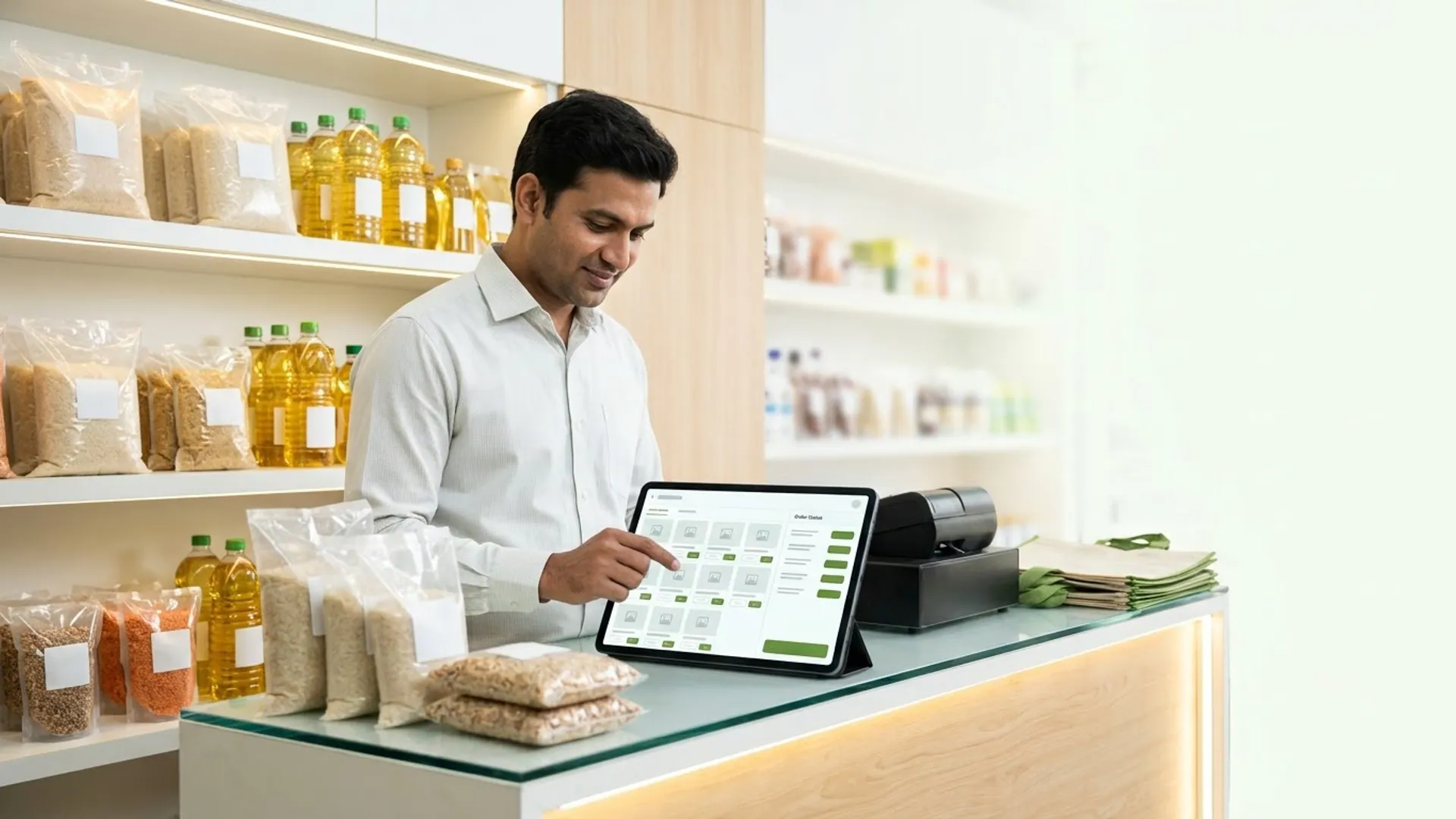
A massive online inventory requires regular maintenance to prevent customer frustration. If an item sells out at your physical counter, toggle its availability status immediately in your app. Keeping your prices updated ensures that your online customers see the exact rates charged at your physical checkout counter.
As noted in guidelines by the Ministry of Micro, Small and Medium Enterprises, transparent digital record-keeping helps small enterprises build lasting trust with local buyers. When you maintain accurate stock levels, you reduce cancellations and build a reliable reputation in your neighbourhood.

Growing your neighbourhood business step by step
Taking hundreds of items online is a journey best approached one shelf at a time. By focusing on your core bestsellers first, maintaining honest pricing, and updating your inventory regularly, you create a seamless experience for nearby customers. Explore how it works to see how local businesses connect with their community.
Ready to bring your local shop online without commission fees? Register your business and start building your digital presence today. Check our pricing details to learn more about our simple subscription model after your trial.
Frequently asked questions
Do I have to list every item before going live?
No, you do not need to list your entire inventory on day one. You can start by adding your fastest-moving staples and expand your catalogue gradually over time.
What unit should I use when listing items?
Always use clear and standard units that customers recognise, such as 1 kg, 500 g, 1 packet, or piece, so buyers do not have to call to clarify sizes.
How often should I update prices in the app?
You should update your prices whenever your counter rates change. Keeping your digital prices aligned with your physical shelf prevents order discrepancies.
Can I hide an item that is temporarily out of stock?
Yes, you can easily toggle items as unavailable from your vendor settings so customers only order what is currently sitting on your shelves.
Does a large catalogue cost extra on the platform?
No, listing hundreds of items does not incur extra charges. The platform operates on a simple subscription model after your trial, and the shop keeps the order value.
List your neighbourhood shop on VoLoMart
Sign up with the VoLoMart app. Start with a 7-day trial, then choose a monthly or yearly plan.
Get the app to registerRelated articles

6 min read