Published September 26, 2026 in How To
How to manage online orders and walk-in customers from one shop

By Khevna Dodia
6 min read
TL;DR
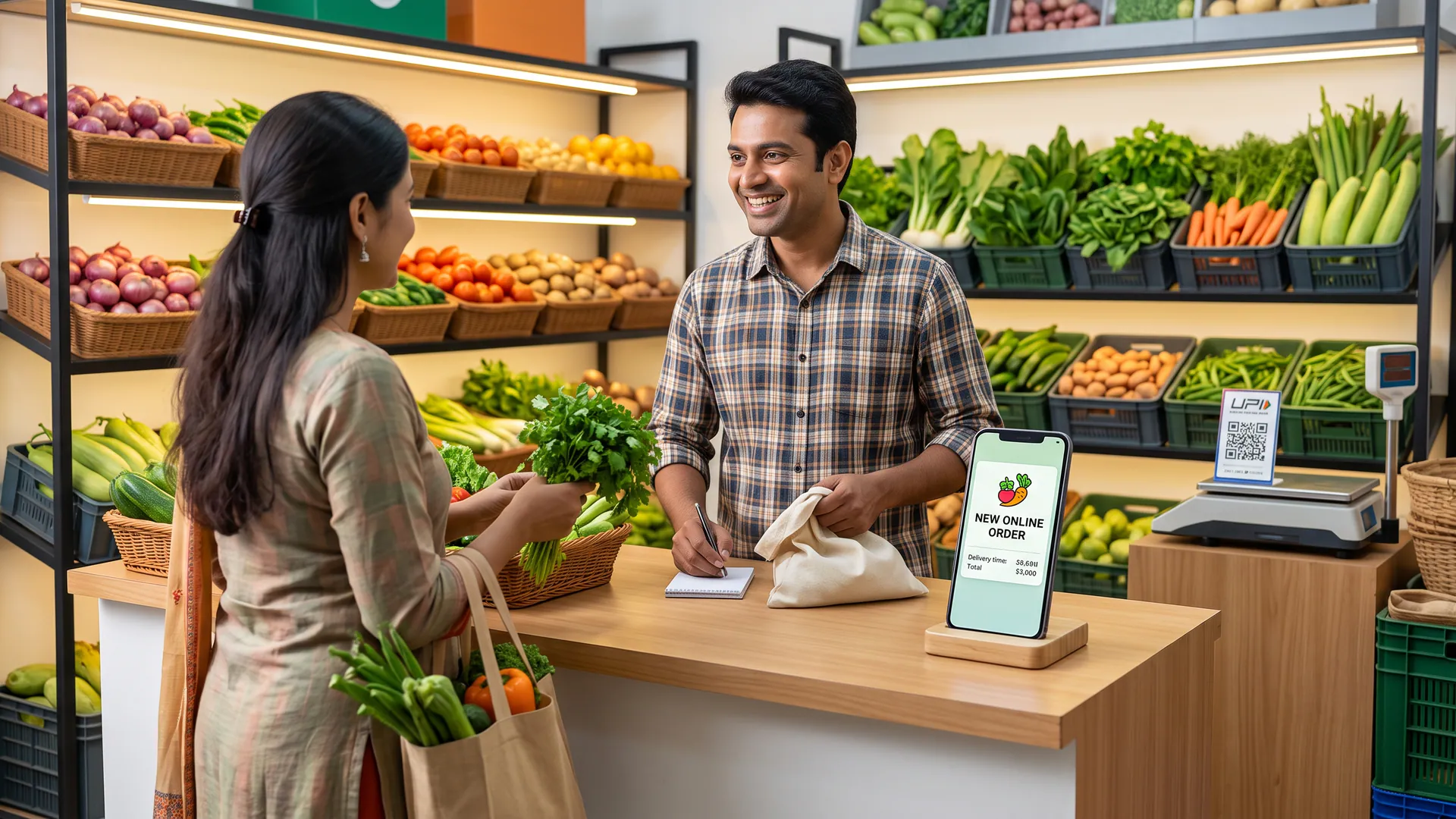
- Keep phone notifications active for incoming structured orders while serving counter traffic.
- Pack online orders in short, structured batches between walk-in rushes to maintain accuracy.
- Update catalogue availability immediately when items sell out over the counter.
Manage online orders and walk-in customers from one shop by keeping one order list on the phone, packing paid or confirmed online orders in clear batches, and serving the counter from the same stock and prices.
Running a neighbourhood retail business means your attention is constantly divided between people standing right at your counter and alerts arriving on your screen. When digital orders start joining traditional foot traffic, managing both workflows requires a steady rhythm rather than complex software. This guide is for owner-operated grocery, bakery, mithai, and pooja stores looking to streamline daily operations without losing their personal touch.
How do you balance walk-in customers and digital orders?
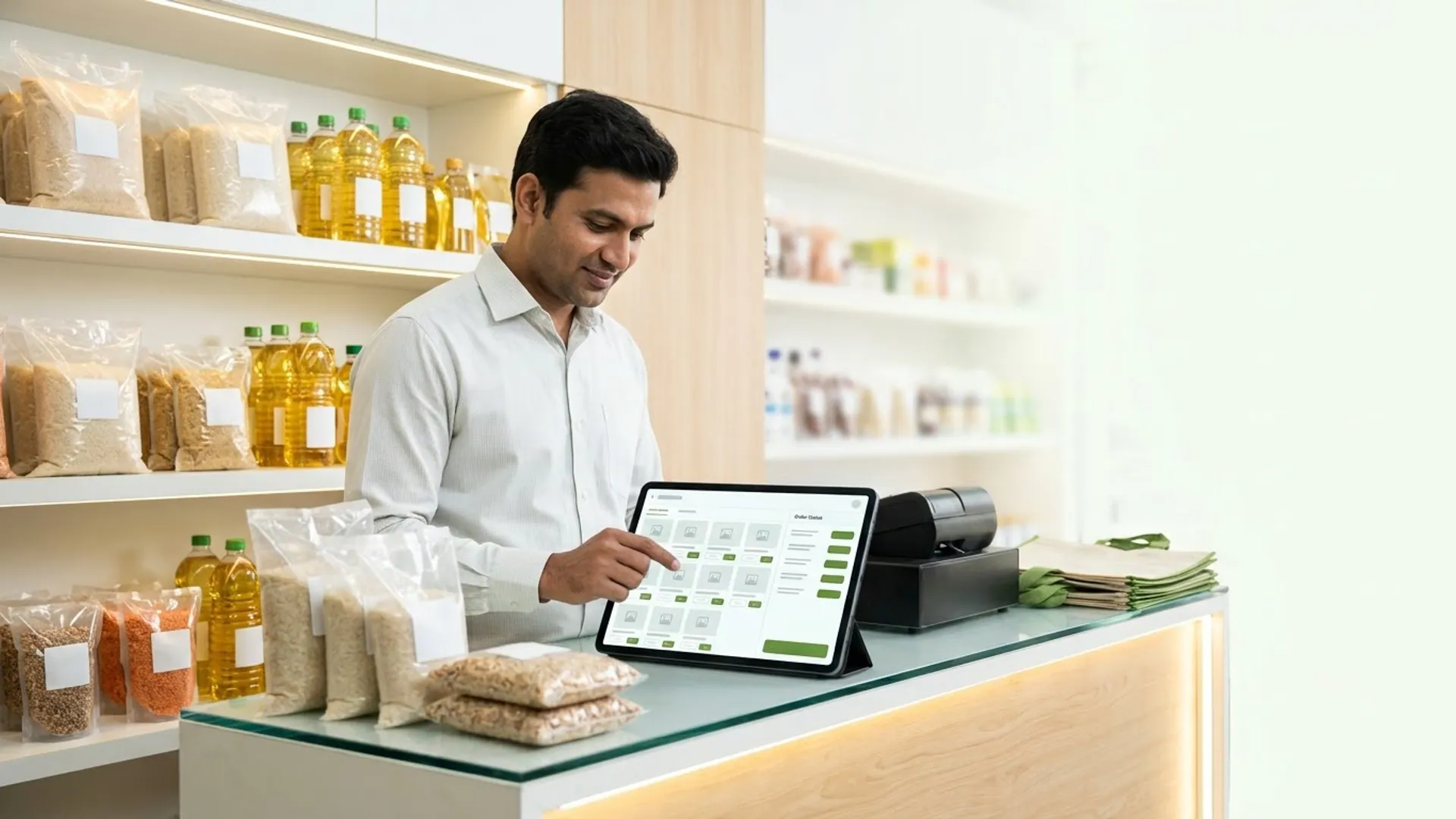
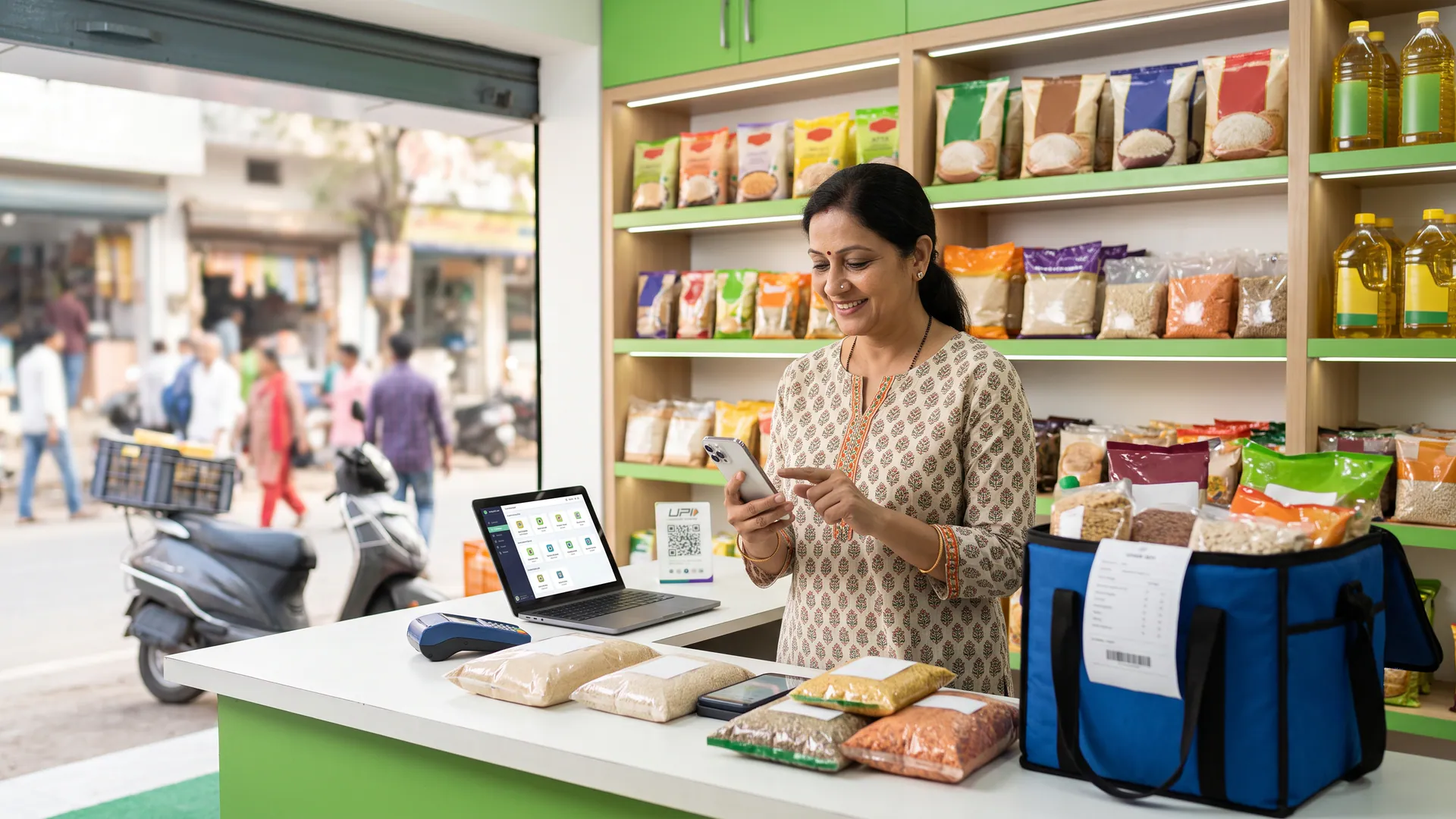
Balancing counter sales and digital requests starts with treating your phone as another register rather than a distraction. Instead of jumping between messy messaging threads, you can view structured incoming orders in one place through the VoLoMart app. According to the Ministry of Micro, Small and Medium Enterprises, adopting digital tools helps small businesses organise daily transactions efficiently while keeping local buyers connected.
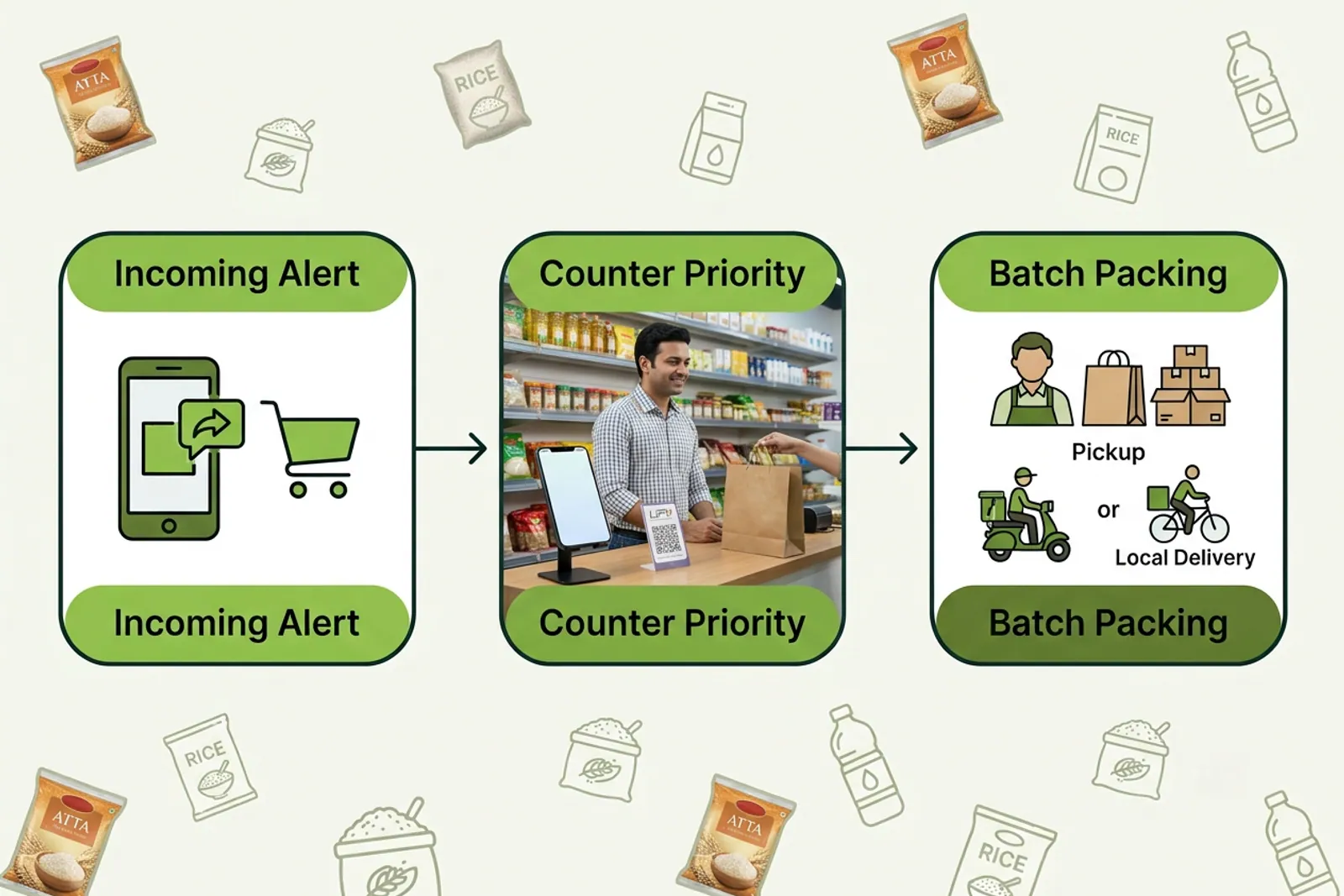
- Keep your phone placed in a dedicated spot near the billing counter so notification alerts are clearly audible.
- Acknowledge new digital orders with a quick tap while finishing your current counter interaction.
- Group online packaging into short intervals between peak walk-in rushes to keep your workflow smooth.
Why is stock honesty critical for single-counter shops?
Your physical shelves and your digital catalogue must tell the exact same story. If a walk-in customer purchases the final box of mithai or the last packet of spices from the shelf, you should update your inventory in the app before the next buyer places an order. Maintaining accurate stock prevents order cancellations and builds long-term trust in your neighbourhood marketplace.
What is the best workflow during peak festival hours?
Festival seasons bring a surge in both foot traffic and digital requests for items like Grocery Spot essentials and Bakery & Biscuits treats. Having a predictable routine ensures that neither channel gets neglected. You can learn more about how neighbourhood commerce works by exploring our how it works guide.
| Moment at the Counter | Walk-in Customers | Online Order |
|---|---|---|
| Incoming customer | Greet directly and understand immediate requirements | Glance at notification alert on the phone screen |
| Stock verification | Check physical shelf in real time | Confirm availability against live catalogue items |
| Fulfilment | Hand over packed goods across the counter | Prepare for pickup or vendor-managed delivery |
How do pickup and vendor delivery fit your daily routine?
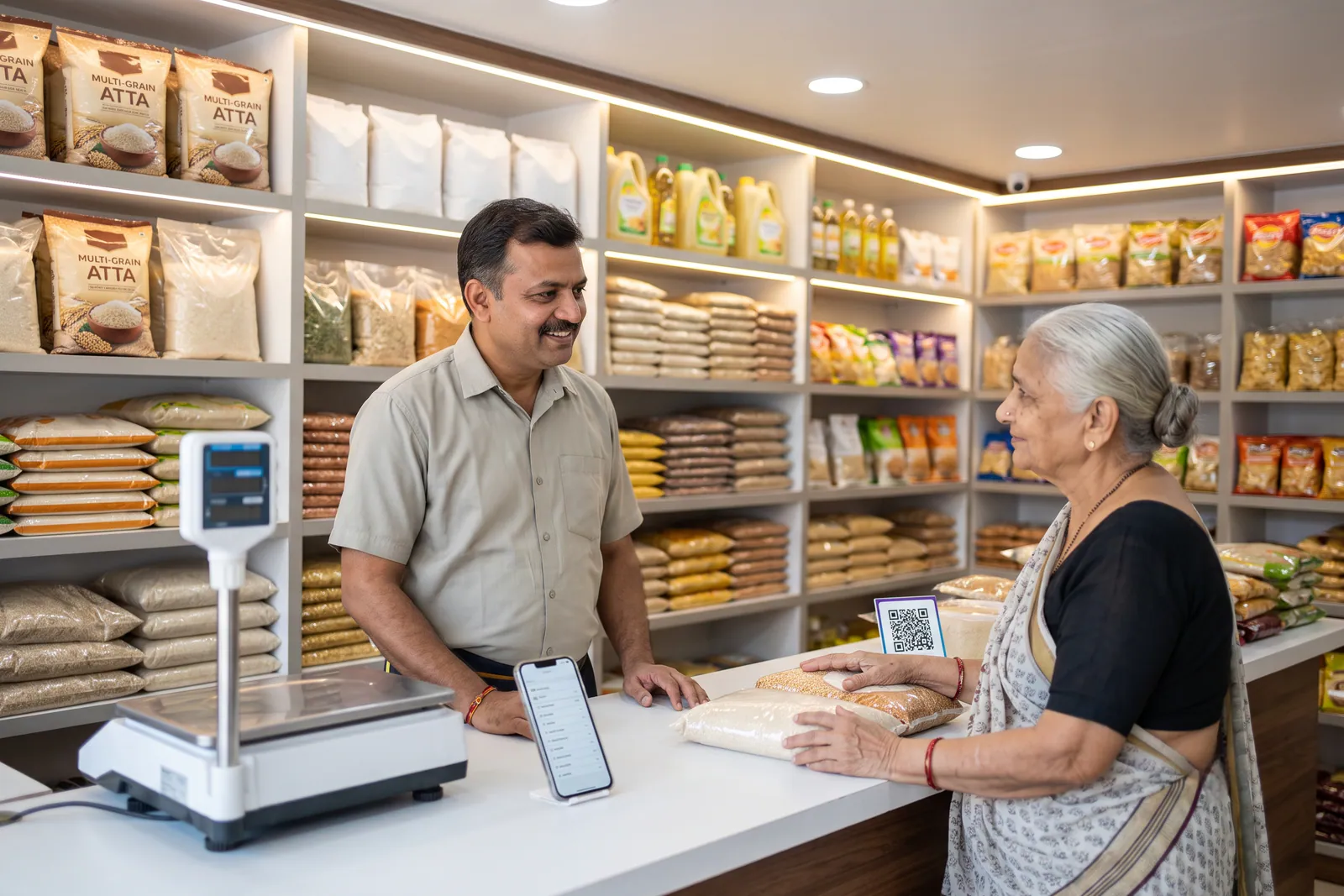
Every neighbourhood shop has its own capacity for delivery and customer pickup. Depending on your setup, you can offer counter pickup or manage local deliveries within your preferred radius. Customers can easily check their purchase status under My Orders, reducing follow-up calls and letting you focus on running your business. Visit our features page to see all available tools designed for local merchants.
How can you grow your neighbourhood store online today?
Taking your local shop online does not require changing how you interact with your regular buyers. By keeping your catalogue updated and handling structured orders right from your counter phone, you can reach more families in your neighbourhood. Explore the pricing details to see how simple subscription plans help your store stay live without any commission deductions.
Frequently asked questions
Do online orders replace walk-in customers?
Online orders do not replace walk-in customers; they act as an additional revenue channel alongside your traditional counter sales. Both streams draw from the same physical inventory in your neighbourhood shop.
How do I avoid double-selling the last packet?
You can avoid double-selling by updating your digital catalogue immediately when an item sells out over the counter. Keeping your stock levels synced prevents online buyers from ordering items that are no longer on your shelf.
Can I pause delivery during a rush?
Yes, you can control your shop settings directly from the VoLoMart app to adjust pickup and delivery availability whenever your counter experiences a heavy rush.
Do I need extra staff logins?
You do not need extra staff logins because the shopkeeper manages all orders, inventory updates, and fulfilment settings through the single vendor role in the app.
Where does the customer track the order?
Customers can track the real-time status of their purchases directly under the My Orders section in the app once you accept and update the order.
List your neighbourhood shop on VoLoMart
Sign up with the VoLoMart app. Start with a 7-day trial, then choose a monthly or yearly plan.
Get the app to registerRelated articles
6 min read