Published November 4, 2026 in Vendor Playbook
Apni kirana dukaan online kaise shuru karein: simple guide

By VoLoMart Team
6 min read

TL;DR
- Register your neighbourhood shop on the single VoLoMart app without complex website setups.
- List everyday grocery essentials in your digital catalogue to reach nearby shoppers.
- Manage orders directly and fulfil them through your own delivery or pickup options.
To answer kirana dukaan online kaise shuru karein, shop owners can download the VoLoMart app on their smartphone, register their neighbourhood shop profile, and upload their everyday grocery catalogue to start receiving orders directly from nearby customers.
Taking your neighbourhood shop online is no longer reserved for large retail chains. With the rapid digitisation of retail and widespread digital payment adoption across India, local shopkeepers can easily bring their storefronts to nearby residents. This guide is for kirana owners who want a straightforward way to modernise operations, connect with local buyers, and manage digital orders efficiently.
Why should local kirana stores go online?
Modern shoppers increasingly expect the convenience of browsing store inventories from home before visiting or placing an order. When you figure out kirana dukaan online kaise shuru karein, you open up new avenues for nearby discovery without losing the personal touch of your physical neighbourhood store. Retailers can also reference official MSME registration guidelines to formalise their business operations as they expand digitally.
- Expanded reach: Connect with households in your immediate neighbourhood who prefer checking stock availability digitally.
- Clear orders: Receive structured product requests instead of messy chat messages or voice notes.
- Inventory control: Update your daily grocery catalogue easily to reflect fresh stock and seasonal items.
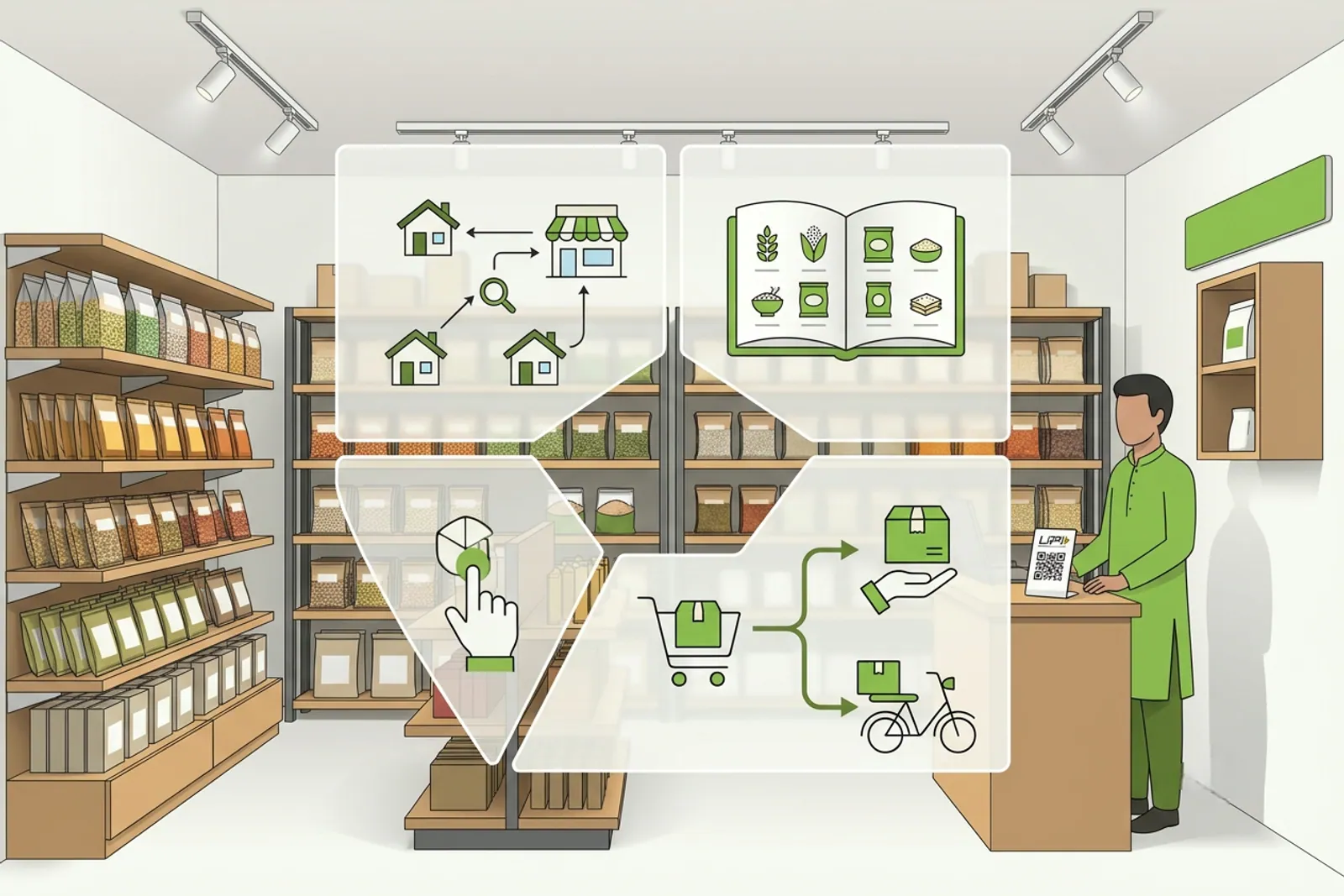
How do you set up your shop on VoLoMart?
Getting started is designed to be completely mobile-first and free of complicated paperwork. You can sign up directly through the VoLoMart app to establish your presence. The platform allows you to operate as a vendor, manage your catalogue, and handle orders seamlessly from one place.
| Operational Area | Traditional Shop | Online Neighbourhood Store |
|---|---|---|
| Customer Discovery | Walk-ins and word of mouth | Nearby discovery via the app |
| Order Management | Verbal requests or phone calls | Structured digital order lists |
| Fulfilment | Manual counter packing | Seller-managed delivery or pickup |
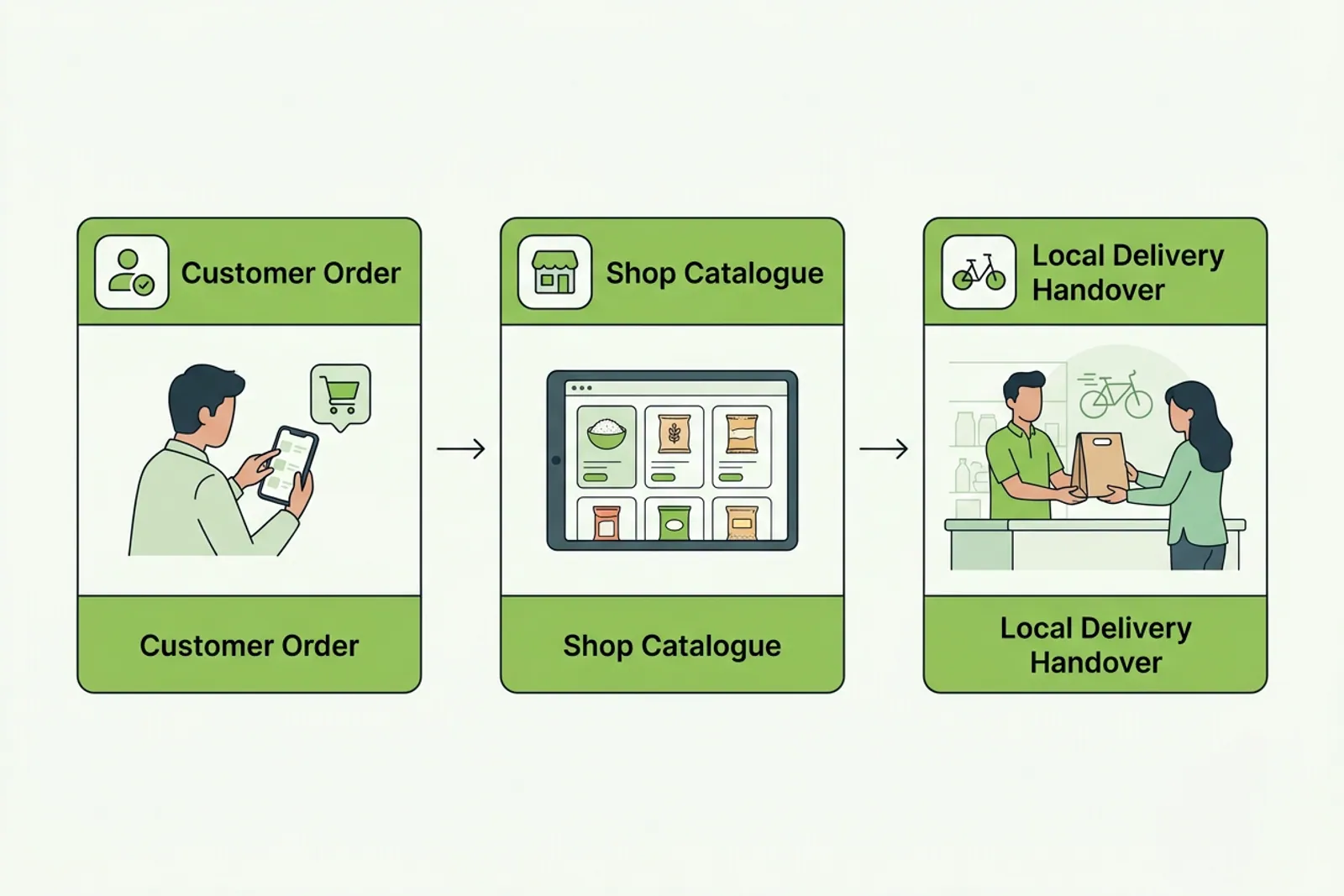
What steps are involved in kirana dukaan online kaise shuru karein?
The entire process focuses on operational simplicity so you can start serving your regular patrons digitally within minutes. Here is how you can set up your store workflow:
- Download the app: Install the single VoLoMart application on your smartphone to register your shop profile.
- Build your catalogue: Add your everyday grocery items, cooking essentials, and household goods with clear descriptions.
- Define your service area: Set the neighbourhood boundaries and delivery preferences that suit your store capacity.
How does pricing and order fulfilment work?
Understanding the cost structure and delivery model helps you run your digital shop with confidence. New vendors enjoy a trial period to test the platform features. For details on long-term operations, check the pricing page to understand subscription options. Importantly, VoLoMart does not charge a commission on order value, ensuring the seller keeps the order value.
Fulfilment is entirely in your hands. You can handle handovers yourself or add a delivery partner within the app to manage dispatches within your service area. For broader retail insights, you can also explore vendor playbooks such as how kiranas can keep their grocery customers when they go online to refine your local strategy.
Growing your neighbourhood retail business successfully
Mastering kirana dukaan online kaise shuru karein is just the beginning of your digital growth journey. By maintaining an accurate catalogue, packing orders promptly, and nurturing relationships with nearby shoppers, your neighbourhood store can build lasting loyalty. Take the first step today by setting up your profile on VoLoMart and bringing your trusted shop online.
Also read How digital kiranas grow revenue after going online and How does Dukaan compare with VoLoMart for taking your local shop online?.
Frequently asked questions
What is needed to take a kirana shop online?
You only need a smartphone and the VoLoMart app to set up your shop profile, upload your product catalogue, and start connecting with nearby customers in your neighbourhood.
How do customers find my online kirana store?
Customers living in your vicinity use the app for nearby discovery, allowing them to browse your exact product selection and place orders for delivery or pickup.
Who manages the delivery of grocery orders?
Fulfilment is managed directly by you or through a delivery partner you add in the app, giving you complete control over your customer handovers and service areas.
Is there any commission charged on orders?
The seller keeps the entire order value. Staying live on the platform operates on a simple subscription model after your initial free trial.
List your neighbourhood shop on VoLoMart
Sign up with the VoLoMart app. Start with a 7-day trial, then choose a monthly or yearly plan.
Get the app to registerRelated articles
6 min read