Published October 23, 2026 in How To
Fruit shop inventory management: How to handle ripening and seasonal demand

By VoLoMart Team
6 min read
TL;DR
- Separate firm arrivals from soft, ready fruit on the counter.
- Match seasonal reordering to actual local footfall instead of piling stock.
- Update your digital catalogue daily so customers see fresh choices.
Fruit shop inventory management means keeping ready-to-eat fruit apart from fruit that still needs to ripen, and buying seasonal fruit only in the quantity the shop can sell while it is good.
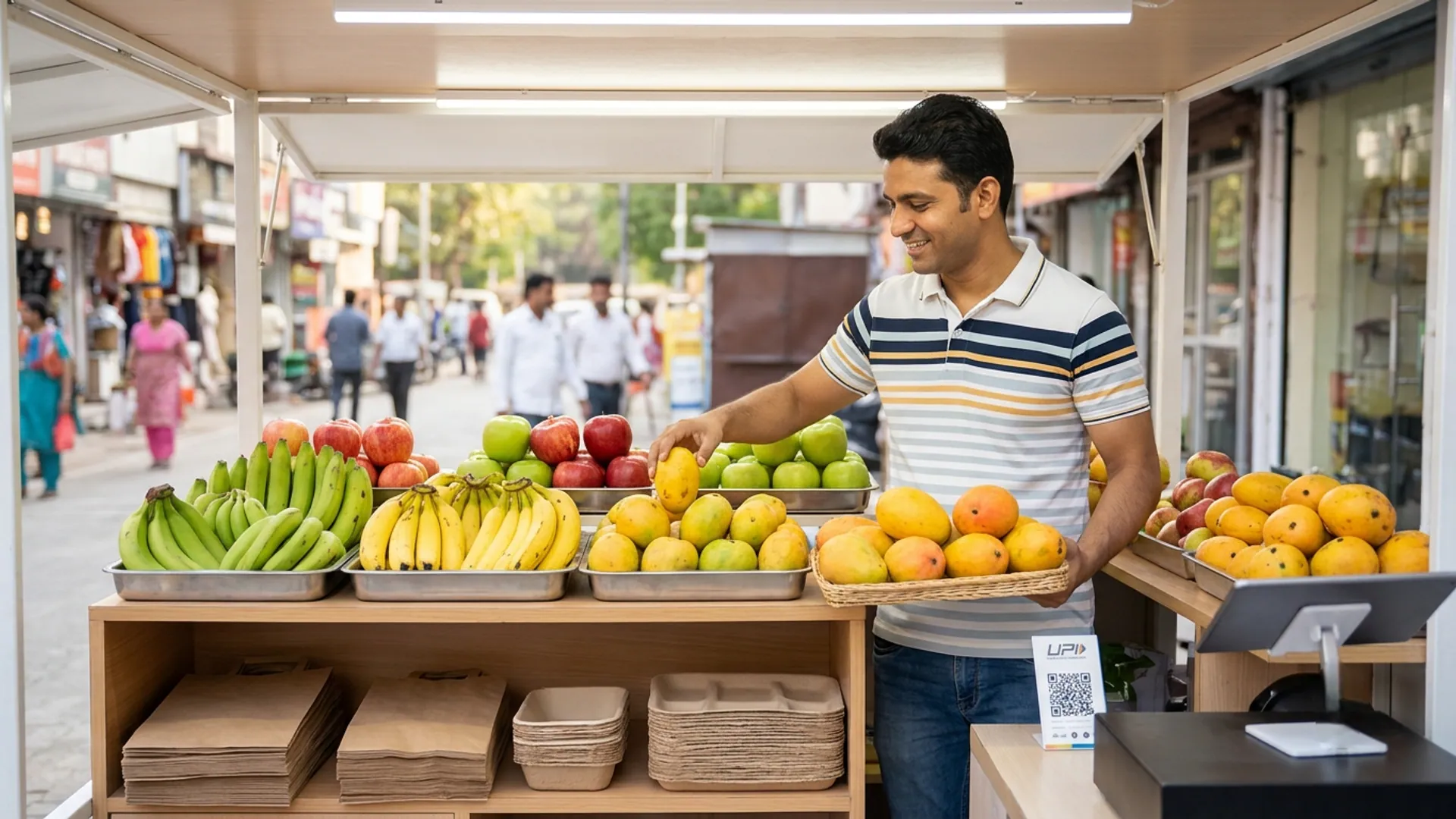
Running a neighbourhood fruit stall requires a careful balance between what is ready to eat right now and what needs a couple of days to soften. Good fruit shop inventory management prevents waste and keeps your regular buyers happy with every visit. This guide is for fruit sellers who want to handle ripening cycles and short seasonal windows without losing margin to spoilage.
Why does fruit shop inventory management start with separation?
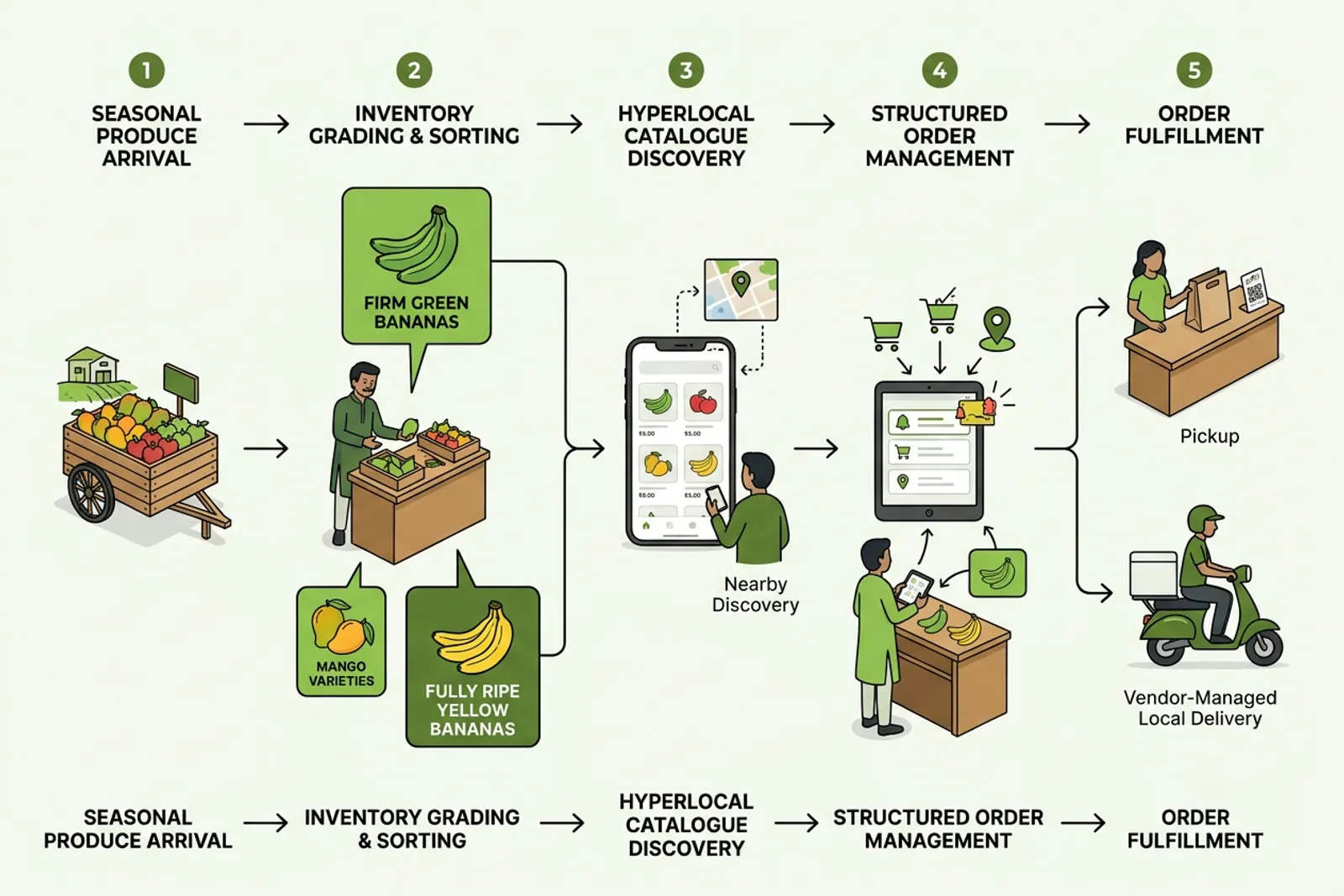
Fruit shop inventory management begins the moment crates arrive at your shop door. Bananas, mangoes, and papayas continue to ripen after delivery, which means they cannot share a single deep container with delicate berries or firm citrus. Keeping unripe stock separate ensures you never serve overripe produce to customers who expect freshness.
- Sort incoming crates immediately into firm storage and front counter trays.
- Check the Department of Food Safety guidelines for general handling standards on FSSAI.
- Rotate older stock to the front so nothing gets buried at the bottom of the tray.
How do you manage seasonal demand shifts?
Seasonal fruit arrivals bring high volume, but they also bring the risk of sudden overstocking. When a seasonal fruit peak begins, you must gauge your neighbourhood demand rather than buying extra boxes just because the wholesale rate looks low. Once the lane slows down, scale back reorders quickly to avoid holding fruit past its prime.
| Fruit State | Where It Sits | Sell or Hold |
|---|---|---|
| Firm and unripe | Back storage or top shelf | Hold until natural softening begins |
| Ready to eat | Front display tray | Sell immediately to walk-ins and online orders |
| Past peak quality | Removed from counter | Clear out or compost daily |
What should you show customers on your digital catalogue?
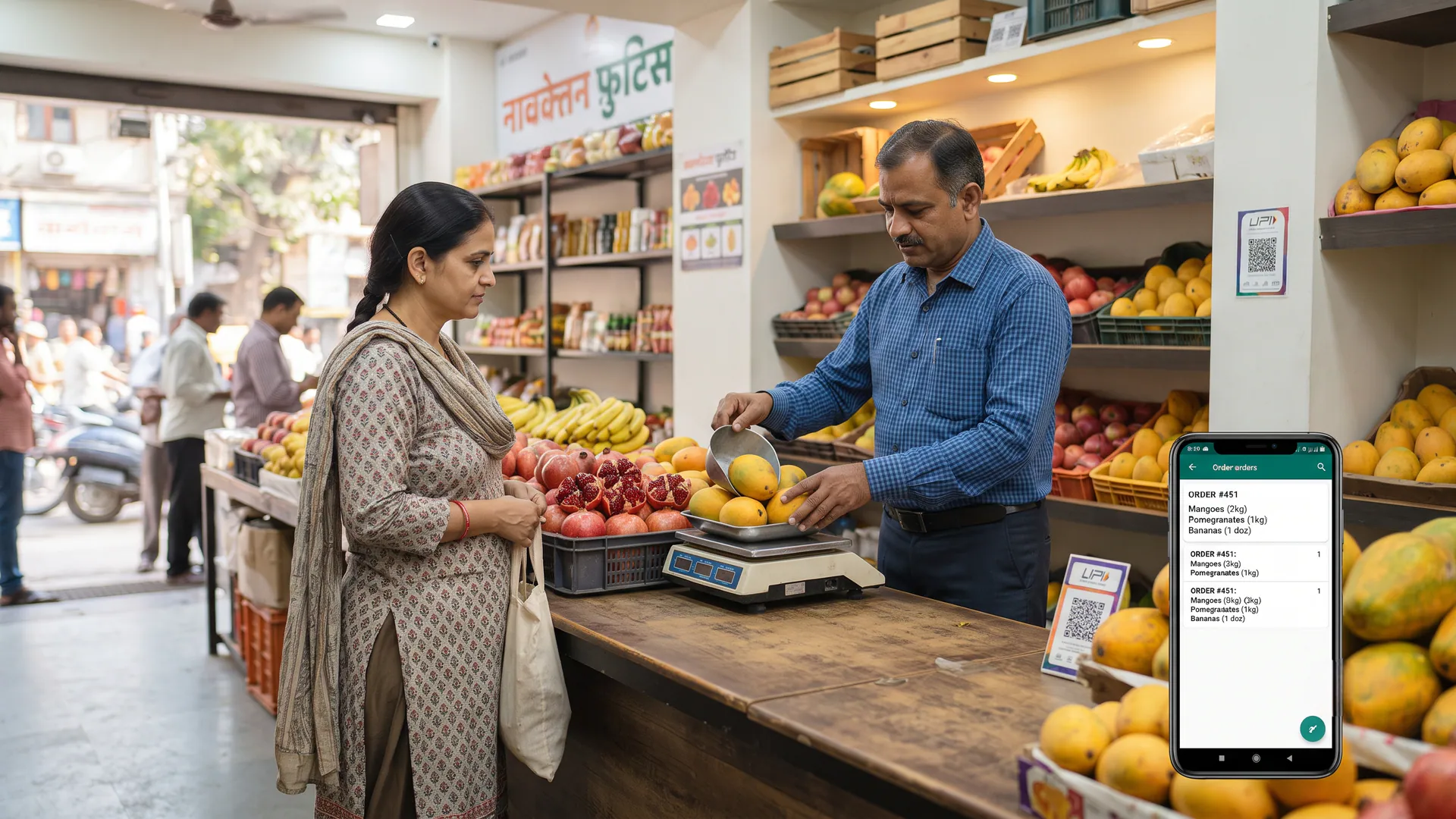
Your online storefront should reflect what is actually sitting on your counter right now. If a tray of ripe mangoes finishes by afternoon, update your digital catalogue for fruit and vegetable shops so online buyers do not place an order for items you can no longer fulfil. Clear unit sizing like per kilogram or per dozen builds trust with nearby buyers.
When you take your Fruit garden online via VoLoMart, you connect directly with buyers in your neighbourhood without changing how you run your daily counter. Vendors can check how it works and explore features designed for local shops. To understand how subscriptions work after your trial, check our pricing details.
What are the honest limits of daily produce stock?
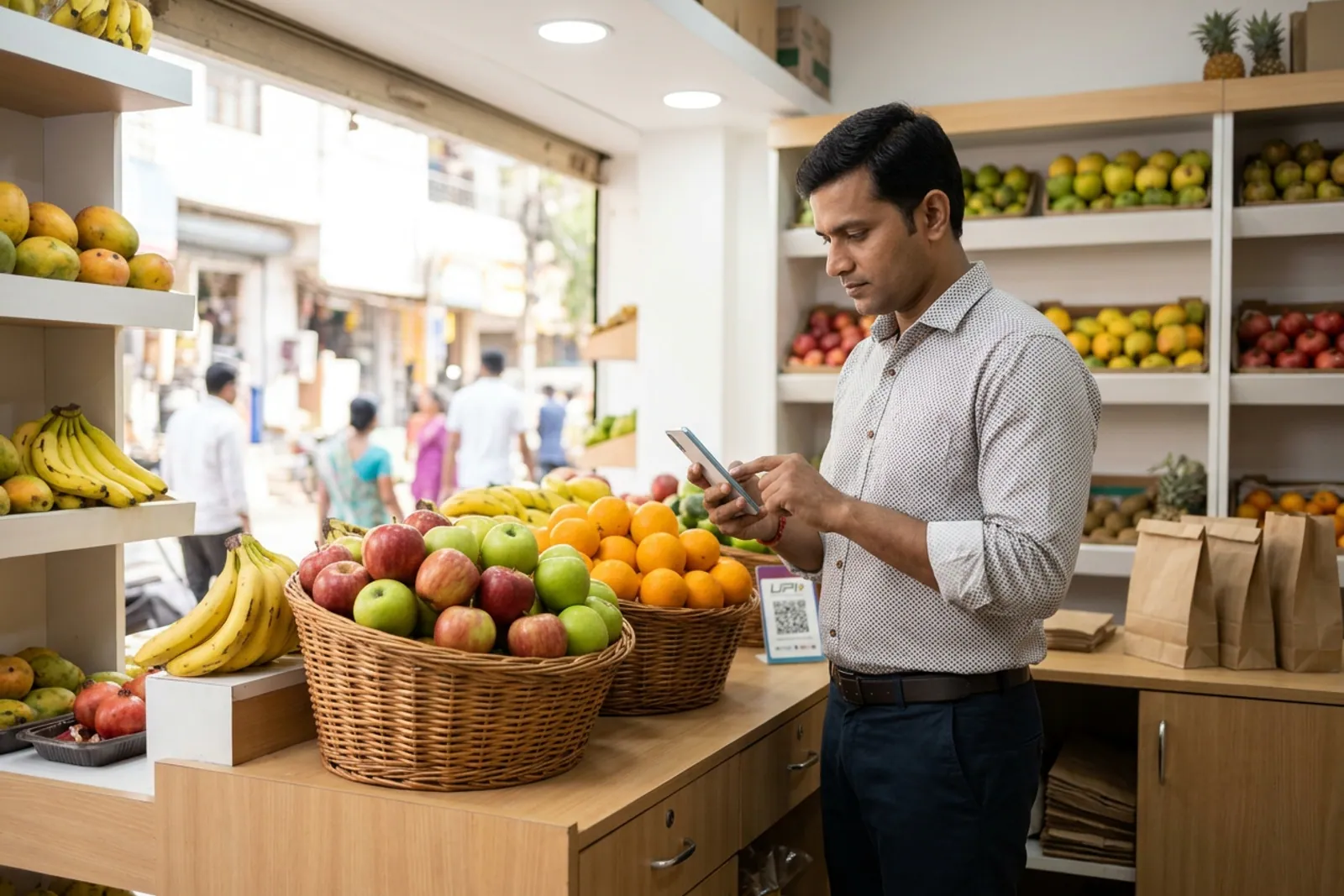
No software can pause natural ripening or turn bad weather into a good harvest day. Fruit inventory management is a daily physical check, not a set-and-forget computer task. You must inspect trays every morning, adjust quantities based on local weather, and ensure your for-vendors settings match your actual shop hours and delivery coverage.
Streamline your daily fruit counter operations today
Mastering your daily stock rotation helps you serve better fruit to every walk-in customer and online buyer in your area. Keep your display updated, respect the natural ripening timeline, and let neighbours discover your fresh produce online. Register your shop on the app today to start taking structured local orders.
Also read How to buy seasonal fruits for better quality and less waste, Can a fruit and vegetable shop sell online from the same store?, and How can a small fruit shop start taking digital orders without changing its daily business?.
Frequently asked questions
Should all fruit be kept in one pile?
No, mixing firm arrivals with soft fruit speeds up spoilage and bruises delicate items at the bottom.
How do I know a season is ending for my shop?
When daily enquiries drop and the incoming fruit box quality declines at the wholesale lane, it is time to wind down orders.
Can I list fruit I expect tomorrow?
It is best to update your catalogue only when the crates arrive and you verify their quality on the shop floor.
Who decides the box is no longer good to sell?
The shopkeeper inspects each crate daily during opening hours to ensure only top-grade produce reaches the counter.
Does a fruit listing track ripening?
Your digital catalogue reflects what is ready to sell today, while you manage ripening trays separately in the back.
List your neighbourhood shop on VoLoMart
Sign up with the VoLoMart app. Start with a 7-day trial, then choose a monthly or yearly plan.
Get the app to registerRelated articles
6 min read