Published October 23, 2026 in How To
How to prepare fruit and vegetable orders without mixing up items

By Prashant Dodia
6 min read
TL;DR
- Keep every household order on a separate itemised list without relying on memory.
- Separate heavy root vegetables from delicate fruit and leafy greens in independent bags.
- Check inventory and mark items unavailable before packing substitutions.
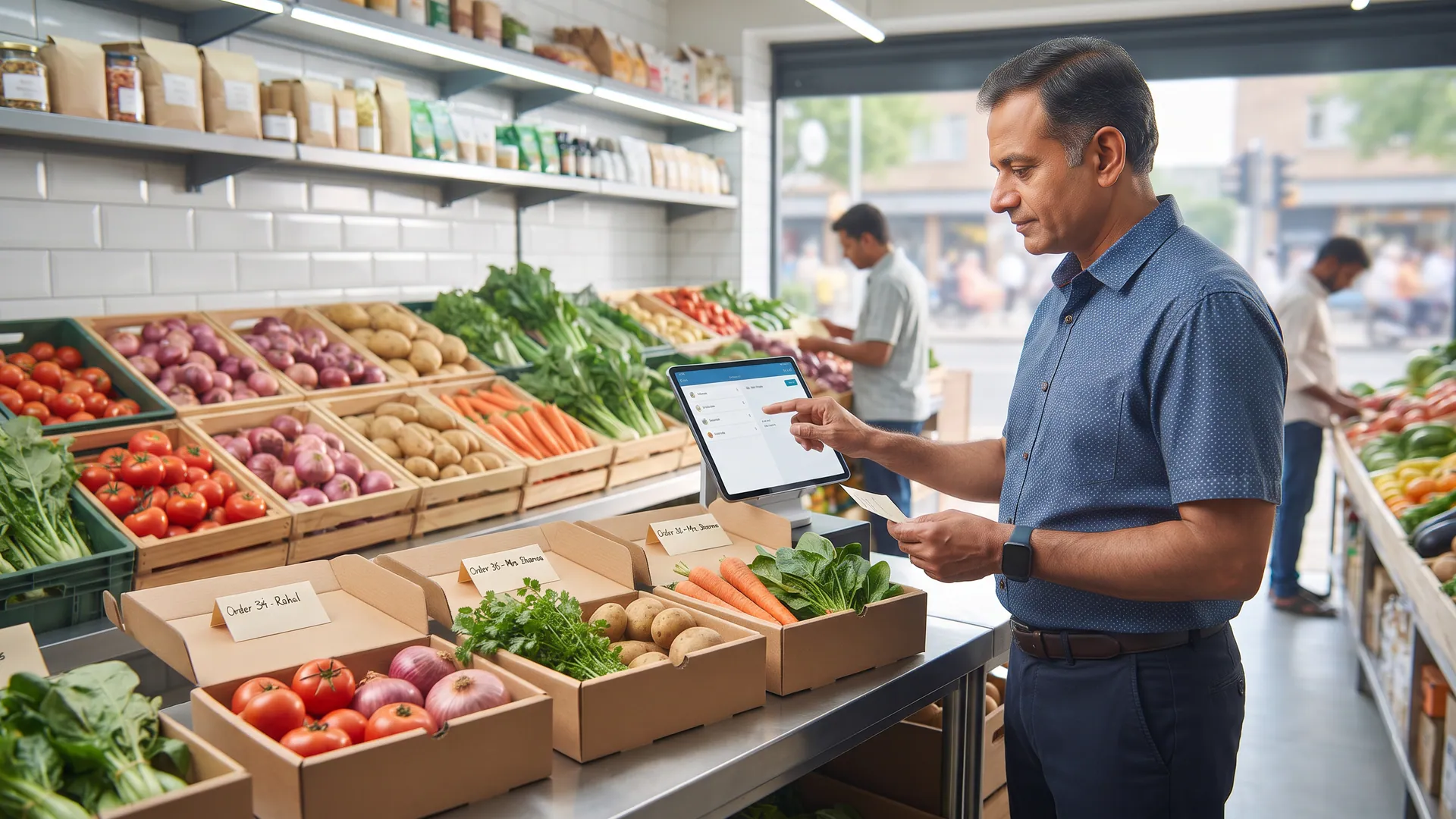
Prepare fruit and vegetable orders by giving each household its own list and its own bag, packing vegetables and fruit as separate groups, and checking the list before the bag is closed.
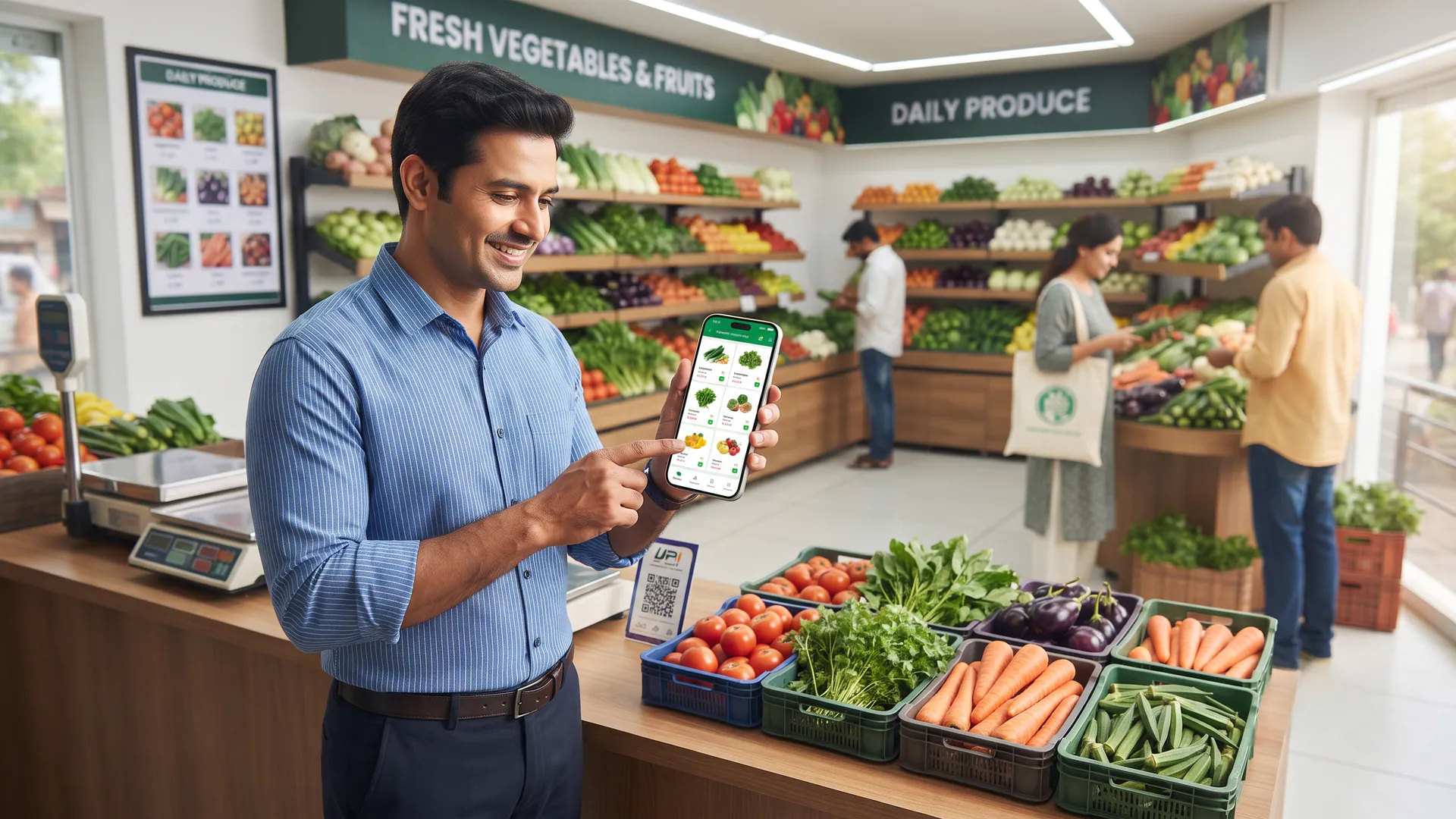
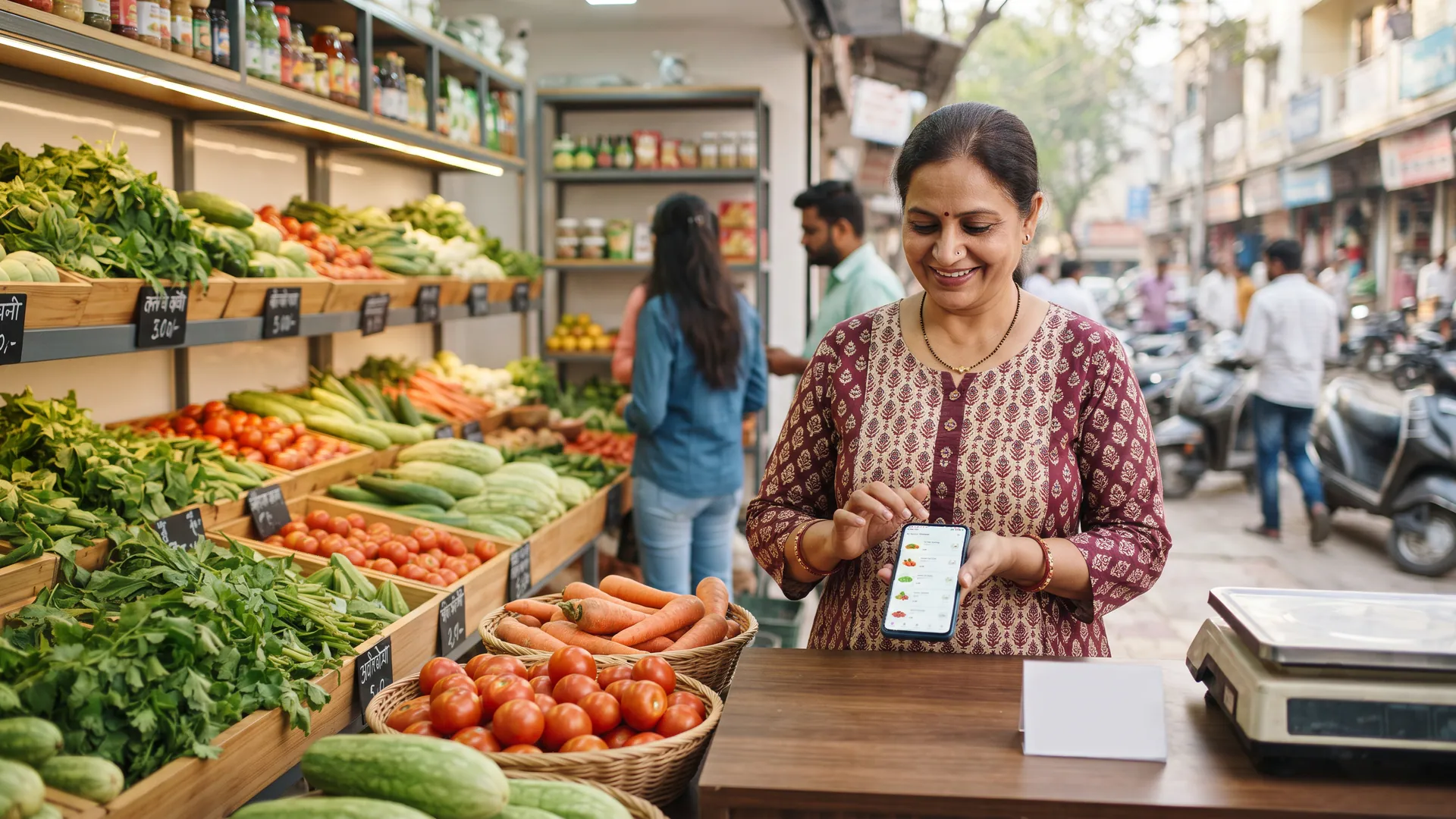
Managing daily fresh produce requires speed and precision, especially when multiple households place digital requests at the same time. This is for kirana and fresh produce owners who want to streamline their how-it-works workflow, eliminate counter confusion, and ensure every customer receives exactly what they requested.
Why do fruit and vegetable orders get mixed up during a rush?
A rush happens when walk-in customers and digital requests arrive simultaneously, leading to hurried handling. When shopkeepers pack from memory or handwritten scraps of paper instead of reading a structured screen, items easily swap between bags. Maintaining a strict one-order-one-bag rule keeps your neighbourhood service running smoothly without errors.
How do you use the itemised list correctly?
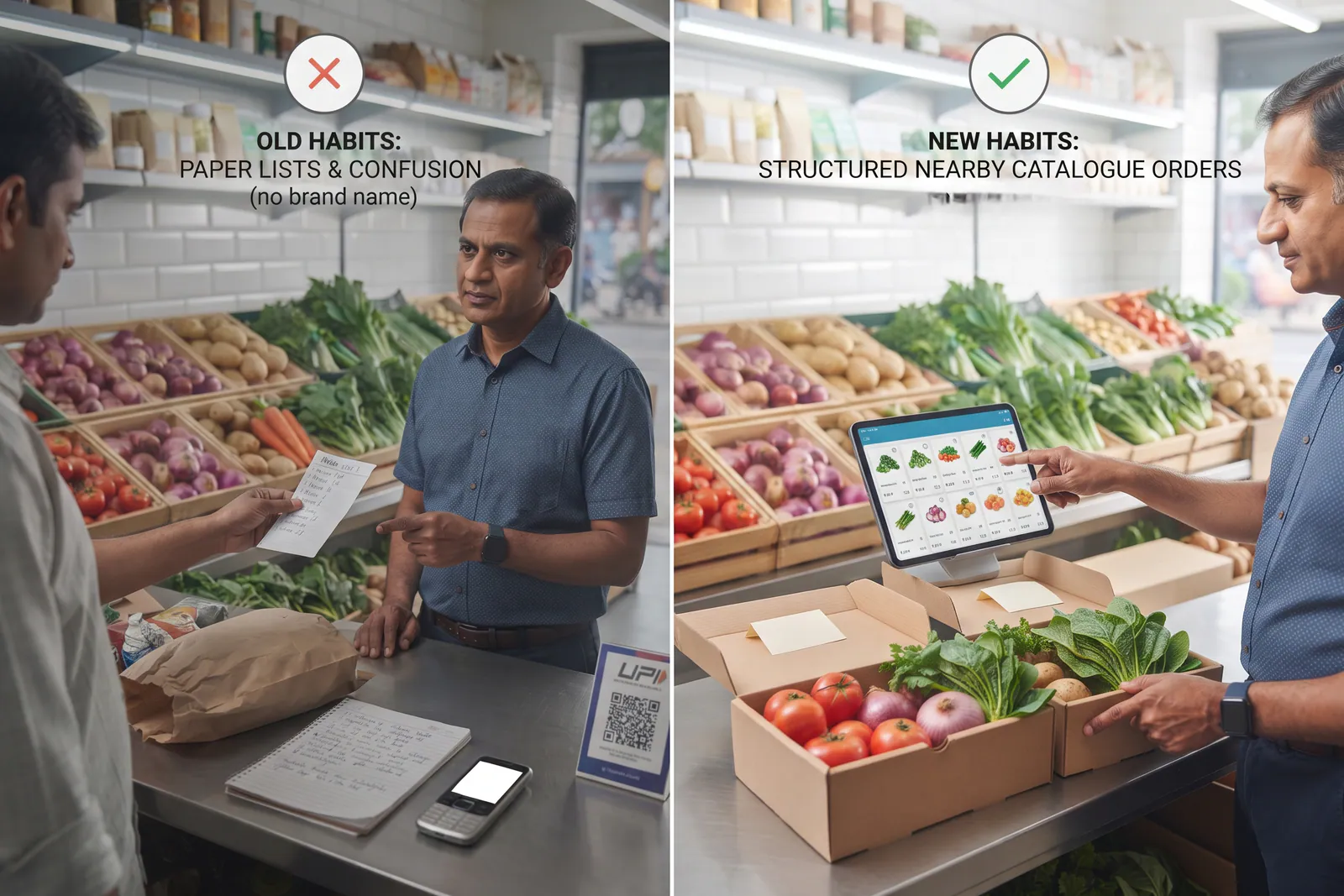
The foundation of accurate packing is the digital order slip. Read every line item from the screen rather than relying on quick glances or photo threads. According to guidelines by the Food Safety and Standards Authority of India, maintaining hygienic and traceable handling practices protects both perishable goods and consumer trust.
- Read the complete list: Go through every vegetable and fruit line before placing items on the scale.
- Keep lists attached: Place the printed or digital slip next to the weighing scale until the bag is sealed.
- Verify quantities: Double-check weights for loose produce like potatoes, tomatoes, and loose seasonal fruit.
What is the proper way to arrange items inside the bag?
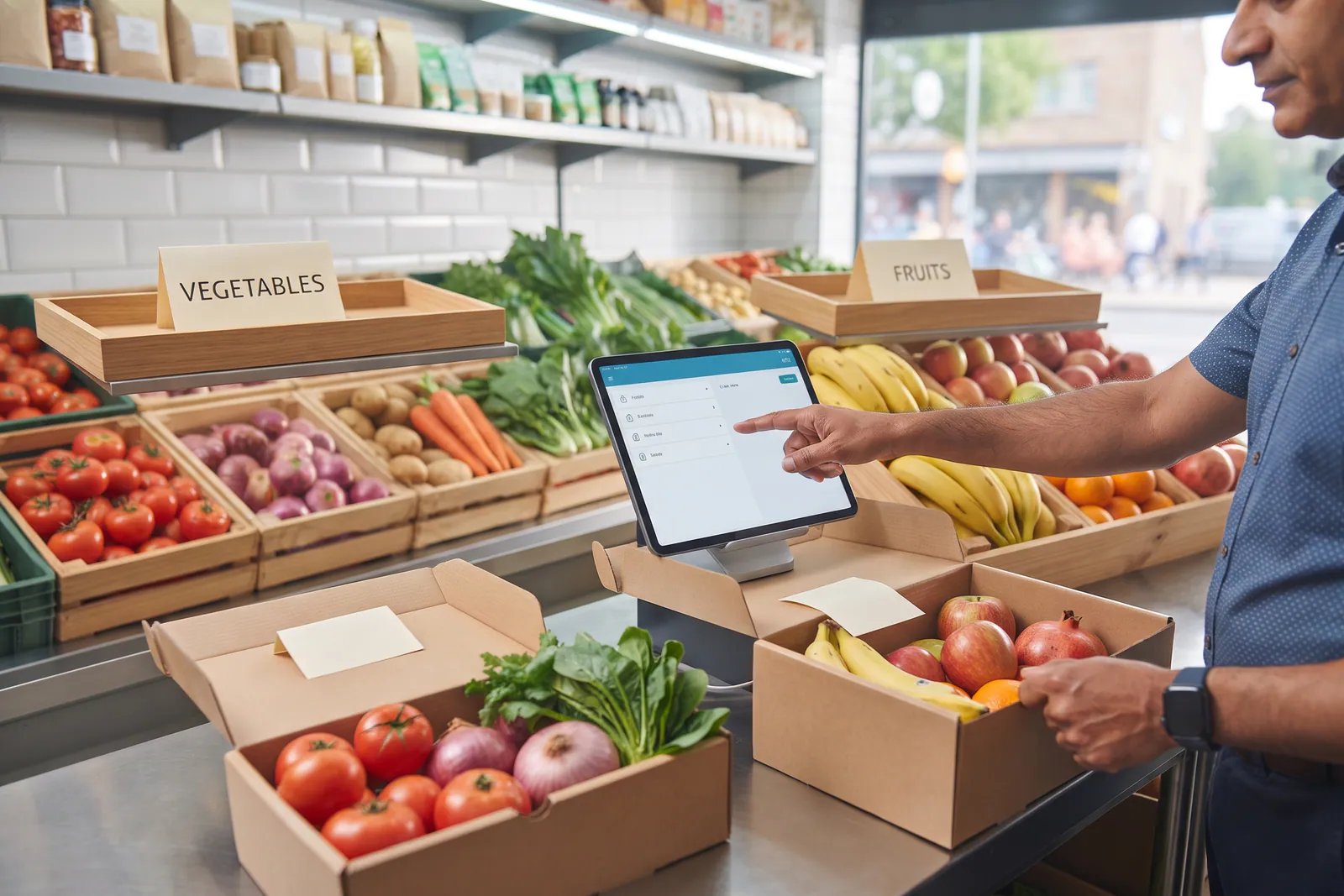
Packing fresh produce requires careful weight distribution to prevent bruising. Heavy root vegetables belong at the base, while delicate berries and leafy greens sit safely near the top. As highlighted in digital catalogue for fruit and vegetable shop, keeping your item groupings clear in the app matches how you pack them physically.
How should you handle sold-out produce lines?
If a particular vegetable is out of stock, never add a substitute without confirming with the buyer first. Changing items arbitrarily leads to customer dissatisfaction and returns. Instead, update your live inventory through the app so nearby shoppers browsing Vegetable Corner and Fruit garden always see accurate availability.
| Packing Step | Keeps Orders Apart | Mistake If Skipped |
|---|---|---|
| Reading the list | Ensures exact items match the household request | Packing from memory leads to missing or extra items |
| Bag separation | Keeps two households completely isolated | Mixing items in one bag causes confusion at delivery |
| Weight verification | Guarantees correct quantities for loose produce | Guessing weights results in disputes and customer friction |
What are the honest operational limits when scaling delivery?
Even with structured digital lists, shopkeepers must manage daily realities like shop hours, inventory restocking, and the shop's own service area coverage. A label on the bag helps identify the destination, but it does not replace careful reading of the order lines. Phones and apps organise the workflow, but your team still handles the physical packing.
Streamline your daily neighbourhood fresh produce operations
Taking your produce shop online does not require changing how you source goods or run your physical counter. By connecting with local buyers through VoLoMart, your shop stays open for digital discovery while you retain full control over fulfilment and pricing. Explore our pricing details or read how fresh produce business online helps local vendors grow sustainably.
Also read How to store fruits and vegetables in Indian weather.
Frequently asked questions
Can one bag hold two households?
No. Every household order must be packed in its own dedicated bag to prevent item mix-ups and ensure correct delivery.
Should I substitute a missing vegetable?
Never substitute items automatically. If a line is sold out, update your catalogue in the VoLoMart app and inform the customer before packing.
Where do leafy greens go in the bag?
Place leafy greens and delicate herbs near the top of the bag where heavy root items or hard fruits cannot crush them.
How is a digital order different from a walk-in bag?
Digital orders are based on an itemised list generated through nearby discovery, whereas walk-in bags are packed live at the counter.
Can one order include both fruit and vegetables from the same shop?
Yes. Customers can browse Vegetable Corner and Fruit garden offerings from the same shop catalogue, and you pack them together in distinct sections of the order.
List your neighbourhood shop on VoLoMart
Sign up with the VoLoMart app. Start with a 7-day trial, then choose a monthly or yearly plan.
Get the app to registerRelated articles
6 min read